TRAÇABILITÉ CRÉATIVE
CREATIVE TRACEABILITY
TECHNOMARK
1 Allée du développement 60
42350 La Talaudière (France)
Tel : +33 (0) 4 77 22 25 91
Fax : + 33 (0) 4 77 22 38 93
E-mail : info@technomark-marking.com
V : SJ Le : 20/06/17 R : DD
www.technomark-marking.com
Debug
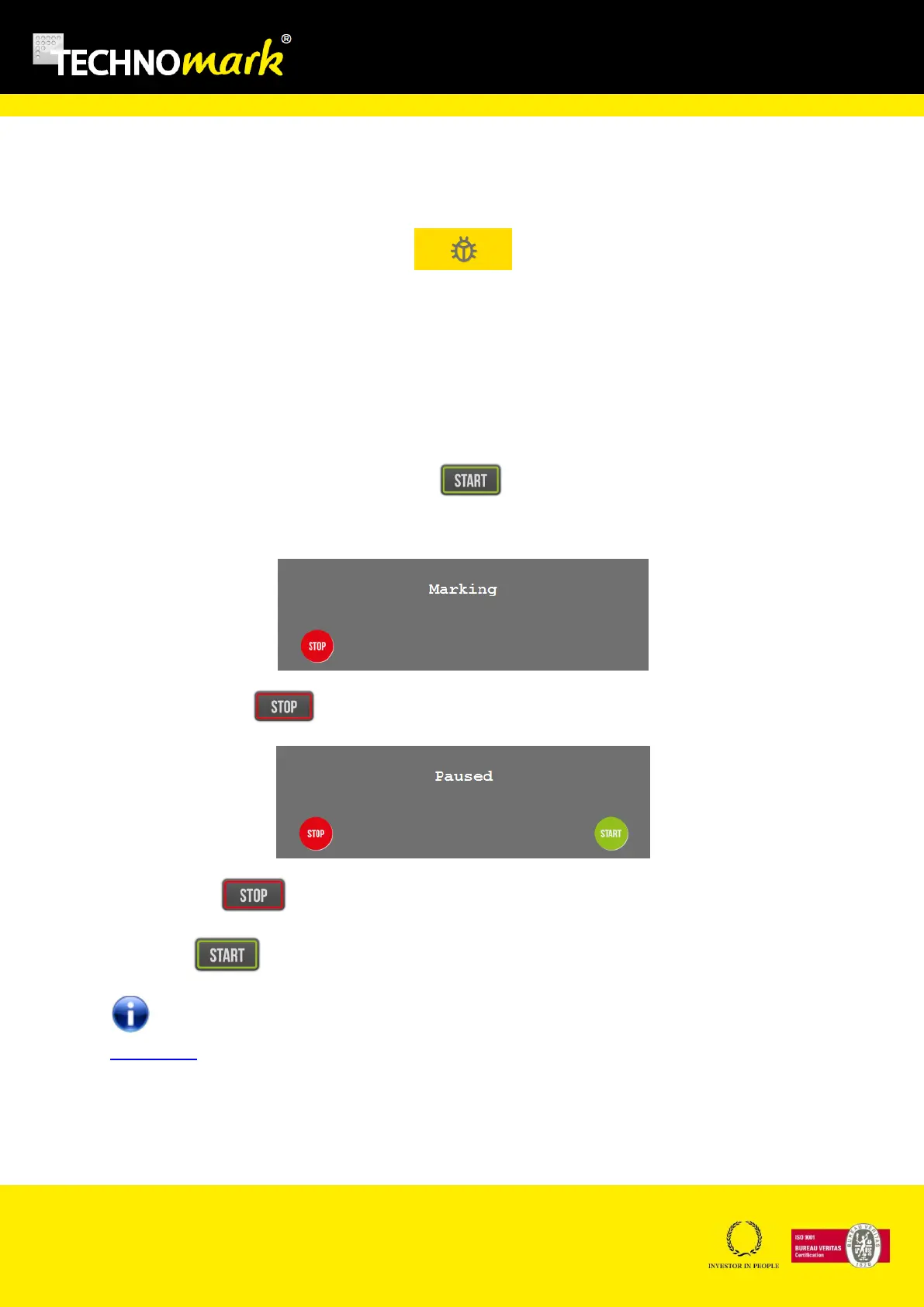
You can access to the debug menu in the communication window with the following button:
This window allows seeing communication frames. For example sending a marking frame on the
serial port “D” will show in the window the message “COM RS232 Frame : D”. If the machine receives
a wrong command an error appears with the ASCII code of the bad character.
For example if you send the command “Z” on the serial port, the message will be “COM RS232 – Bad
Char: 90”.
H. Marking
Marking is started by pressing on the start key: .
The following window opens during the time of marking.
A press on stop key: will set the marking in pause :
A second press stops the marking and the machine is coming back to origin.
A press on: restart the marking previously set in pause.
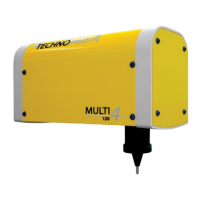
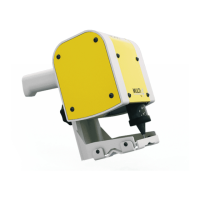
In Handheld mode, a long press on the trigger start the marking. A short press launches a
marking test.
The cycle time after marking is obtained using combined Shift + Special characters keys


 To Next Page