Telephone Line Emulator User’s Manual
40-400-00020, Rev. M 14
Operational Screens
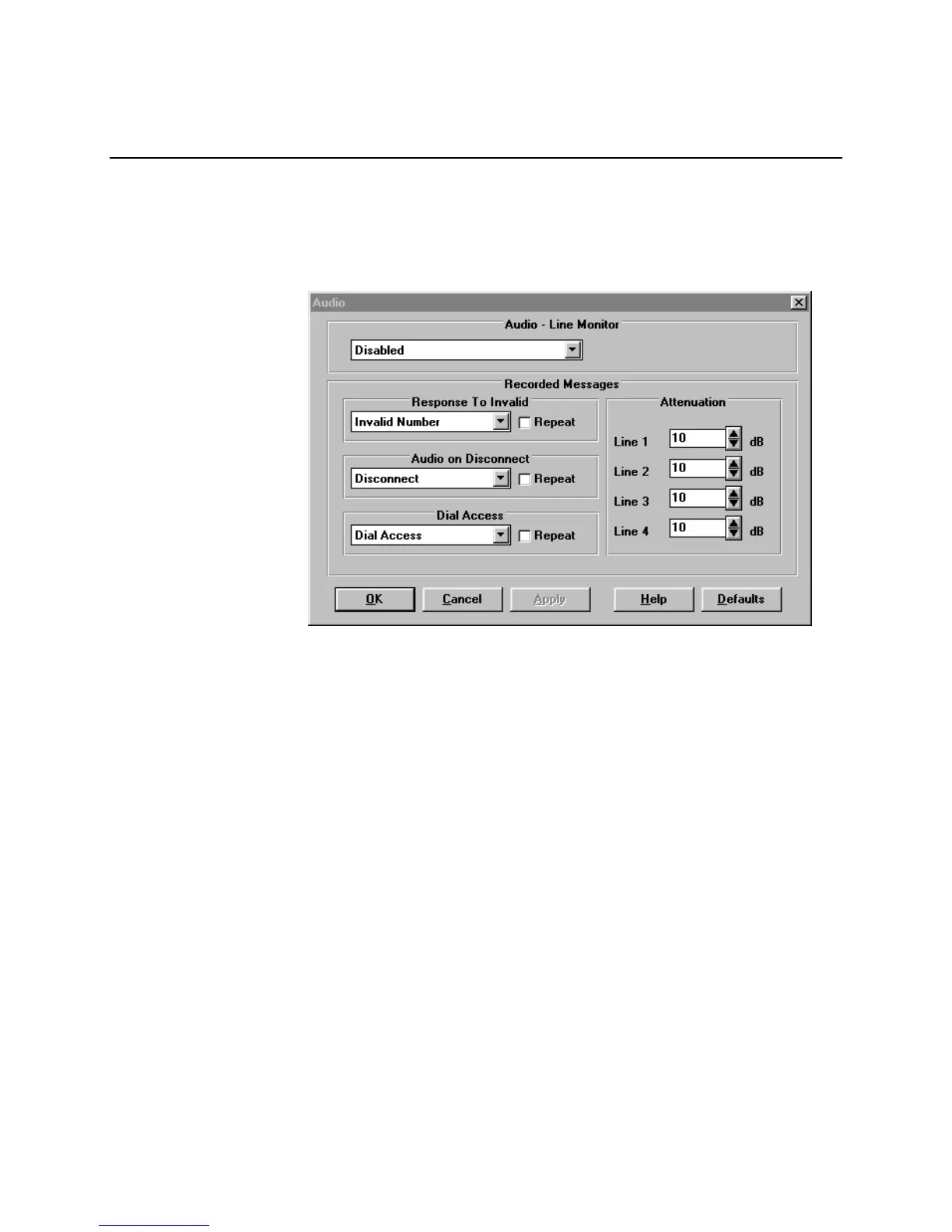
Audio Line Monitor
The Audio port on the front of the TLE is used to monitor the AC signals on any one of the
lines of the TLE when this feature is enabled. Only one line may be monitored at a time.
The audio line monitor port is a 3.5 mm miniature audio jack.
Figure 8. Audio Screen
Recorded Messages
The Recorded Messages portion of the Audio screen, together with the Voice
Messages screen, allows the selection of recorded messages for playback.
There are three conditions defined for playback: Invalid phone Number dialed,
Audio message on Disconnect, and message for Dial Access. There are four
messages which may be stored. The default names (see Voice Messages
screen) are: Invalid Number, Disconnect, Dial Access, and Alternate. Any of
these four names may be selected for the three conditions with the Audio
screen.
When one of the conditions for playback occurs, the recorded message plays
one time, followed by silence. If the Repeat selection is checked, the audio
message will repeat continuously.
The TLE ships with one default message for each of the three conditions. These
messages are stored in a mono 8 kHz, 8-bit µ-law WAV file format. Their names
are: Invalid.WAV, Hangup.WAV, and Dialacc.WAV. The user may create new
files using a sound card. Double clicking on the File field in the Voice Messages
screen allows the selection of a new file. The TLE-PC software stores these in
0.5 seconds increments and displays the total file length on the screen. The sum



 To Next Page