Telephone Line Emulator User’s Manual
40-400-00020, Rev. M 42
2. Select the Import Single Configuration command on the File menu.
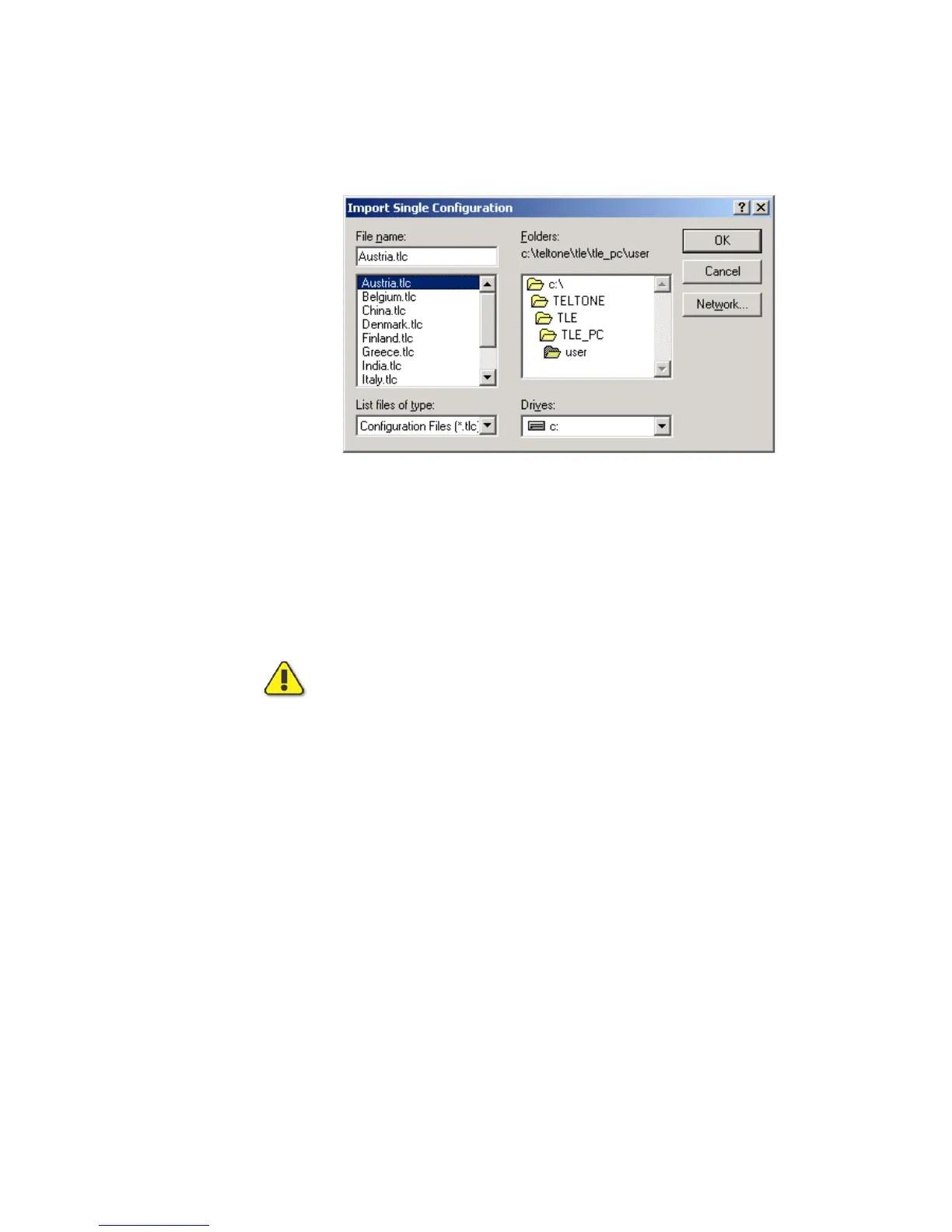
3. In the Import Single Configuration dialog box, select the country configuration file you
want to import (for example, Austria.tlc).
Figure 28. Importing a Single Configuration
4. Click the OK button.
5. With the imported country configuration displayed in the Edit Configuration area of the
main TLE screen, click the Send button to download the configuration to the TLE.
Once a configuration is sent to the TLE, that configuration is stored in nonvolatile memory
and is retained until the TLE is told to load a different configuration. To use a
configuration, select it as the active configuration.
Because the imported files do not have unique default parameters, they reset
to another country’s parameters if the Defaults button is clicked. If the
Defaults button is clicked accidentally, click Query if you are in the main
screen or Cancel on any other screen; otherwise, you may send inappropriate
parameters to the TLE. You can only recover by importing the configuration
again or by manually correcting the altered parameters.
Call Waiting
The Caller ID / release of TLE-PC software Version 3.00 supports Caller ID formats other
than Bellcore (USA/Canada) with an upgrade. The TLE-ICID, International Caller ID
module, is an upgrade to the TLE-INTL, International Signaling module. This module
supports variations based upon Bellcore, ETSI FSK, and ETSI DTMF Caller ID standards.
One variation is called Bellcore Plus, an expanded version based upon Bellcore that is
used in Australia and Singapore. This upgrade combines the Caller ID and Call Waiting
Screens from previous versions to allow many parameters to be programmed so that the
TLE will support almost all Caller ID variations around the world. Default configurations
are provided for the following countries; Australia, France, Germany, Netherlands,
Singapore, Sweden, United Kingdom, and USA/Canada. Other country configurations
may be available for download and import from the Teltone Web site at
http://www.teltone.com. Requests for other country configurations should be directed to
info@teltone.com.



 To Next Page