Telephone Line Emulator User’s Manual
40-400-00020, Rev. M 38
The tone cadence can be set from 0 to 10 seconds on, and 0 to 10 seconds off in
5 mS increments (default is 0.5 seconds on, 0.5 seconds off).
If both lines have them enabled, Metering Tones are sent to both parties in the
connection.
Signal Level Measurement
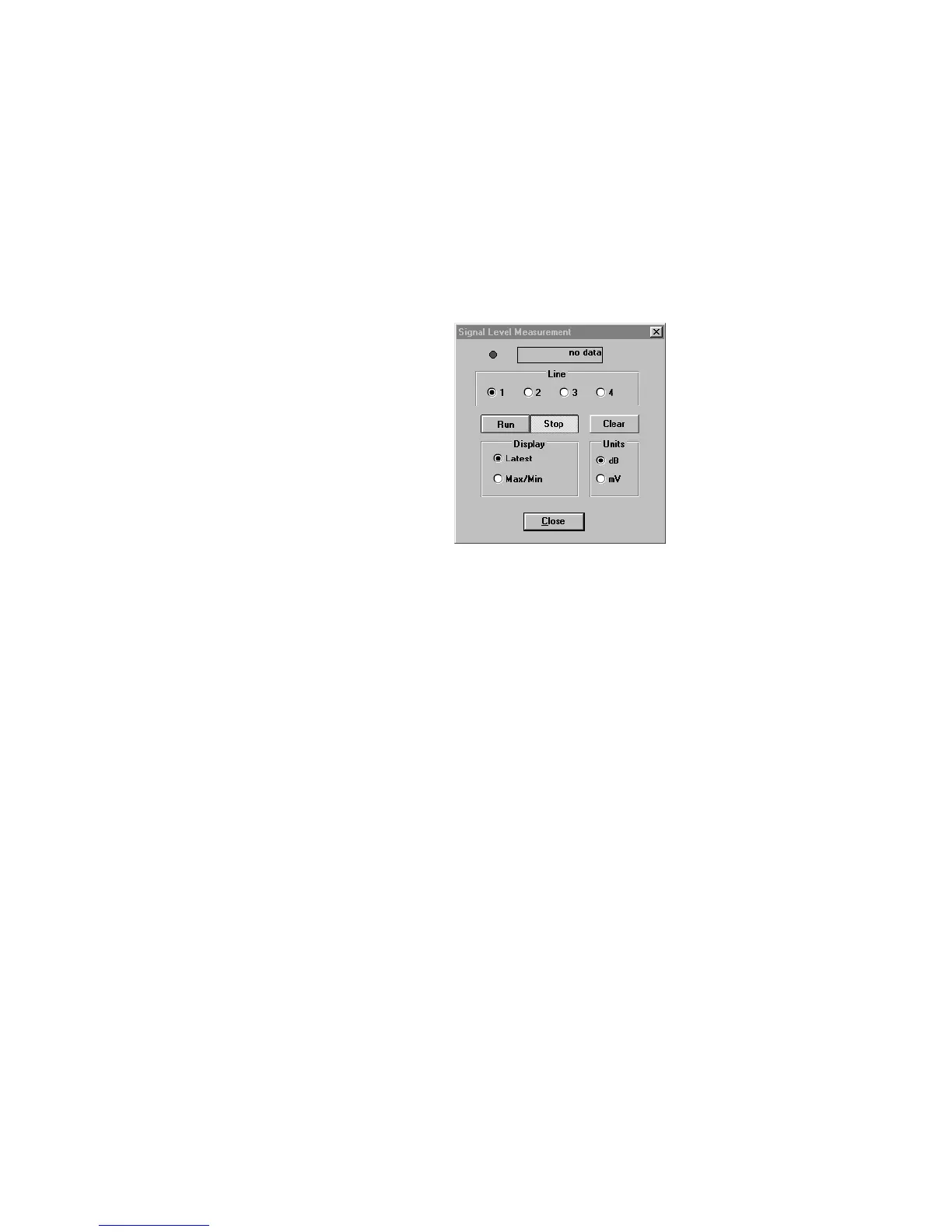
This screen displays the amplitude of a signal in either dBm or mV. The TLE must be
connected to the PC to measure and display the signal level.
Figure 25. Signal Level Measurement Screen
Note: This screen is visible only if TLE-ADV is installed and the TLE hardware is connected.
The LED at the top of the screen will blink between red and green once per second
indicating the PC is receiving data from the TLE. The signal level can be displayed as a
time-averaged RMS reading, or the maximum/minimum during the sample period. The
measurement will continue until the Stop button is pressed or the screen is closed. The
value displayed will correspond to the signal within the telco audio band (roll off at
approximately 3.4 kHz).



 To Next Page