Telephone Line Emulator User’s Manual
40-400-00020, Rev. M 76
Call Waiting
Options available are:
Select the Alerting Sequence:
Normal (single) SAS tone
Distinctive (double) SAS tone
Enable/Disable CIDCW / SCWID / Type II CID
If a valid Caller ID format is selected (Bellcore, Bellcore Plus, or ETSI FSK) is selected,
and CIDCW / SCWID / Type II CID is enabled, then a CID transmission will occur if the
proper DTMF acknowledgement tone (see Caller ID Miscellaneous Parameters Screen) is
sent by a CID device within the proper time. The CIDCW (Caller ID on Call Waiting),
SCWID (Spontaneous Call Waiting with Identification), Type II CID format is the same as
the Normal CID transmission parameters, if enabled
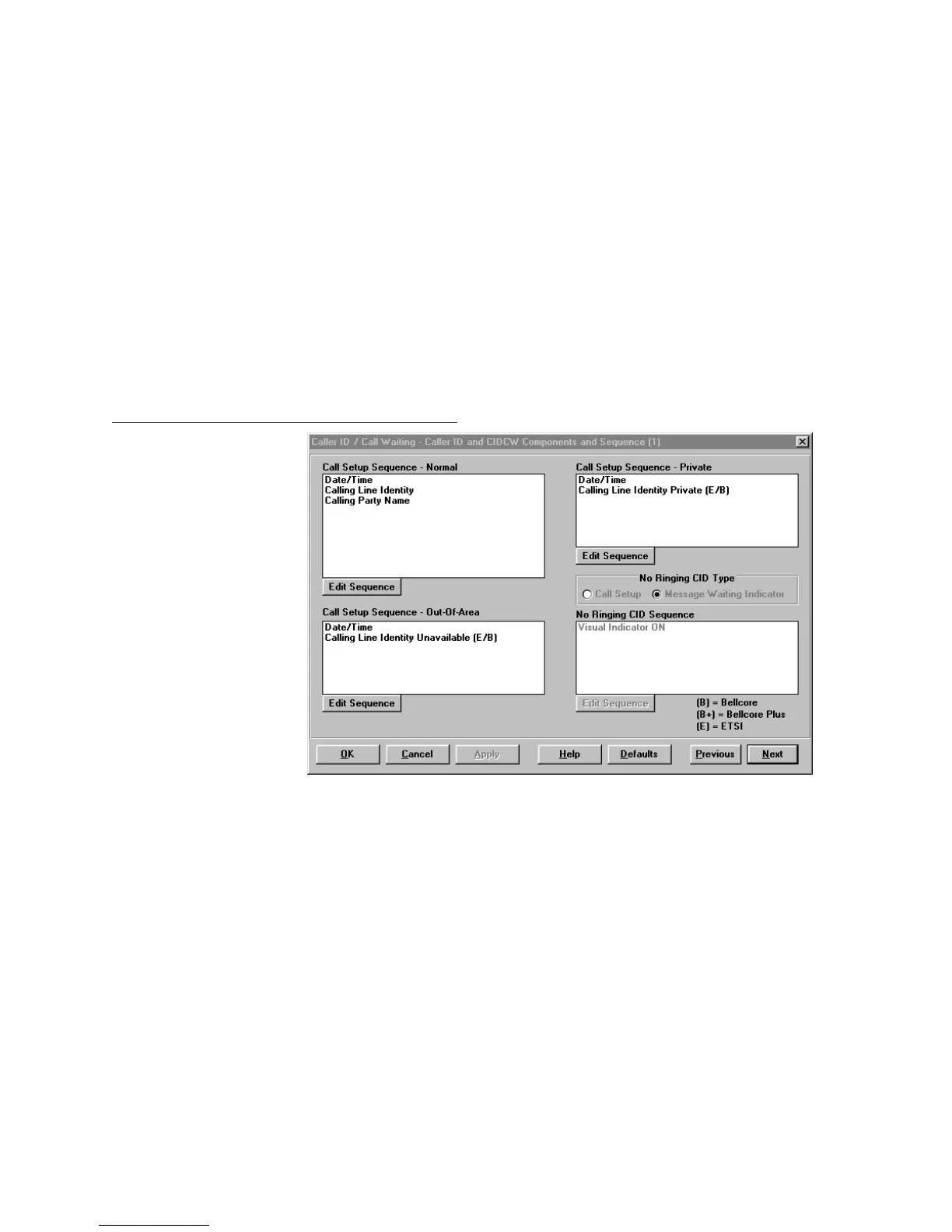
Caller ID and CIDCW Components and Sequence
Figure 36. Caller ID/Call Waiting - Caller ID and CIDCW Components and Sequence
Note: This . screen will be hidden if SDMF or ETSI DTMF format is selected for all lines. See
Figure 35.
Single Data Message Format
SDMF format transmissions consist of the following fixed messages for each type of call:
Normal Call – Date/Time and Number
Private Call (∗67 prefix by default) – Private Code
Out of Area Call (∗87 prefix by default) – OTA Code
Message Waiting Indicator On (∗50 prefix) – VMWI On code
Message Waiting Indicator Off (∗51 prefix) – VMWI Off code



 To Next Page