User interface
29
8.2 Homescreen
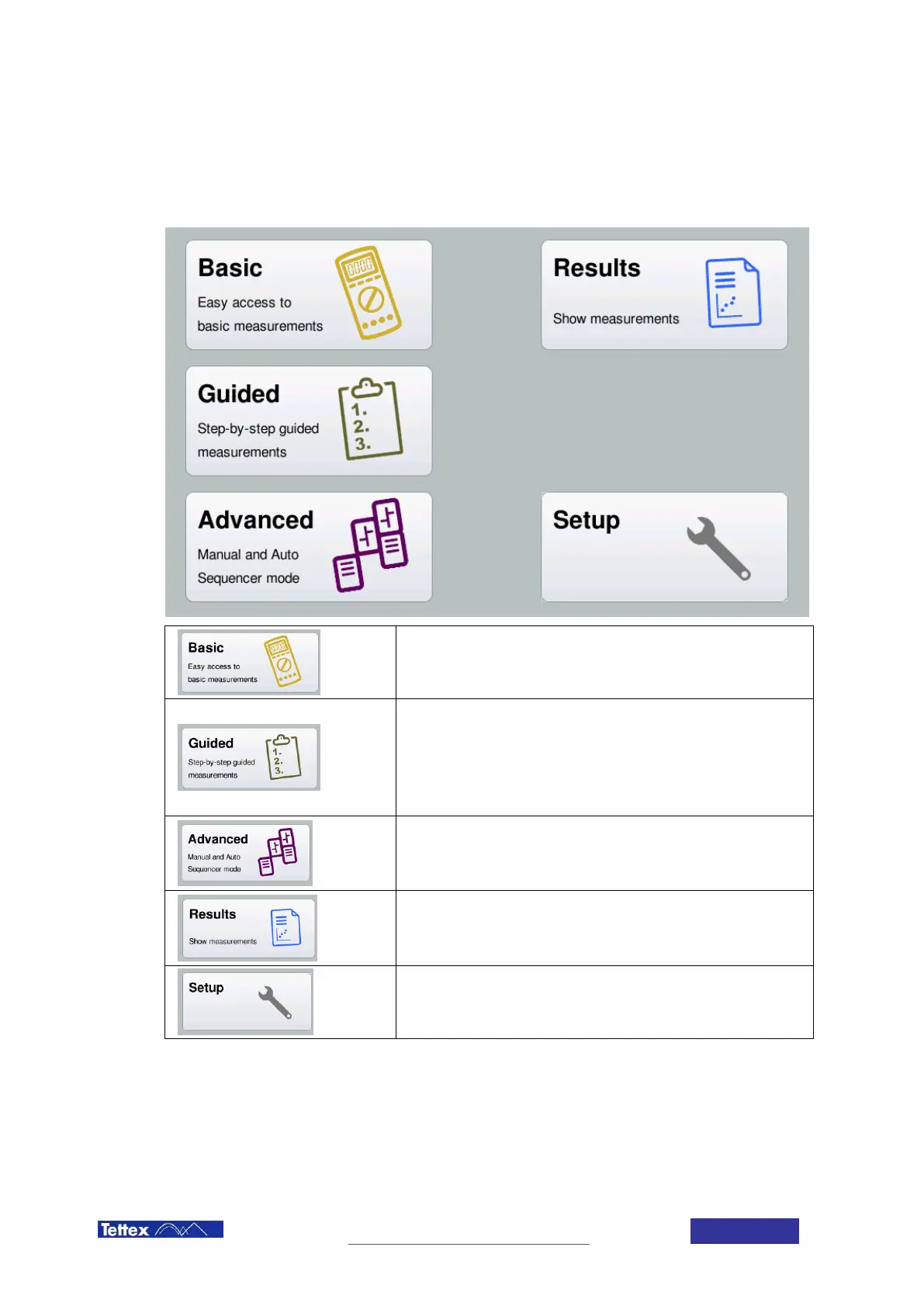
The Home Screen is the starting point for the Midas micro 2883 software. From here you can select all the different
measurement modes as well as the Results and Setup Screens. The table below provides a short overview of the
options. In the following chapters each one of this modes and screens is explained in more detail.
Basic Mode
Used for simple and fast manual measurements
Guided Mode
A wizard leads you through the setup of the measurement (selection of
the type of DUT as well as the selection of the type of measurements
you want to perform). An automated sequence is generated which
guides the user through the steps of the measurement with instructions
how to connect the DUT.
Advanced Mode
Advanced Mode allows you to edit custom automated sequences or to
perform advanced manual measurements.
Results Screen
On the results screen you can open and analyze the recorded data,
draw plots and print out data.
Call Setup Screen
The setup button leads to the setup screen.



 To Next Page