10.4.2 Measurement Bar and Displays
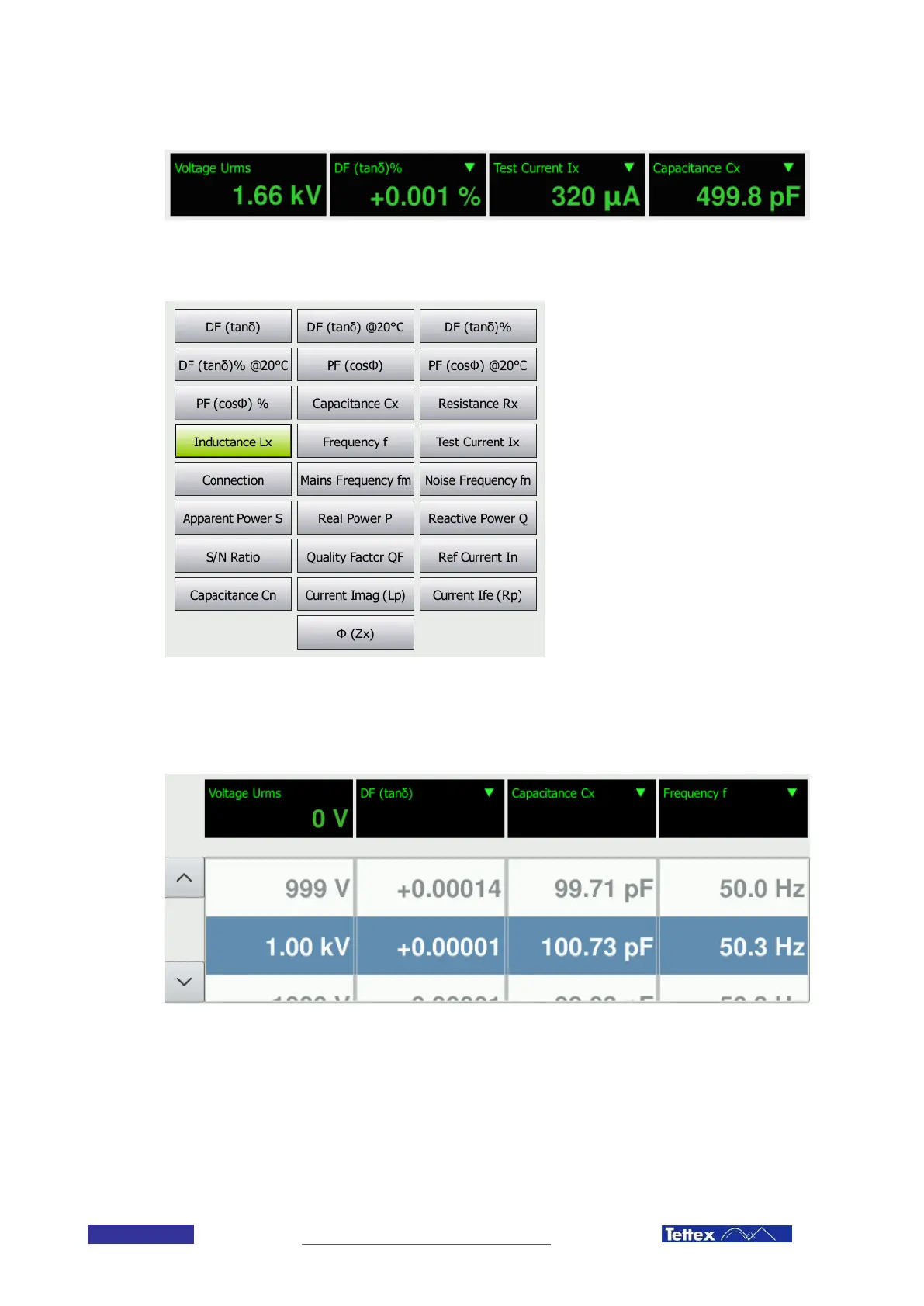
The measurement bar shows the actual measurement displays. The first display is always indicating the voltage on
the high voltage output. The other three displays can be configured by the user. The values can be changed by
clicking on the display. The user is then presented with a selection of measurement values. For further information
about the measurement values see chapter 14 Measurement Values:
If small progress bars appear in the measurement display, this indicates that interference suppression is active.
See chapter 6.4.
10.4.3 Recorded Measurements
The area below the four measurement displays shows the recorded measurement data. The column values are
corresponding to the measurement display selection. By changing the measurement display, the values in this area
will be displayed accordingly. The arrows on the left side allow moving up and down the listing of measurements.
The most recent measurement is listed at the top of the list.



 To Next Page