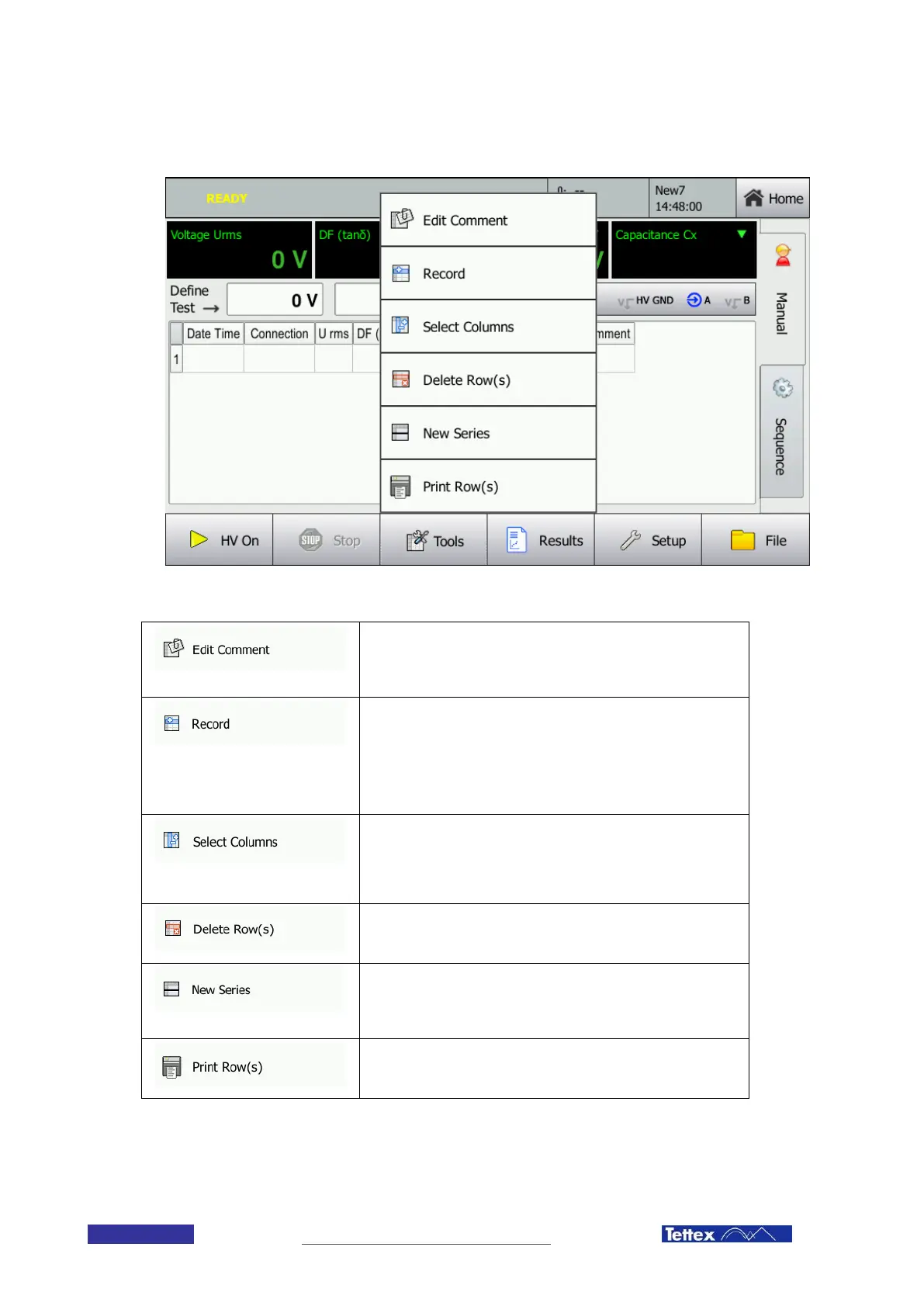
11.1.6 The Tools Menu
When clicking on the tools button, the tools menu appears:
Below you can find a listing of all the options of the tools menu.
Edit Comment
Allows editing the text in the Comment column of the selected
entry(s).
Record
Records manually the current measurement values. Normally the
values are recorded automatically as soon as they are valid and
stable. If the option “HV off after measurement” (see
SetupMiscellaneous Tab) is deactivated, you can manually
record measurements by pressing this button.
Select Columns
Allows the user to select which columns are displayed in the
measurement display area. Opens up a dialog window which is
described in the next subchapter in more detail.
Delete Row(s)
Deletes the selected row(s) in the measurement display area.
New Series
Inserts an empty line in order to visually separate two
measurement series.
Print Row(s)
Prints the selected row(s) on the internal printer.



 To Next Page