Guided Mode
43
10.4 The measurement screen
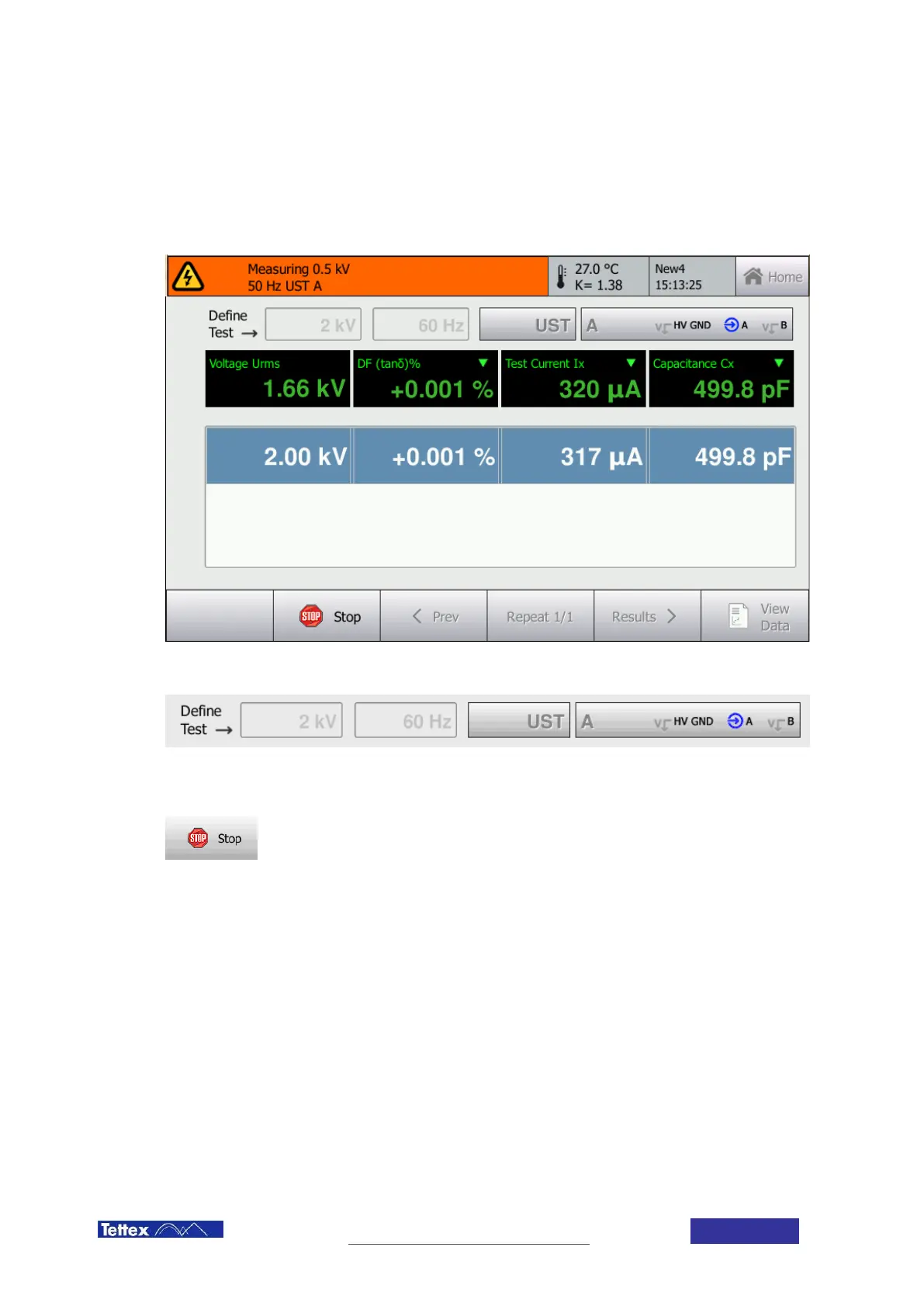
During the measurement the screen looks like shown below. The screen is composed of the status bar, the test
definition bar below, the measured values area and the tool bar. All these areas are described in the following
chapters.
The test definition bar shows the parameters of the actual measurement. These parameters are set according to
the test setup by the wizard. Therefore they cannot be changed during measurement.
The Stop Button in the toolbar is only available when high voltage is turned on. It allows switching off high voltage
and interrupting the test sequence. By pressing the stop button the user will be automatically returned to the
instruction screen.



 To Next Page