Advanced Mode
53
11.1.4 Special Symbols in Measurement Values
Symbol Explanation
r
Stands for reduced voltage. Occurs when the desired voltage cannot be reached because of one
of the following reasons:
No Signal at Cx The voltage is limited to 5 kV in order to prevent high voltages when cables are
not connected correctly.
Voltage is limited over frequency. The full 12kV are only available between 40 and 75Hz. See
chapter 3 Technical Data for more details.
Voltage is limited when the output current is higher than 180mA.
~
Stands for reduced accuracy. Occurs when a measurement was performed in very difficult
conditions (i.e. very low signal over noise ratio). The swung dash indicates that the specified
accuracy cannot be guaranteed for this measurement value.
*
The star indicates that the stray capacitance compensation was active during the tagged
measurement.
^
The caret or circumflex signals that a measurement value has been recorded in excitation current
measuring mode. This means the value has been recorded when the current measurement was
stable (not the DF value as usual).
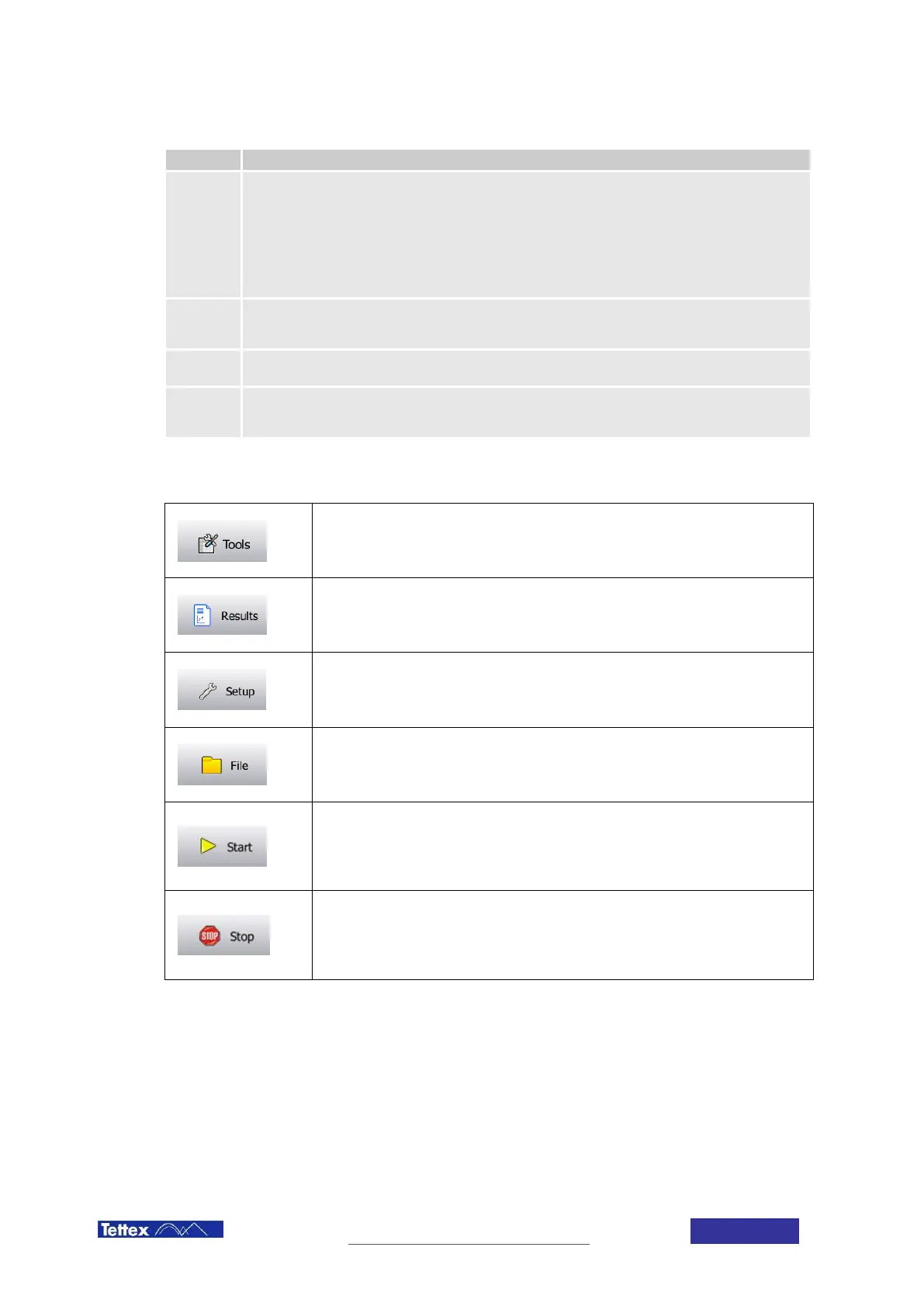
11.1.5 Toolbar
Tools Button
Opens the tools menu with various options to edit the displayed measured values.
See next chapter for more detailed information.
Results Button
Opens the Results Screen in order to visualize the results. See chapter 13 Results
Screen.
Setup Button
Opens the setup menu with various device settings and options. See chapter 12
Setup for more detailed information.
File Button
Opens the file menu with various options to manipulate files in storage. See
subchapter below for more detailed information.
Start Button
Starts the measurement with the parameters and connection defined in the test
definition. This button is only available if no warning or error is active. Warnings and
Errors are indicated in the status bar.
Stop Button
Stops the measurement and turns HV off. If “HV OFF after measurement” is active the
high voltage will be switched off automatically and this button has only the function to
abort a measurement early.



 To Next Page