Results Screen
77
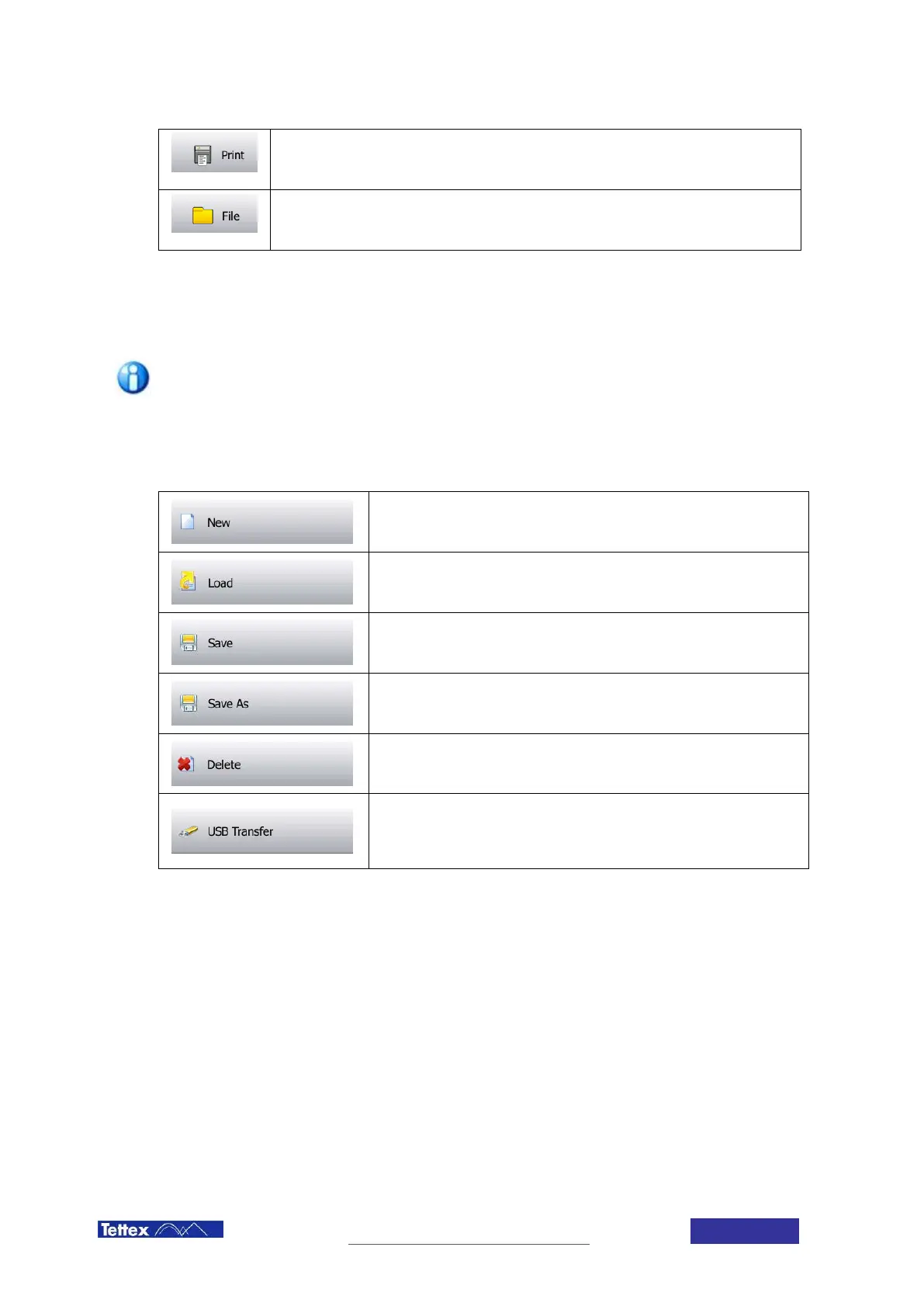
Print Button
Prints the selected row(s) on the strip printer.
File Button
Opens the File Menu
13.1.1 The File Menu
The internal file system of the Midas micro 2883 is an XML structure. If a
measuring data transfer to the USB stick is performed the data are always
exported in two formats: XML and CSV.
Due to clarity reasons only the XML files are visualized in the file list structures to
keep the interface simple.
New File
Creates a new, empty file.
Load File
Loads an existing file from the internal storage.
Save File
Saves the current file on the internal storage.
Save File As
Saves the current file under a new name.
Delete File
Allows deleting any measurement file on the internal storage.
USB Transfer
Allows transferring files from or to an external USB Drive. Opens up a
transfer dialog window.



 To Next Page