If small progress bars appear in the measurement display, this indicates that interference suppression is active.
See chapter 6.4 Interference.
11.1.2 Test Settings
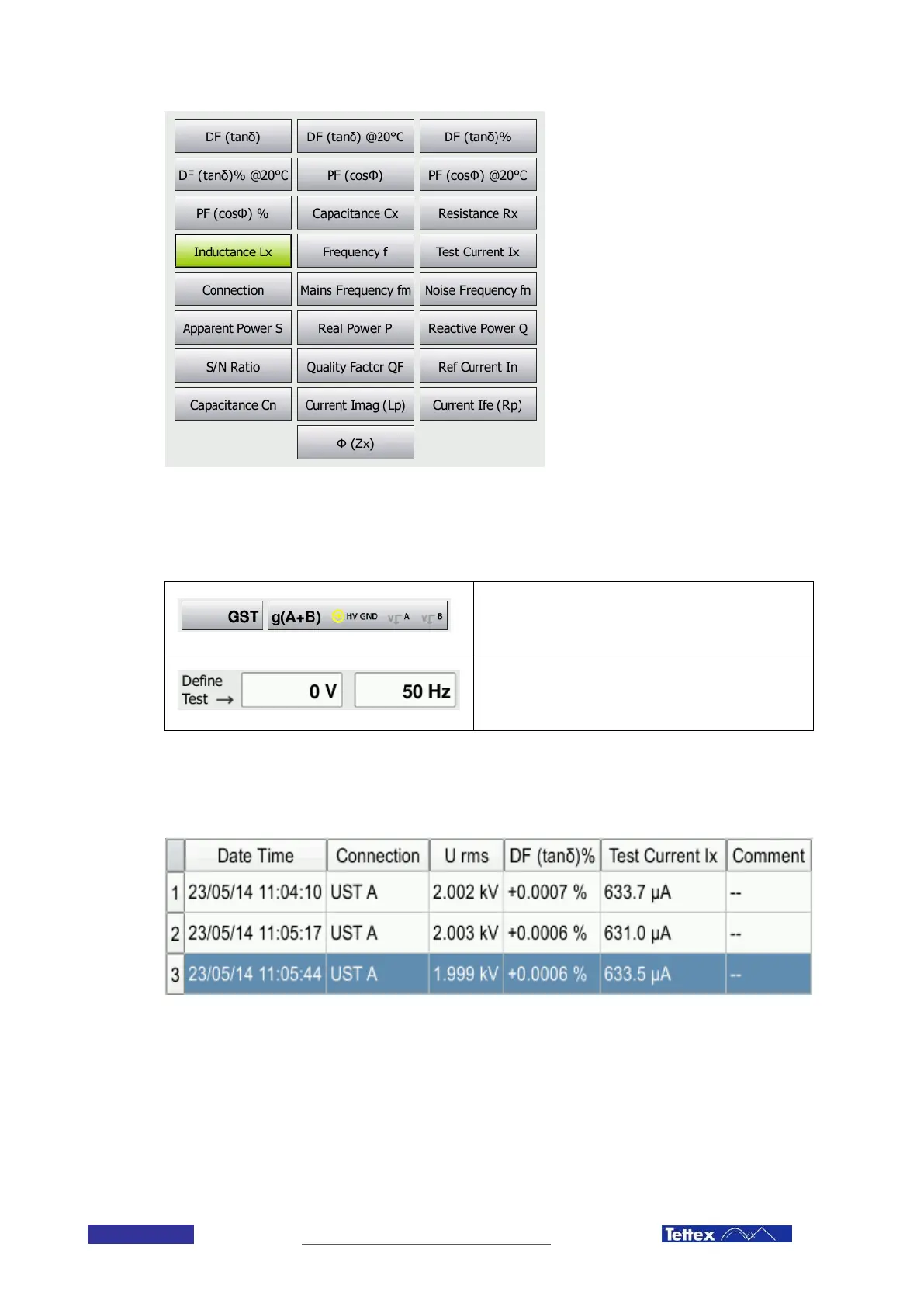
Connection Settings
Select the measuring mode (UST or GST) and the
connection, you would like to measure.
Test Definition
Define Test voltage and frequency by entering the
corresponding values in the text fields.
11.1.3 Measured Values Area
In this area all the measured values are displayed. The displayed columns can be selected with the select columns
dialog. Scrollbars at the left side allow scrolling through the measurements.



 To Next Page