Basic Mode
35
9.1.4 Recorded Measurements
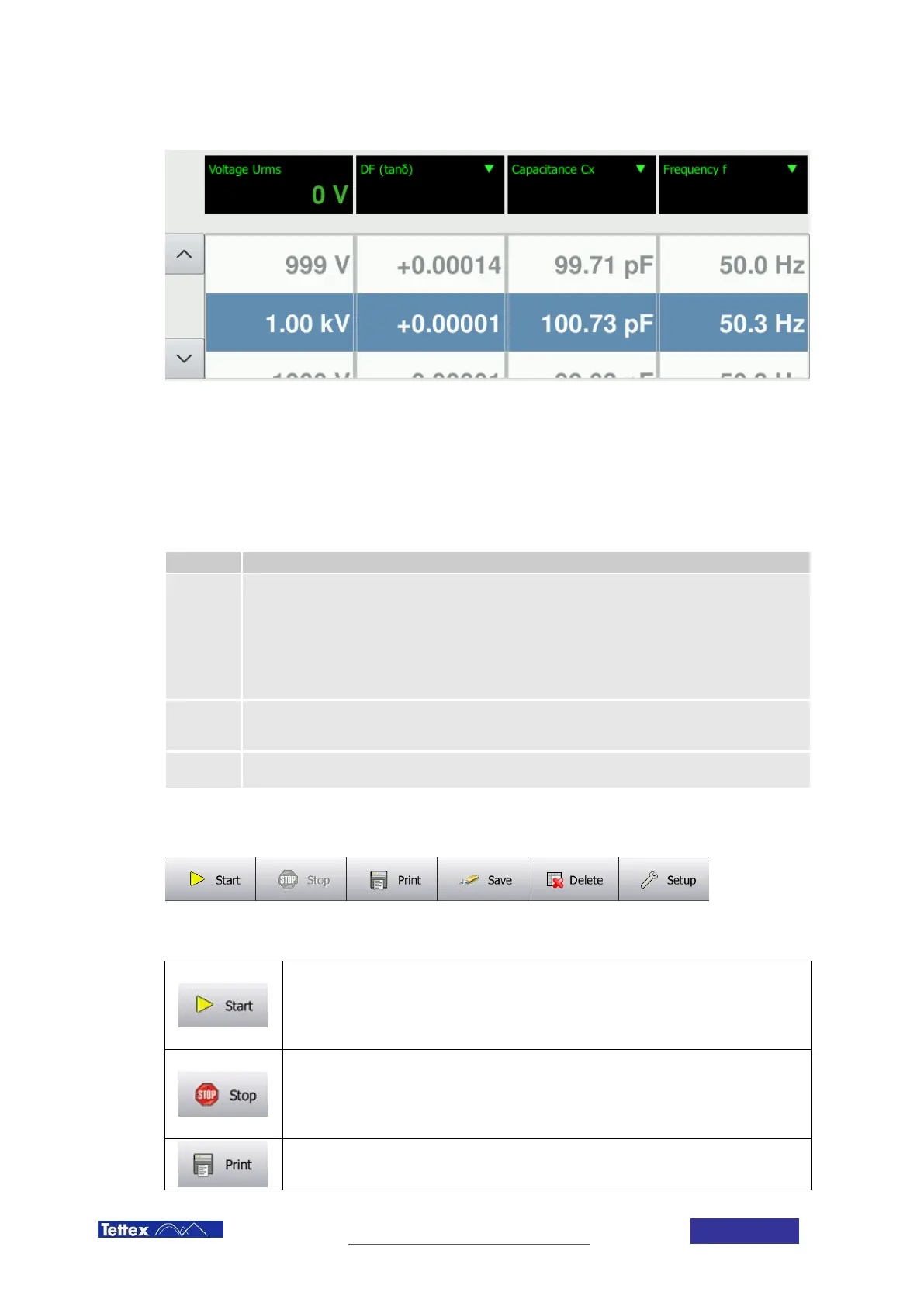
The area below the four measurement displays shows the recorded measurement data. The column values are
corresponding to the measurement display selection. By changing the measurement display, the values in this area
will be displayed accordingly. The arrows on the left side allow moving up and down the listing of measurements.
The most recent measurement is listed at the top of the list.
9.1.5 Special Symbols in Measurement Values
Symbol Explanation
r
Stands for reduced voltage. Occurs when the desired voltage cannot be reached because of one
of the following reasons:
No Signal at Cx The voltage is limited to 5 kV in order to prevent high voltages when cables are
not connected correctly.
Voltage is limited over frequency. The full 12kV are only available between 40 and 75Hz. See
chapter 3 Technical Data for more details.
Voltage is limited when the output current is higher than 180mA.
~
Stands for reduced accuracy. Occurs when a measurement was performed in very difficult
conditions (i.e. very low signal over noise ratio). The swung dash indicates that the specified
accuracy cannot be guaranteed for this measurement value.
*
The star indicates that the stray capacitance compensation was active during the tagged
measurement.
9.1.6 Toolbar Controls
The toolbar in Basic Mode
The toolbar provides quick access to the most important features of the Midas micro 2883 basic mode.
Start Button
Starts the measurement with the parameters set in the test definition bar. When pressing
this button high voltage will be turned on. Only active when no warnings or errors are
present.
Stop Button
Stops the current measurement and turns high voltage off. Only active when high voltage
is turned on. Only needed to abort a test. High voltage turns off automatically when a
measurement is completed.
Print Results



 To Next Page