Advanced Mode
55
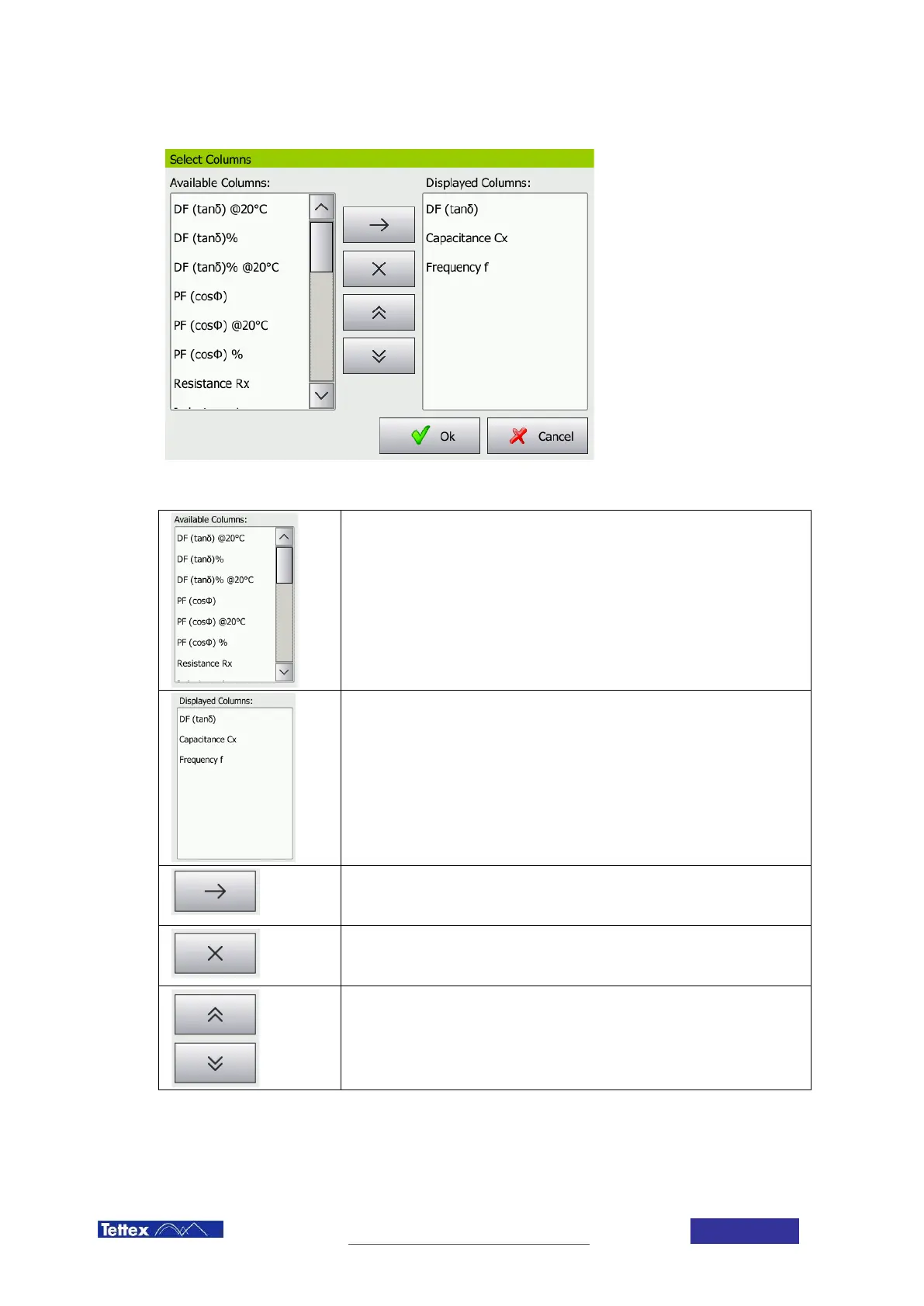
Select Columns Dialog
Available Columns
Lists all the available measurement values. You can select values by clicking on
the text. For an explanation of each measurement value see chapter 14
Measurement Values.
Displayed Columns
Lists the measurement values which are displayed in the measurement display
area. The higher an element is in the list, the more to the left it will be displayed.
Add Measurement category
Add the selected columns form the available columns to the displayed columns.
Remove Measurement category
Remove the selected columns from the displayed columns.
Change order
By using the arrows a measurement value can be moved up and down in the
list. The higher a value is in the list, the more to the left it will be displayed in the
measurement display window.



 To Next Page