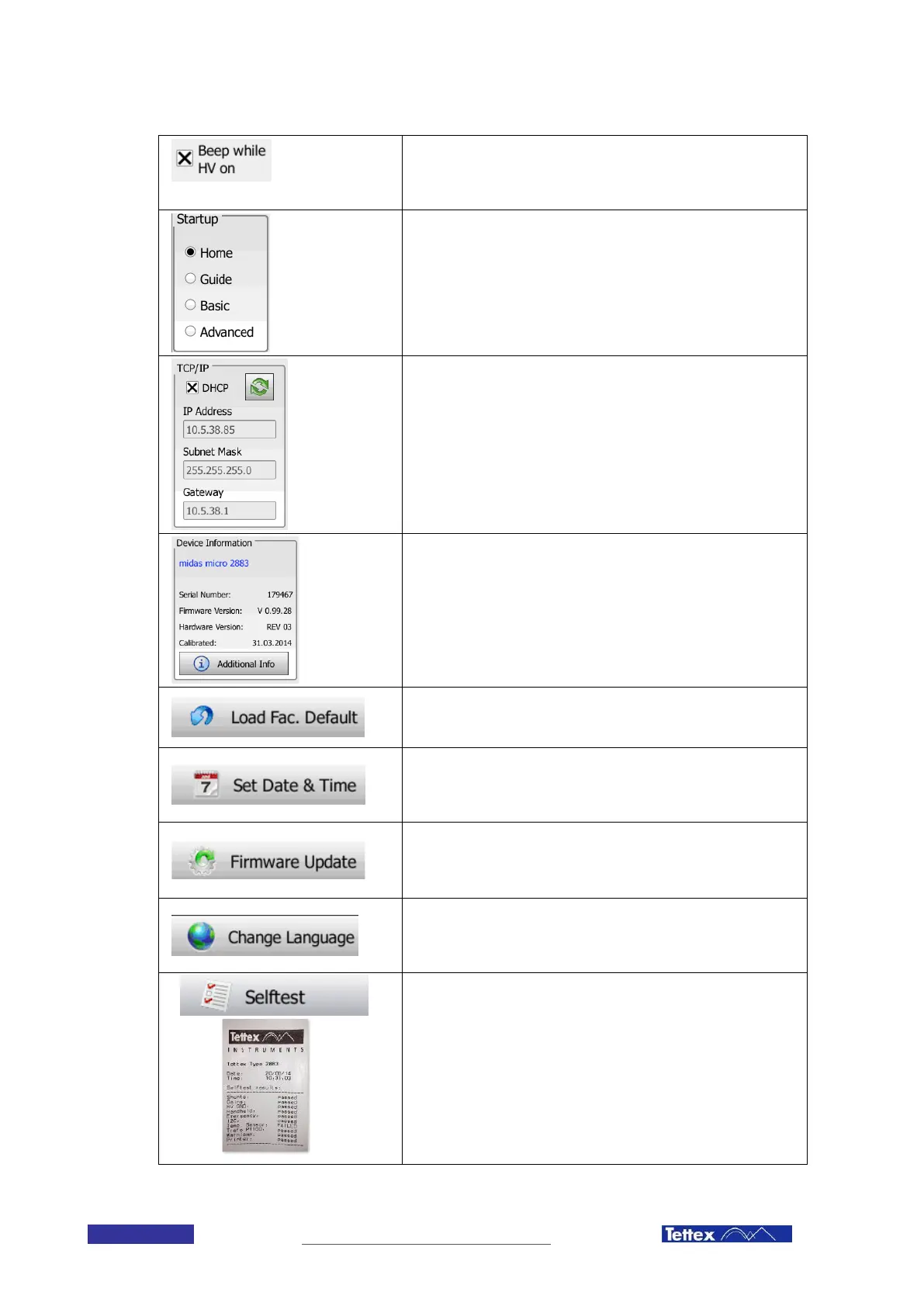
Sound ON/OFF
Select if a warning sound is issued whenever high voltage is turned
on
Startup Screen Selector
Select in which mode the software starts up. If you are using always
the same mode you can access it directly like this, without opening
the home screen first.
TCP/IP settings
All the necessary settings can be done here if the device is
connected to a network.
When DHCP is selected, the device will get an IP address
automatically from a DHCP server.
The green arrows allow refreshing the DHCP lease.
Device Information
Provides information about the device, such as Serial Number, Soft-
and Hardware versioning and Calibration.
Please provide this information when contacting Tettex Support.
Load Factory Default
All the settings will be reset to the factory defaults.
Set Date & Time
Set the Date and Time of the device. Time and Date are used to
timestamp the measurements.
Firmware Update
Switch to the Firmware Update Program. See chapter 12.7 Firmware
Update.
Change Language
Displays the list of all available languages. Click on the language to
select it.
Selftest
Performs a selftest, verifying the calibration and the functionality of
the safety elements. The user is guided through the test by on
screen dialogs. The results of the single tests are stated “passed” or
“FAILED” on the display and can also be printed out.
Remark
The test result of the (optional) external temperature sensor is
logically stated “FAILED” if it’ s not connected, respectively not
applicable.



 To Next Page