Setup
75
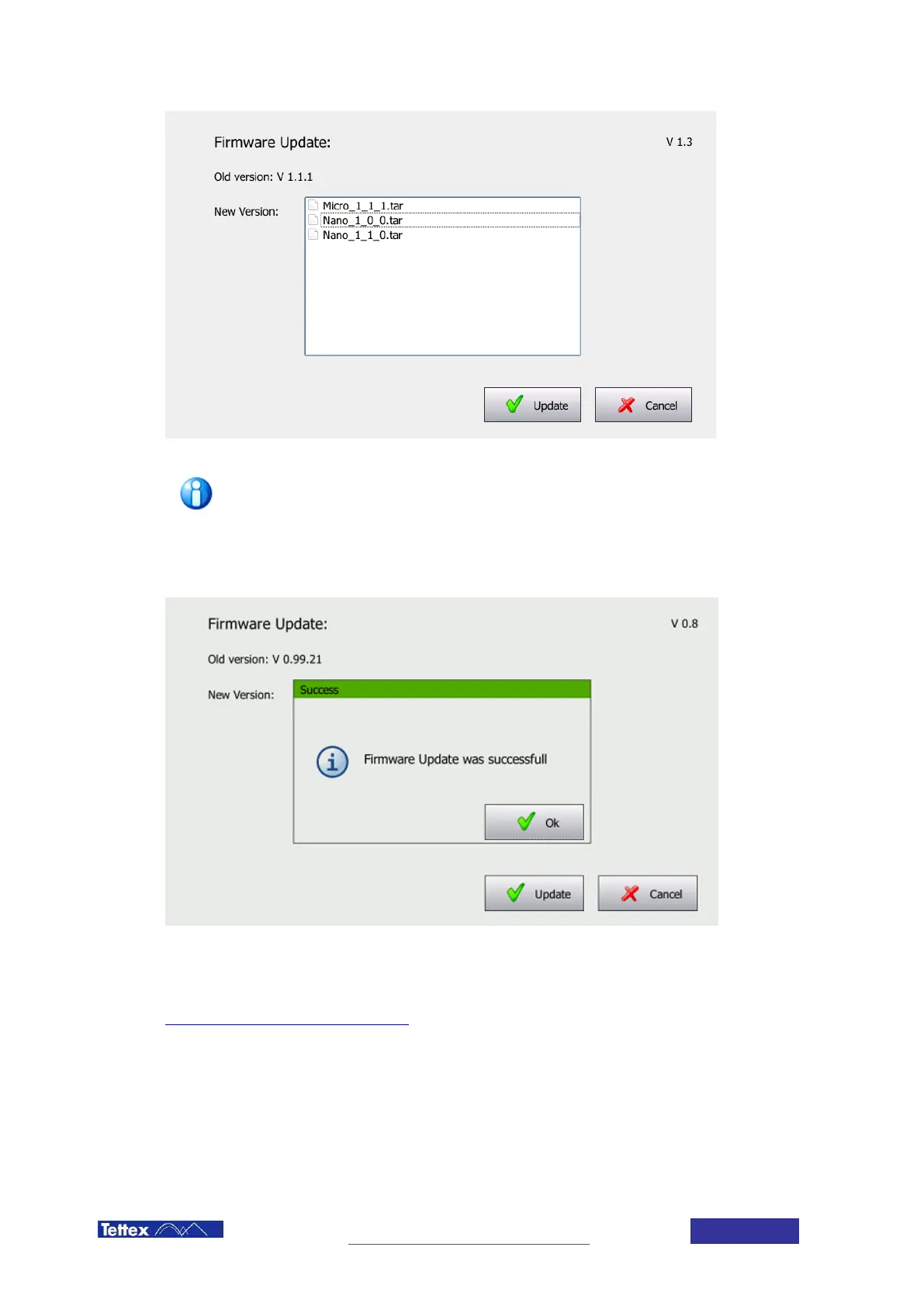
Update File selection
The firmware file name changed from Nano_1_x_x.tar to Micro_1_1_.tar
Select the update file you want to install and click on the Update Button. Pop-up windows will inform you about the
progress of the update. When finished, you will be informed of the successful completion of the update and
prompted to restart the instrument.
Update successfully completed
The latest firmware is available on the Haefely update page:
http://update.haefely.com/MIDASmicro2883/



 To Next Page