EX-TRACK
®
Operator Manual, Revision T-154
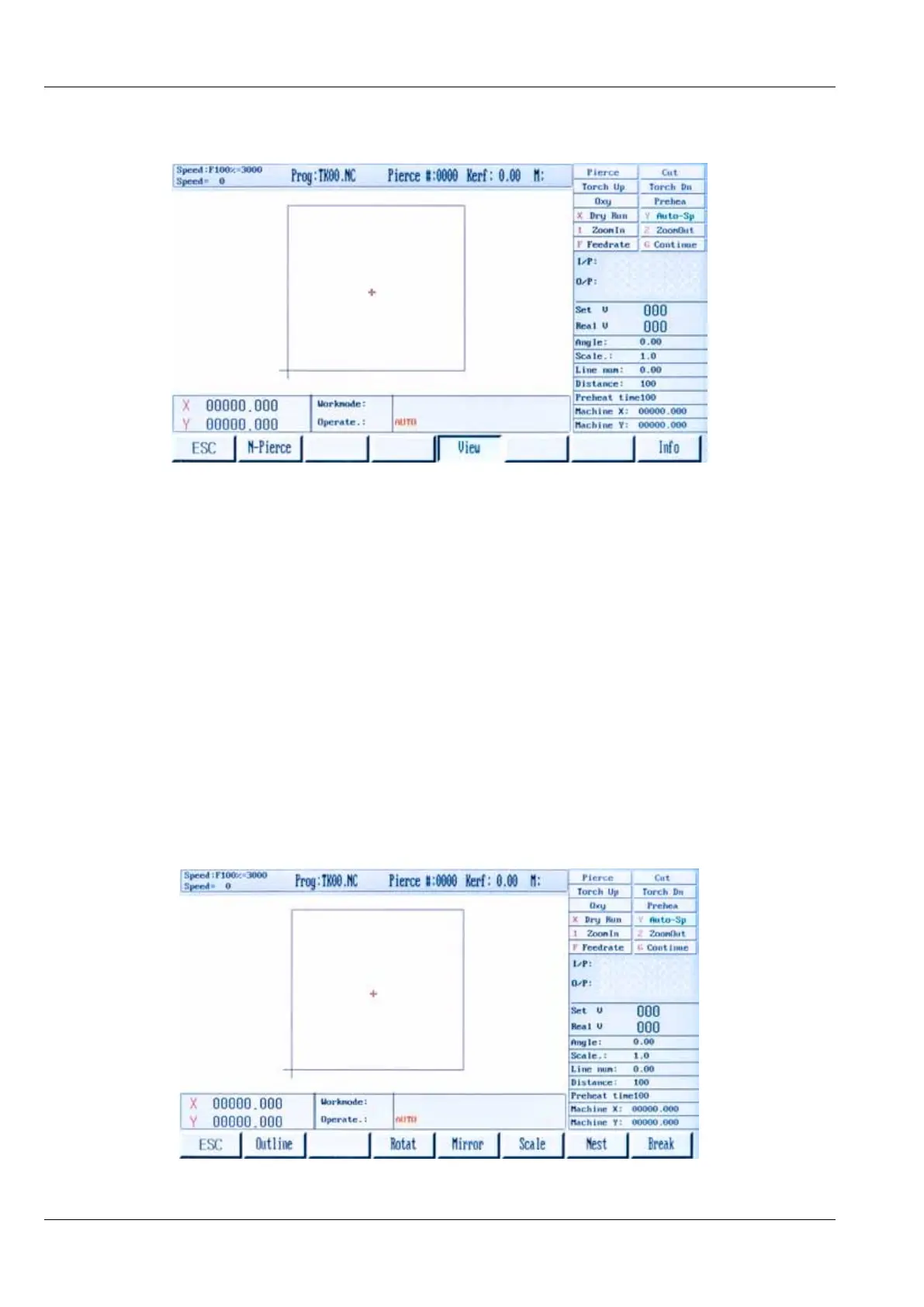
9.4.2.4. Graphics display [F4]
The on-screen graphics use a cursor to show a profile part or nest of profile parts to be cut, the
cutting path of the torch and the completed cut area.
Press [1] key to magnify the profile part Image, press up to 3x for a maximum 8x magnification.
Press [2] Returns image to original format.
9.4.2.5. Kerf [F5]
Use this function to enter a kerf compensation value, use the keypad to enter the value. Where a kerf
value is not required, a “0” value can be entered.
9.4.2.6. More [F6]
Pressing the [F6] key gives access to the sub-level programing in the Auto Mode menu.



 To Next Page