EX-TRACK
®
Operator Manual, Revision T-1 63
9.6.1.1. [↑] [↓] [←] [→] [UP] [DOWN] [LEFT]
[RIGHT] directional control keys [G]
The directional control keys are used to position the torch; the speed of travel is faster than the cut
speed. Using the [G] key function allows the torch to move non-stop in the direction of the pressed
arrow until the arrow is re-pressed to stop the travel, alternatively, pressing the [STOP] key ends
the movement. Pressing a combination of arrow keys at the same time will cause the torch to move
diagonally, the direction of travel can be changed by pressing an alternative arrow key.
9.6.1.2. Mode switching [F1]
The manual setting is used to reposition the torch or maneuver the system for material realignment.
Switching from the Manual Mode to the Auto Mode in the 1st level of the menu using the [F1]
function key, lets the operator work in the AUTO MODE.
9.6.1.3. Step [F2]
This function allows the system to be automatically moved along the “X” or “Y” axes to a pre-
determined point. Pressing the [F2] key initiates the process, with a prompt for the distance input
value. After pressing the [ENTER] key the new travel distance is displayed on screen. The speed of
travel requires input, after pressing a directional arrow [↑] [↓] [←] [→], the system will travel in that
direction for the preset distance. The travel can be interrupted by pressing the [STOP] key.
9.6.1.4. More [F3]
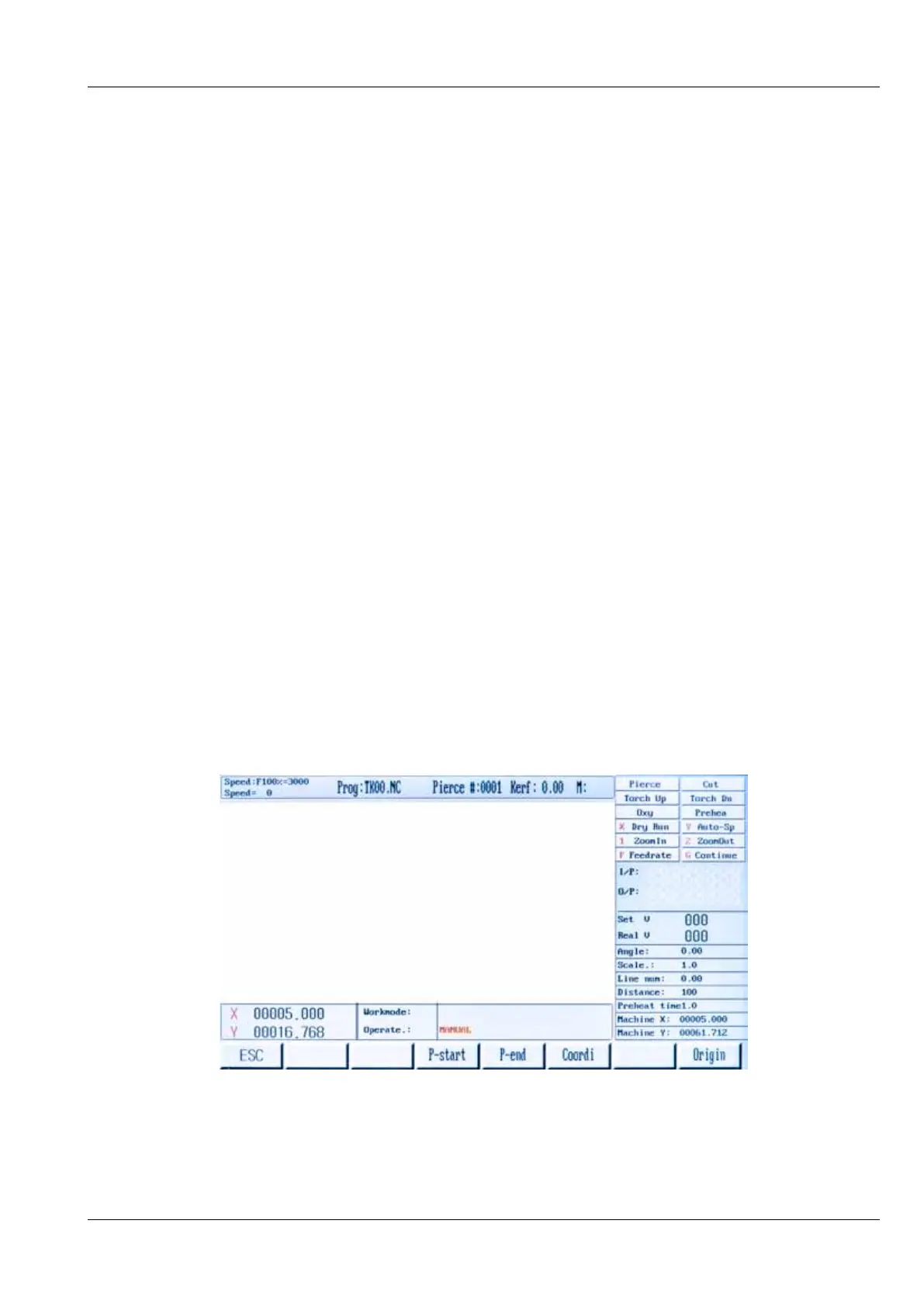
Pressing the [F3] key takes the operator to the 2
nd
level in the Manual Mode Menu.



 To Next Page