EX-TRACK
®
Operator Manual, Revision T-1 57
9.4.2.6.6. Tabbing - bridge function [F7 BREAK]
Creating tabs or bridge cutting, is performed by pre-determined stops in the cutting process, the
size of tabs/bridges is dependent upon the profile part size, thickness and purpose of the tab/
bridge. The process can be used to keep the profile part attached to the parent plate for a variety of
purposes including minimizing the risk of the profile being distorted.
Pressing the [F7] key initiates the Tabbing/Bridge Mode, in the Mode/Status section, BRIDGE is
shown, to stop the process, press [F7] in the Auto Mode MORE menu.
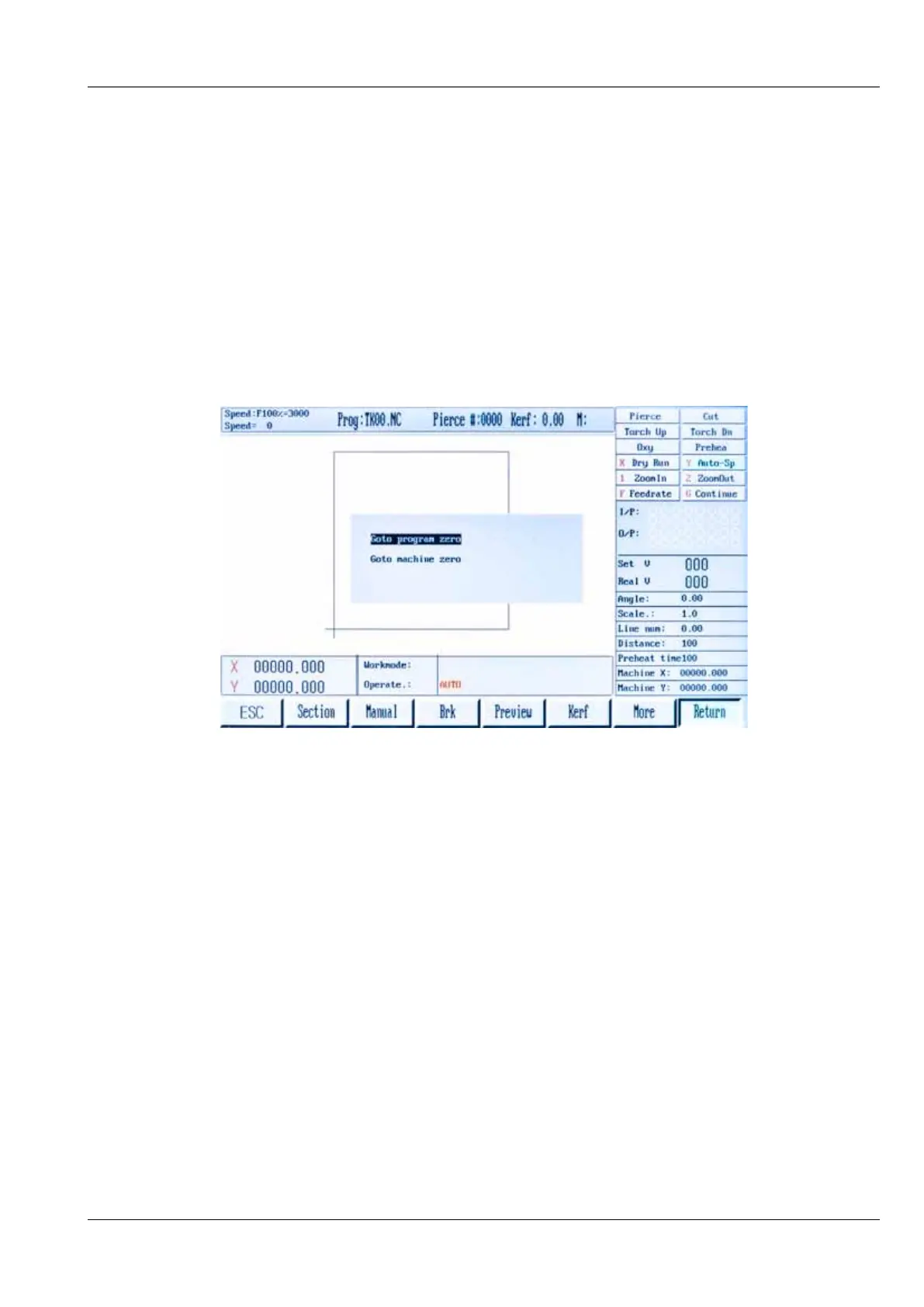
9.4.2.7. Return [F7]
The RETURN function enables the system to quickly return to the ZERO point in a program or the
system ZERO point. Press key [F7] to initiate the RETURN. The operator can choose the appropriate
zero point.
9.5. Automatic program mode
The system requires a profile part or nest program to be entered, use one of the following methods.
1. Press the [ENTER] key, using the keypad, enter the program name, all programs must end
with a (.) period/full stop. The system will search its file library for matching files of a .TXT/CNC
format.
2. Using the USB port, programs can be accessed from the on-screen list.
3. New programs can be generated using the Shape Library. The library contains common
shapes that can be altered dimensionally to produce a specified profile part.



 To Next Page