EX-TRACK
®
Operator Manual, Revision T-1 65
9.7. Editing function
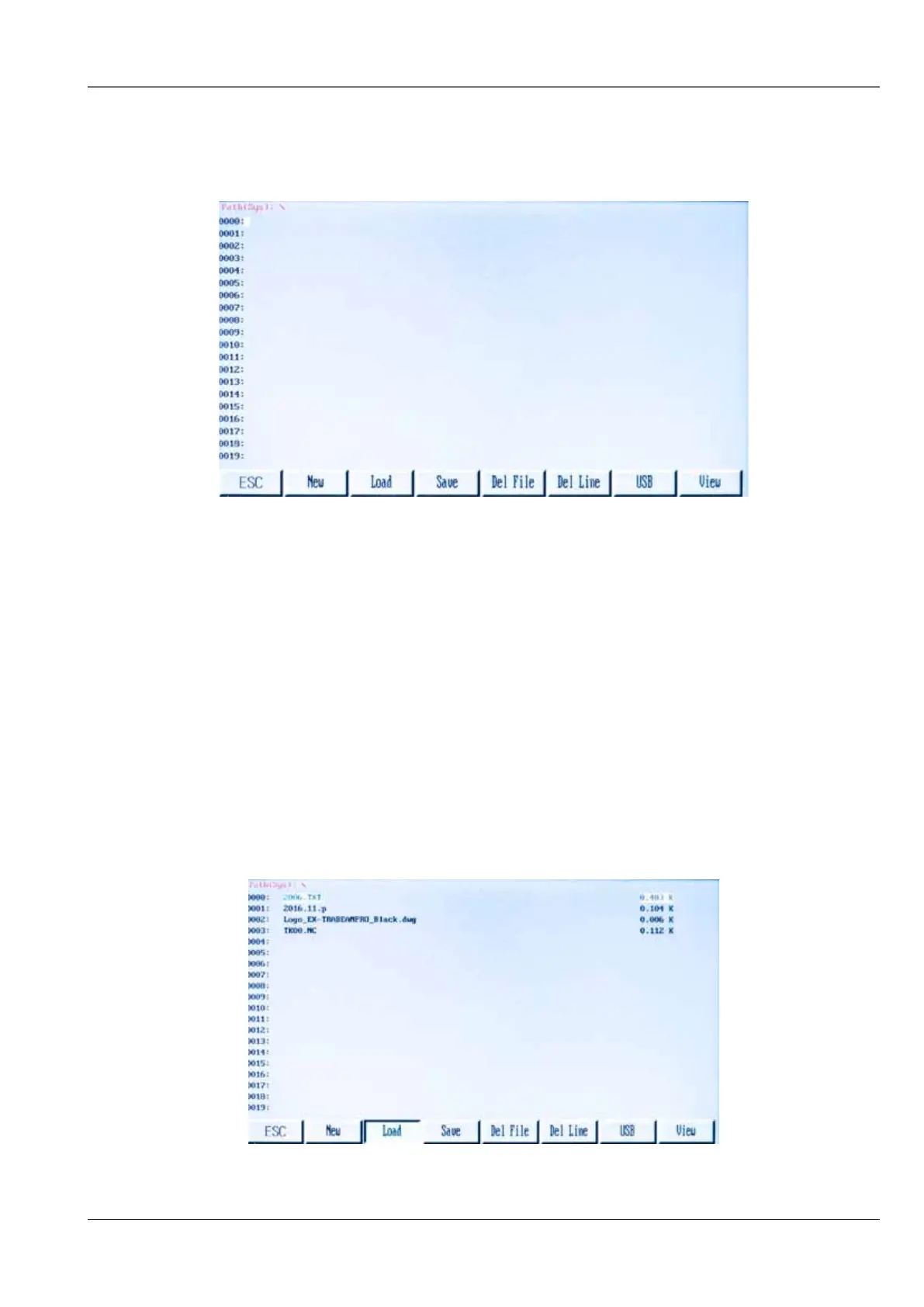
In the system main menu press [F3 EDITOR] to enter the Editing Menu. See the image below.
9.7.1 Edit function
9.7.1.1. New [F1]
Use this feature to create a new file that can be edited, using the keypad, manually enter the
program code.
9.7.1.2. Load [F2]
Use this function to insert a program into the live program memory, the program is shown in the
program editor and can be accessed in the Auto Mode. Pressing the [F2] key shows the stored
programs in the memory. Scroll through the stored programs, press the [F7] key to PREVIEW the
on-screen image of the chosen program, press [ESC] to delete and [Enter] to store in the program
editor.



 To Next Page