EX-TRACK
®
Operator Manual, Revision T-1 95
10.5. Changing System name text
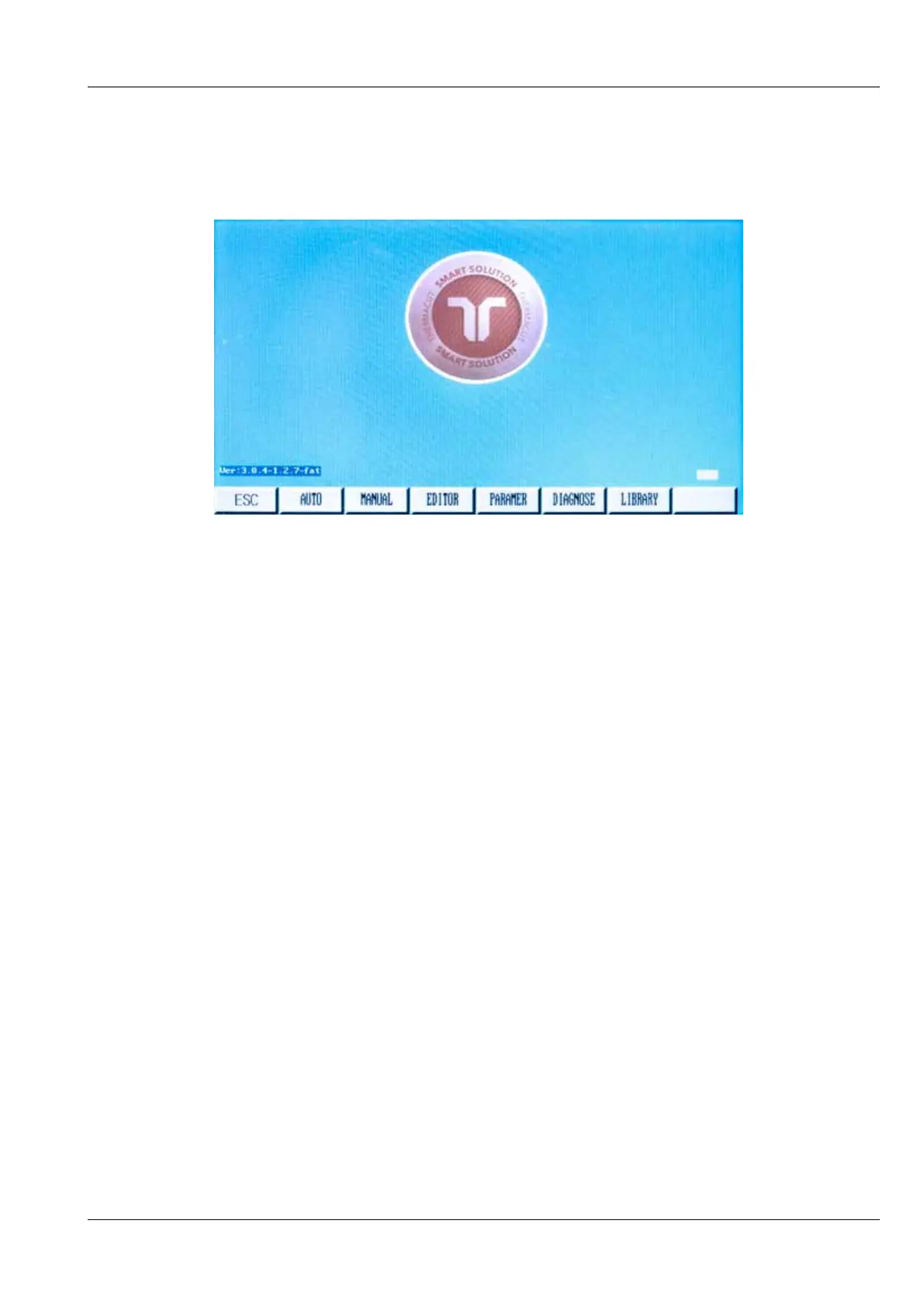
System name information displayed on the main menu can be changed if necessary. The standard
text is “THERMACUT THE CUTTING COMPANY”, and “EX-TRACK® CNC”, as shown below:
The desired text must be entered into a text file called “NAME.txt”, to be supplied by THERMACUT
®
.
Copy this file onto a USB stick, and insert into the USB port.
The following key sequence must be activated from the Main menu. Press the [ESC] key, repeatedly
if necessary, to return to the Main menu.
Press these keys one after the other: [G] [G] [8]
A prompt will appear, asking you to press [ENTER] to confirm changing the Name Text, or [ESC] to
abort changing the Name Text.
After pressing the [ENTER] key, the new text should appear on the main menu.
10.6. Hardware service instructions
10.6.1. Replacing main fuse
The main fuse can be found inside the main ON/OFF switch that is on the Left side panel of the main
unit. Isolate the main unit by removing the power lead, to remove the fuse, use a small flat-head
screwdriver, fit a new fuse of the same type and value, using a fuse of a higher value could cause
serious damage to the system or injury to the operator.



 To Next Page