EX-TRACK
®
Operator Manual, Revision T-1 59
[STOP] Preheat Timer Extend, pressing the preheat timer key during the preheat process, this
increases the preheat process duration. The pierce process can be activated by pressing the [START]
key, the timer will stop.
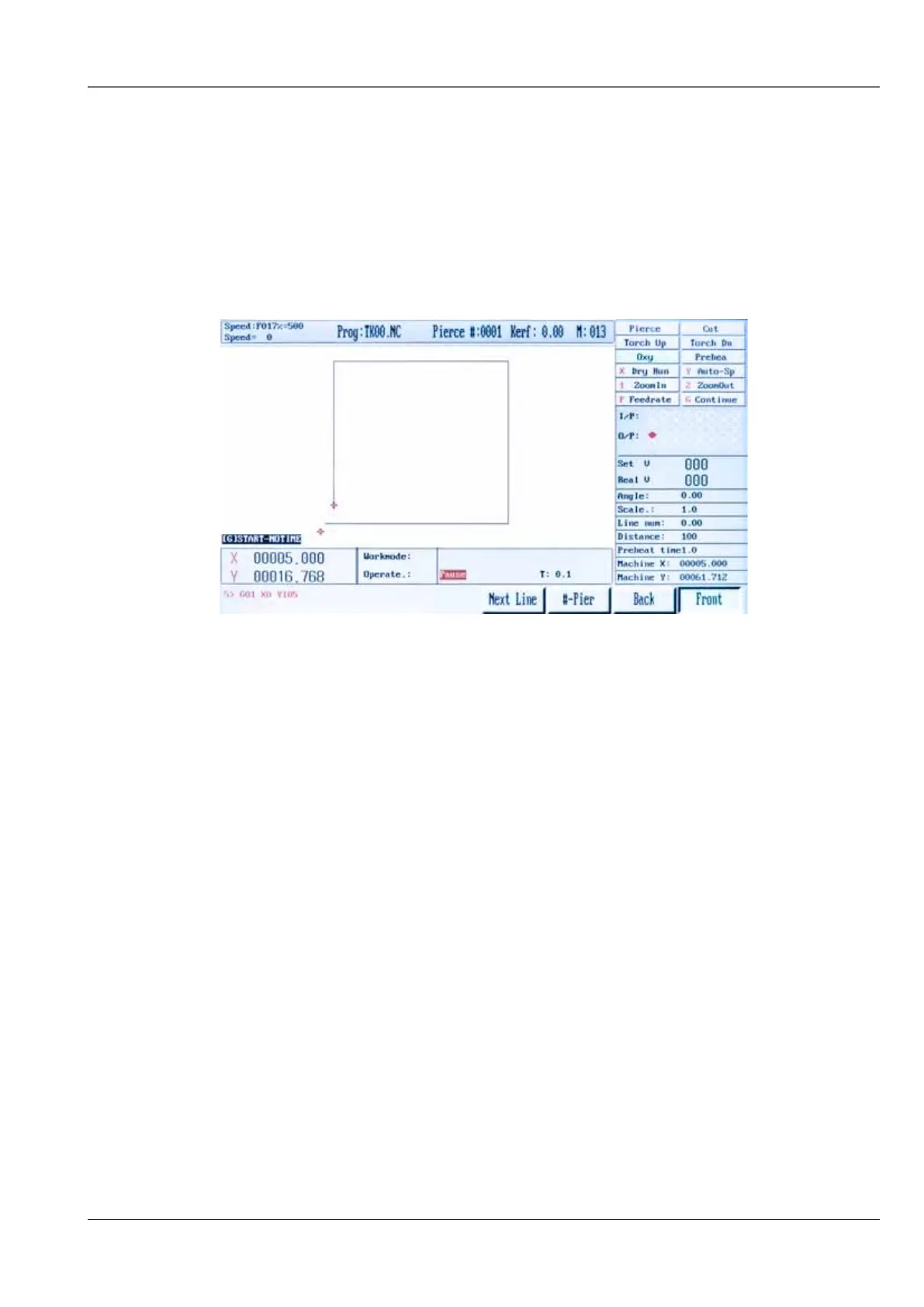
[STOP] Program Pause, pressing the [STOP] key during the cutting process, causes the system to
ramp down to a halt, in the case of oxy fuel, the oxygen cut flow gas is switched off, in the case
of plasma arc cutting, the arc is switched off. The on-screen status shows PAUSE, the pause menu
follows.
9.5.4. Active key functions in pause mode
[START] Re-Start Program, after the pause period, press the [START] key to re-activate the process
sequence. A mid-stream pause in the cutting process will require a manual re-start.
[Jog Keys] [↑] [↓] [←] [→], pausing the cutting process allows the torch to be positioned where
consumable parts can be checked/changed, correcting the cut path or realign the plate. The torch
moves at a preset rate.
[ESC] Park Program, using the [ESC] key during a pause period will result in the process being
cancelled, the system will default to the Auto Mode Menu.
[F] Enter Feed Rate, using the [F] key, the speed rate may be altered, press the [F] key an on-screen
prompt requires the actual feed rate, the input is made using the keypad.
[F] Feed Rate Increase/Decrease, using the [F↑] [F↓] will gradually increase or decrease the Feed
Rate Override Percentage, this also affects the cutting speed. The value change rate is slower during
the cutting process and quicker when the process is in the paused mode. To enable greater changes
to the feed rate, put the process in to the paused mode and input the modified feed rate.



 To Next Page