EX-TRACK
®
Operator Manual, Revision T-160
[S↑] [S↓] Torch Up/Down, the [S↑] [S↓] keys are used to raise and lower the torch.
[CUTOXY] Re-Start, use this key to manually restart the cutting process.
[PIERCE] Re-Start, use this key to start the pierce process, the process defaults to Auto Mode, the
system starts moving at a pre-determined time.
[F↑] [F↓] [F] Keys can be used during the cutting process to alter the speed.
Pause Mode, an on-screen prompt requires the operator to make the appropriate speed adjustment.
Speed Selection, [↑] [↓] Up/Down keys option, re-positioning/cutting speed in Manual/Automatic
mode, select then [ENTER].
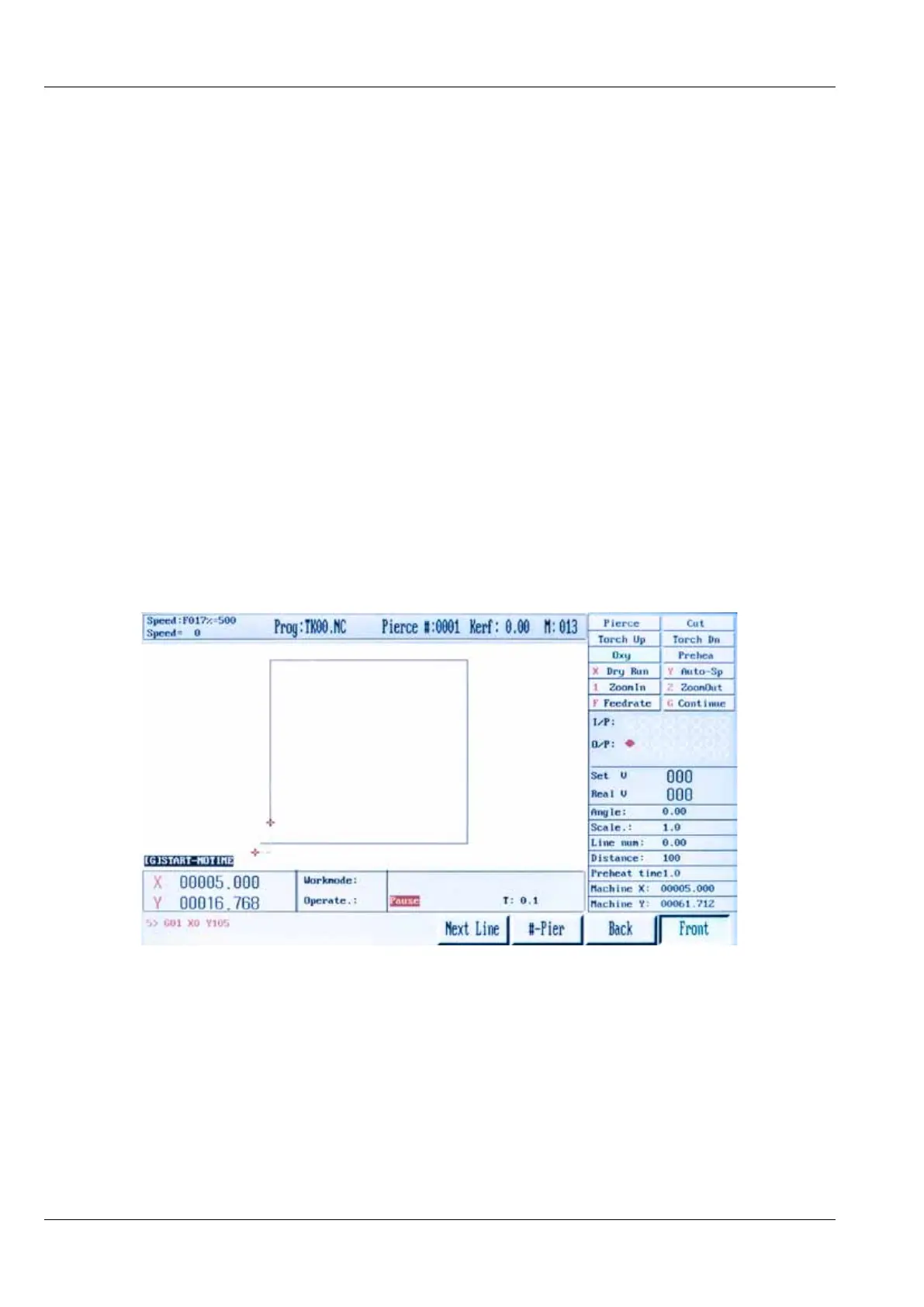
[F4] STEP, the operator can choose to re-start the cutting sequence at any position in the program.
In the STEP Mode, keys [F6] [F7] are used for scrolling through the program sequence, when a start
point is chosen, on-screen, a Red Cursor shows the new start position.
Pressing the [START] key, the torch will move to the new start position, the cutting sequence can
then be re-started
[F5] PIERCE, When Paused, this feature lets the operator re-start the cutting sequence from a chosen
position, an on-screen prompt requires the operator to input the pierce point. Press [ENTER], the
torch travels to the pierce point, the cutting sequence can then be re-started.
[F6] [F7] BACKWARD/FORWARD in the paused mode, using keys [F6]/[F7] the operator can move



 To Next Page