EX-TRACK
®
Operator Manual, Revision T-1 75
9.9.6. Graphics library (shape development)
Pick a shape from the graphics library, input the required dimensions into the Shape Evaluation
Screen, nesting data can be added if needed. Validate all data/dimensional inputs using the [F6} OK
key. By pressing the [ESC] key to exit the Shape Evaluation Screen, the shape is provisionally stored
in the memory. Pressing the [F3] key initiates the EDITOR Mode, the new program is displayed in the
edit screen. Press the [F7] VIEW key for showing the shape. Press the [F3] key for the SAVE function,
input a program filename and save it to the program storage memory. The saved file can be started
in the Auto Mode.
9.9.7. Shape check
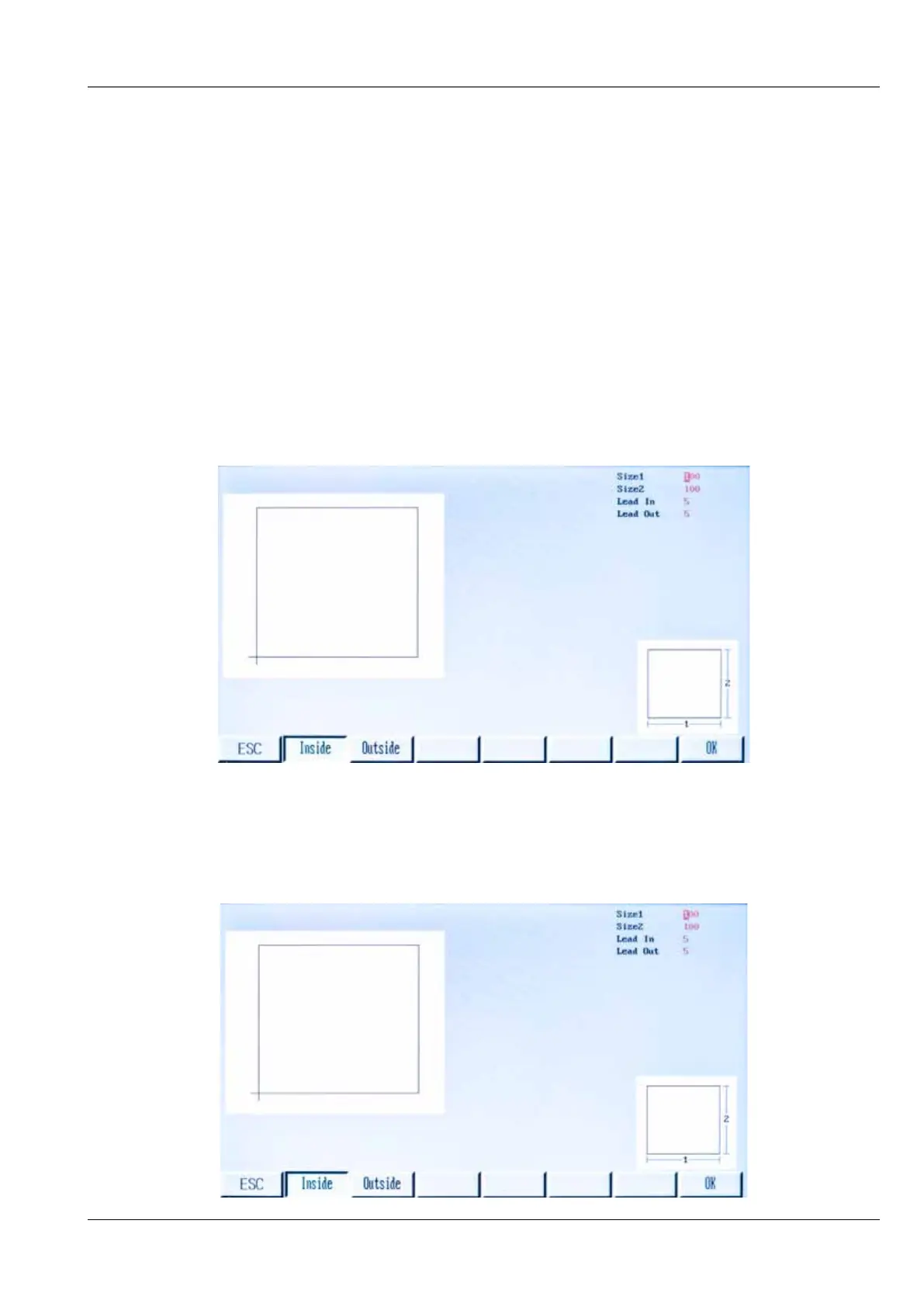
This is used to verify that the input values for a shape are correct, input values are added by using
the arrow keys [↑] [↓] and the [ENTER] key.
9.9.7.1. Inside diameter cut [F1] and [F2] Outside diameter cut
With this function an outside diameter cut can be made, this would normally be on a profile part that
is wanted, it is possible to make an inside diameter cut, this is where the cut-out would normally be
discarded.



 To Next Page