EX-TRACK
®
Operator Manual, Revision T-192
10.3. Software service instructions - Boot menu
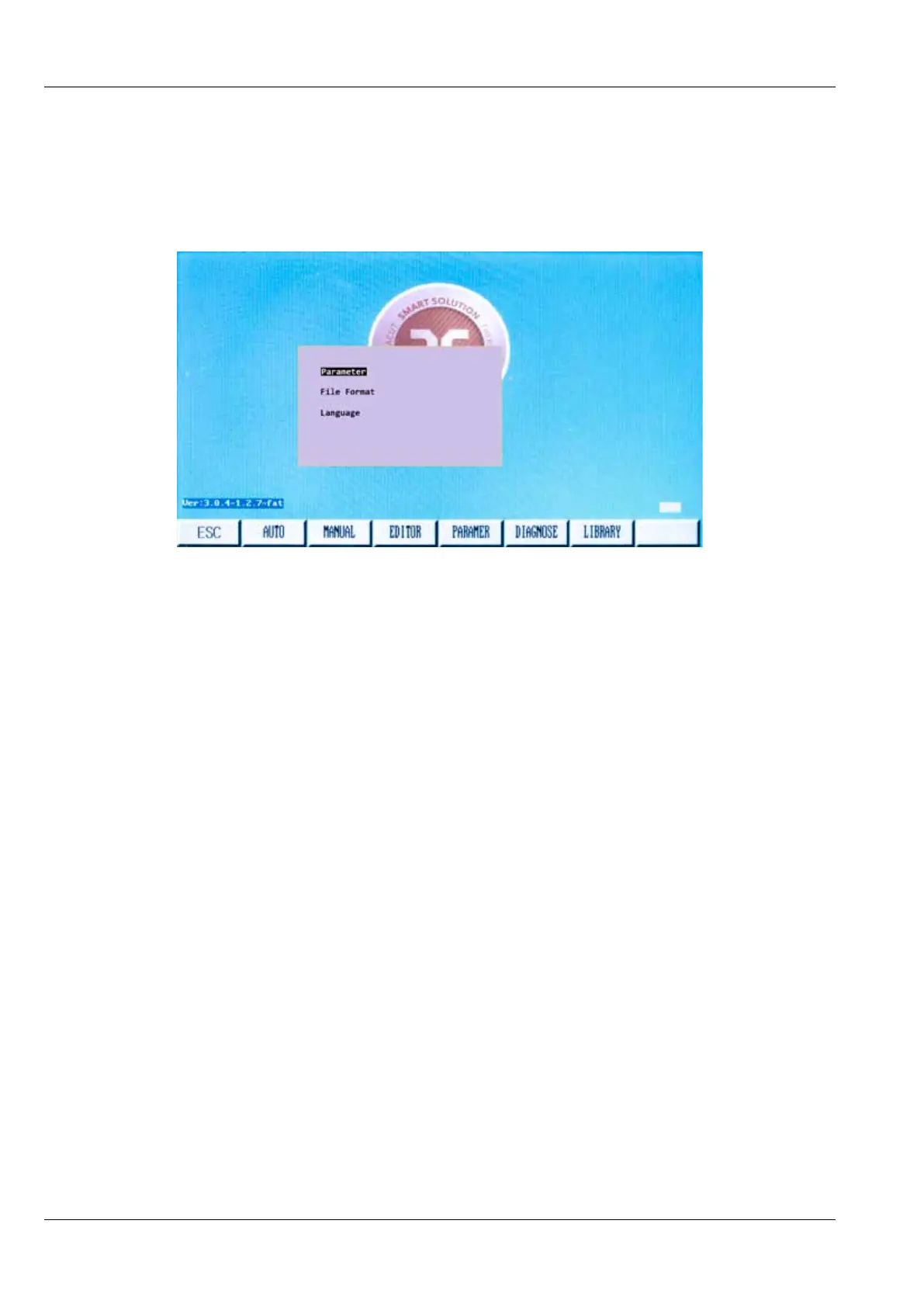
There are three options within the Boot Menu for servicing the system. The Boot Menu is activated
from the Main Menu. Press the [ESC] key repeatedly if required, to return to the Home Screen. Press
sequentially keys [G] [G] [3] the Boot Menu will be shown as below.
Boot Menu has three options. The three options are:
1. Parameter
Load factory settings. This function erase all settings and drawings from the CNC unit.
2. File format
By this function you can erase all drawings which are saved in the CNC unit. CNC unit setting will
remain.
3. Language
This option will hold the name of the alternate language that has been pre-loaded in the control.
The control can be pre-loaded with two languages. As an example: For North America, those
languages will be English and Spanish. Selecting this option will switch between the two.



 To Next Page