3
Learning Center
NanoDrop One Viewer Software
260 NanoDrop One User Guide Thermo Scientific
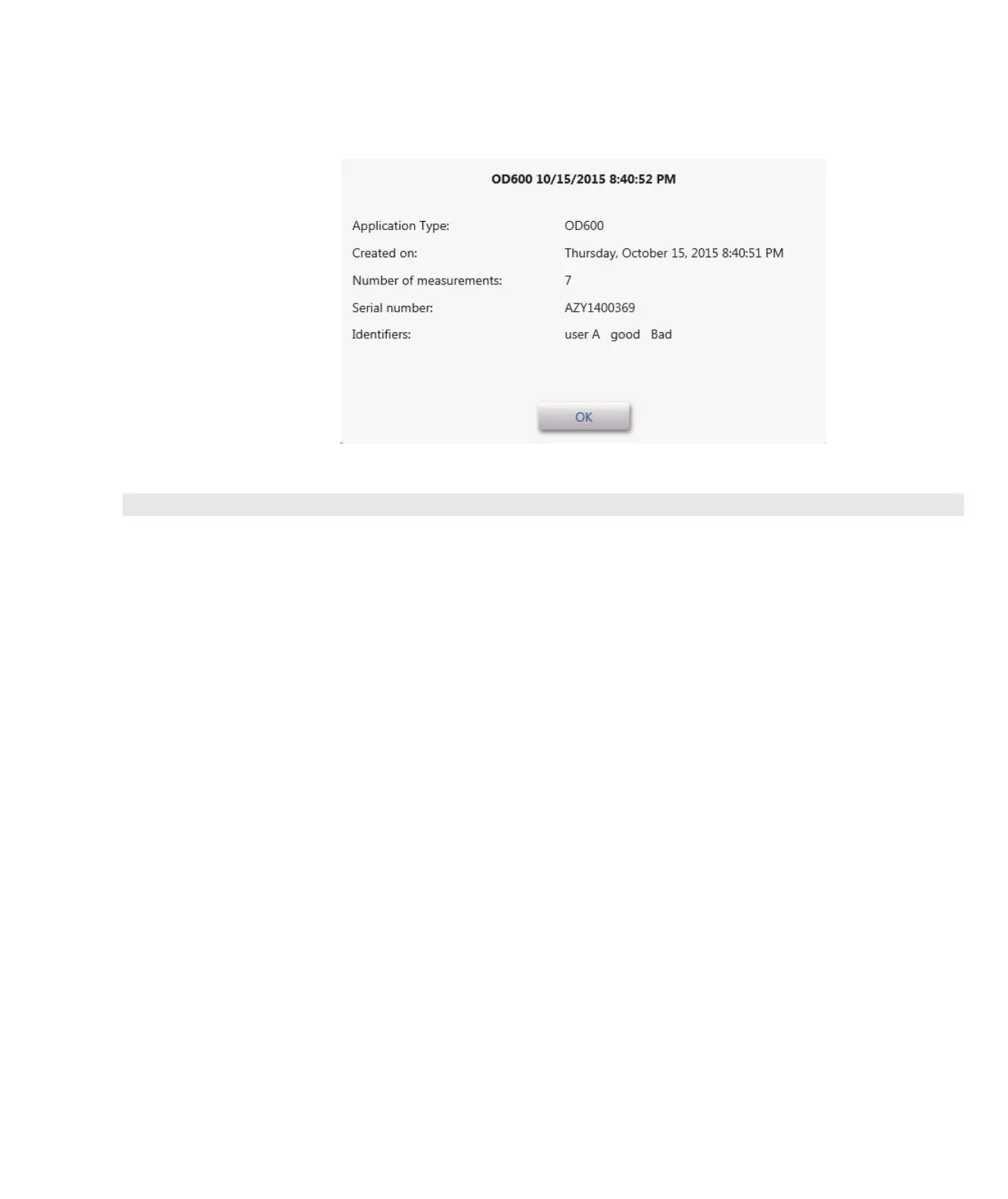
Here is an example:
Manage Identifiers on a PC
You can add one or more “identifiers” (i.e., labels or metadata tags) to an experiment to make
the experiment easier to find. Labels can be added from the NanoDrop One software running
on the instrument (see Manage identifiers on the instrument), or from the NanoDrop One
Viewer software installed on a personal computer.
Use the Viewer software to add labels to experiments, assign existing labels, view assigned
labels and remove or delete labels on a personal computer. You can filter the list of
experiments based on one or more user-defined labels.
Show or Hide User Identifier Filter Buttons
The user identifier filters can be shown or (if you have a lot of them) hidden to allow more
space for the experiment list.



 To Next Page
 Loading...




