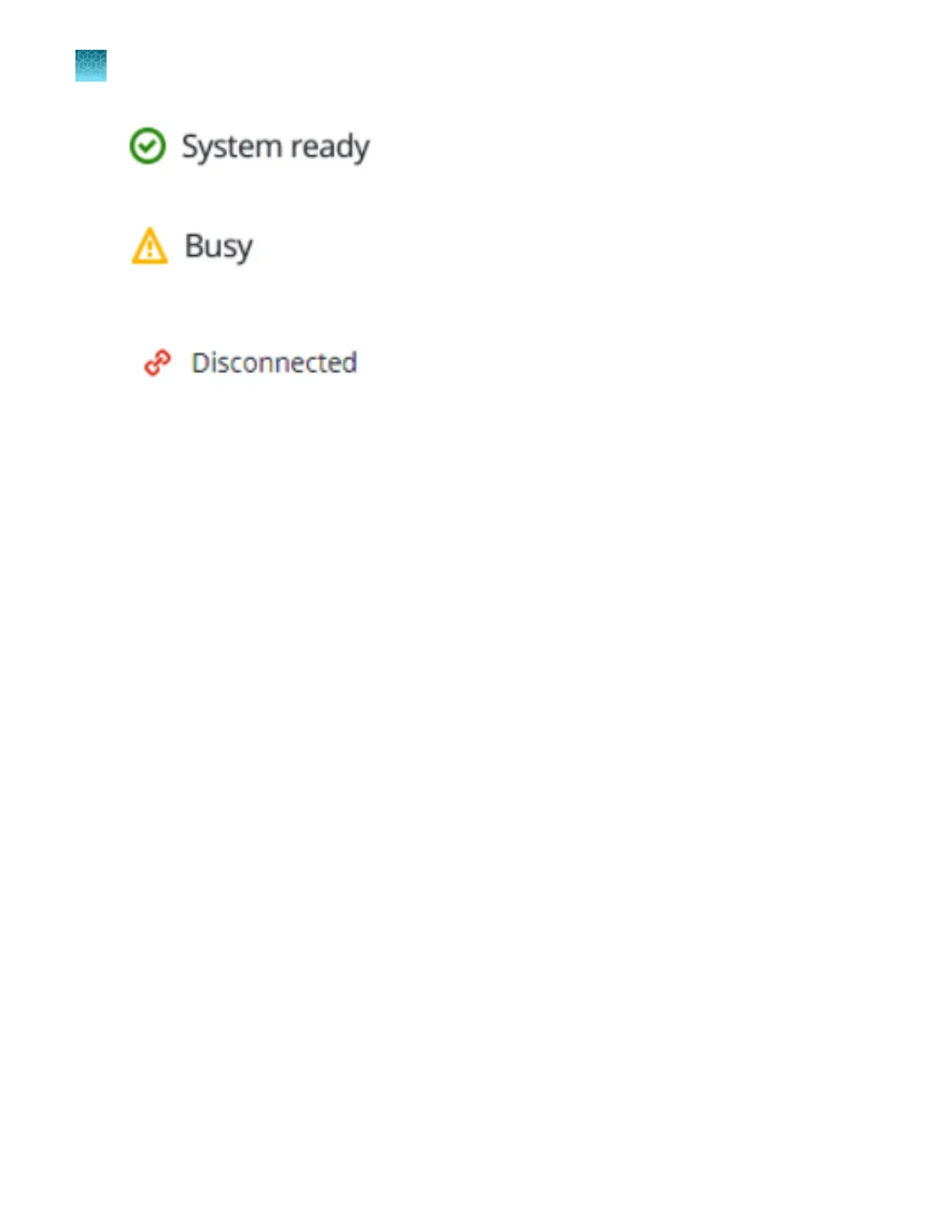
Figure 6 System ready
Figure 7 Busy
Figure 8 Disconnected
Reconnect the instrument
The Deck screen displays Disconnected in the status bar if the instrument has been disconnected.
1.
Check the cables that connect the computer with the software to the instrument.
2.
Click Reconnect in the top-right corner to reconnect the instrument to the computer with the
software.
3.
In the Reconnect dialog box, click Reconnect.
A dialog box displays whether the reconnection was successful.
If the reconnection was successful, a system self-test is initiated (see “Perform a system self-test” on
page 19).
Recover from a power failure
In case of a power failure, restart the system. See “Start the system” on page 18.
Chapter 3 Initialize the system
Reconnect the instrument
3
22
QuantStudio
™
12K Flex OpenArray
™
AccuFill
™
System User Guide













 To Next Page