Manage the service settings
■
View the instrument statistics .......................................................... 76
■
Copy or save the instrument statistics .................................................. 77
■
View the status of the sensors ......................................................... 77
■
Enable or disable the presence sensors ................................................. 78
■
Perform diagnostics tests .............................................................. 78
■
View loading history log ............................................................... 83
■
Copy or export the loading history log .................................................. 83
■
View the instrument log ............................................................... 84
■
Copy or export the instrument log ...................................................... 84
■
Perform a system self-test (manual start) ................................................ 84
View the instrument statistics
The statistics that are reported are based on the lifetime of the instrument.
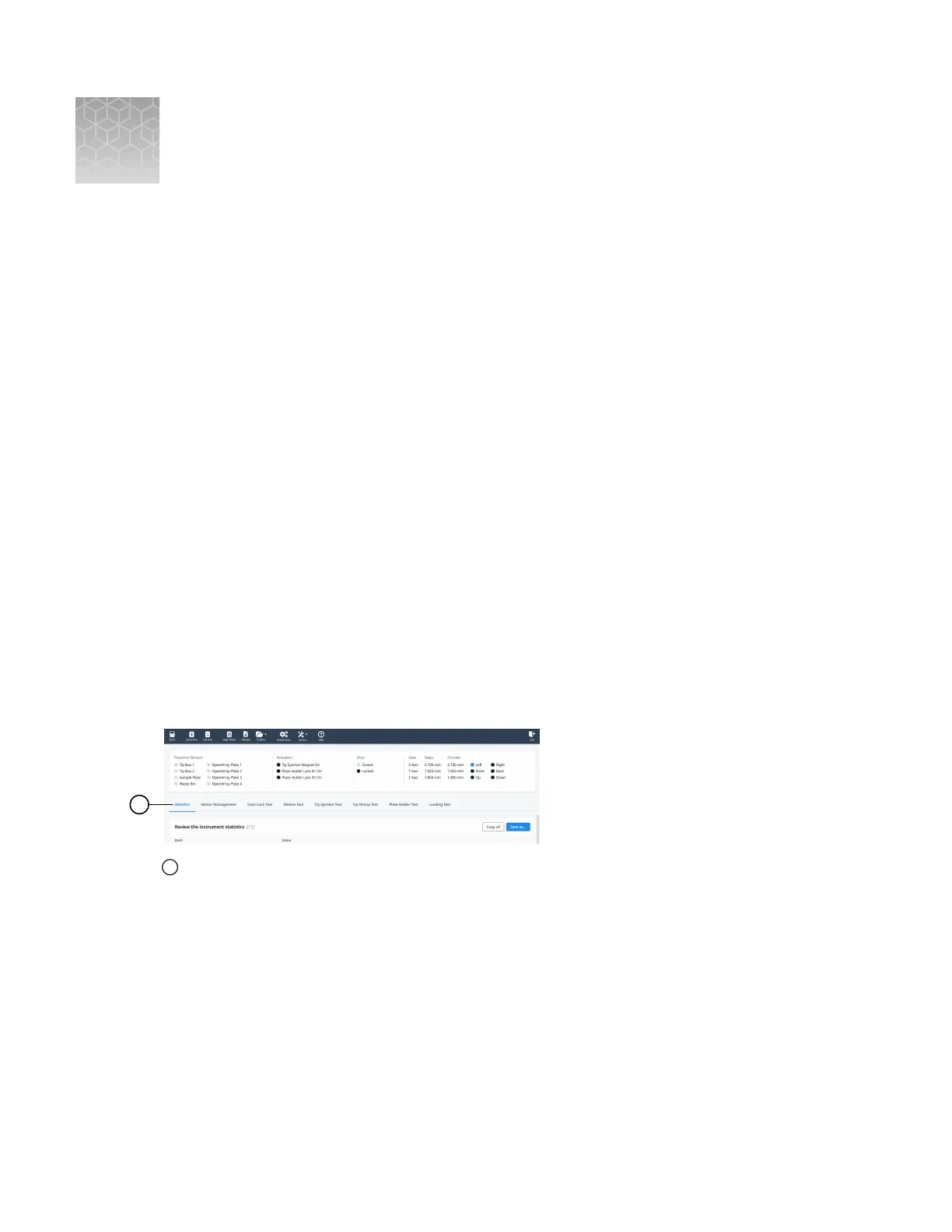
Click Service4Diagnostics.
The Statistics tab is displayed.
1
Statistics tab
The following statistics are reported:
• X-Axis Total Distance Traveled (mm)
• Y-Axis Total Distance Traveled (mm)
• Z-Axis Total Distance Traveled (mm)
• Number of Loaded OpenArray Plates
• Number of Failed Loaded OpenArray Plates
• Number of Attempted Tip Pickups
• Number of Failed Tip Pickups
• Number of Attempted Sample Pickups
D
76
QuantStudio
™
12K Flex OpenArray
™
AccuFill
™
System User Guide













 To Next Page