4.
(Custom Gene Expression plates only) Select one of the following options:
•
With microbial target names
•
Without microbial target names
Note: The microbial target name selection is not displayed if inventoried products are selected.
5.
Click Download.
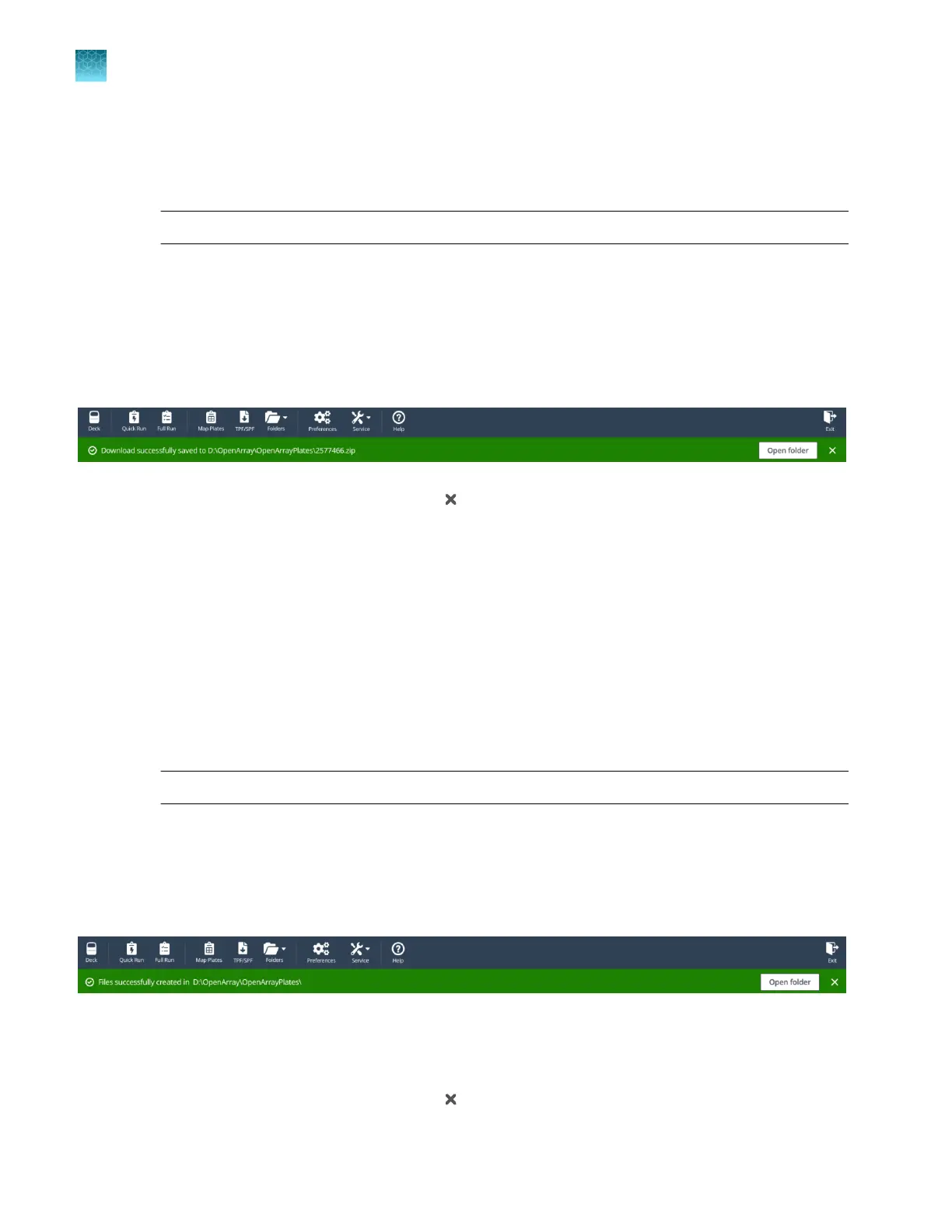
The location of the files is displayed at the top of the screen. The location of the downloaded files is
set in the Preferences menu, in the OpenArray plate file folder field (see “Set the folder defaults” on
page 15).
The files are in a compressed ZIP folder.
Click Open folder to access the files or click (Close) to close the message.
Extract the files from the compressed ZIP folder.
Create TPF or SPF files from a template
1.
In the TPF/SPF screen, select the Create from template radio button.
2.
Click Choose file.
3.
Navigate to the location of the file to use as a template, then select the file.
4.
Enter the Serial numbers or Barcodes to be associated with the new TPF or SPF files.
Note: A lot number is required for custom OpenArray
™
Plates.
5.
Click Create.
The location of the files is displayed at the top of the screen. The location of the downloaded files is
set in the Preferences menu, in the OpenArray plate file folder field (see “Set the folder defaults” on
page 15).
The files are named with the serial number or barcode entered in step 4. The serial number is the only
dierence between the original file and the new file. The reagent information is copied from the file that
was used as the template.
Click Open folder to access the files or click (Close) to close the message.
Chapter 4
Download or prepare TPF or SPF files
Create TPF or SPF files from a template
4
24
QuantStudio
™
12K Flex OpenArray
™
AccuFill
™
System User Guide













 To Next Page