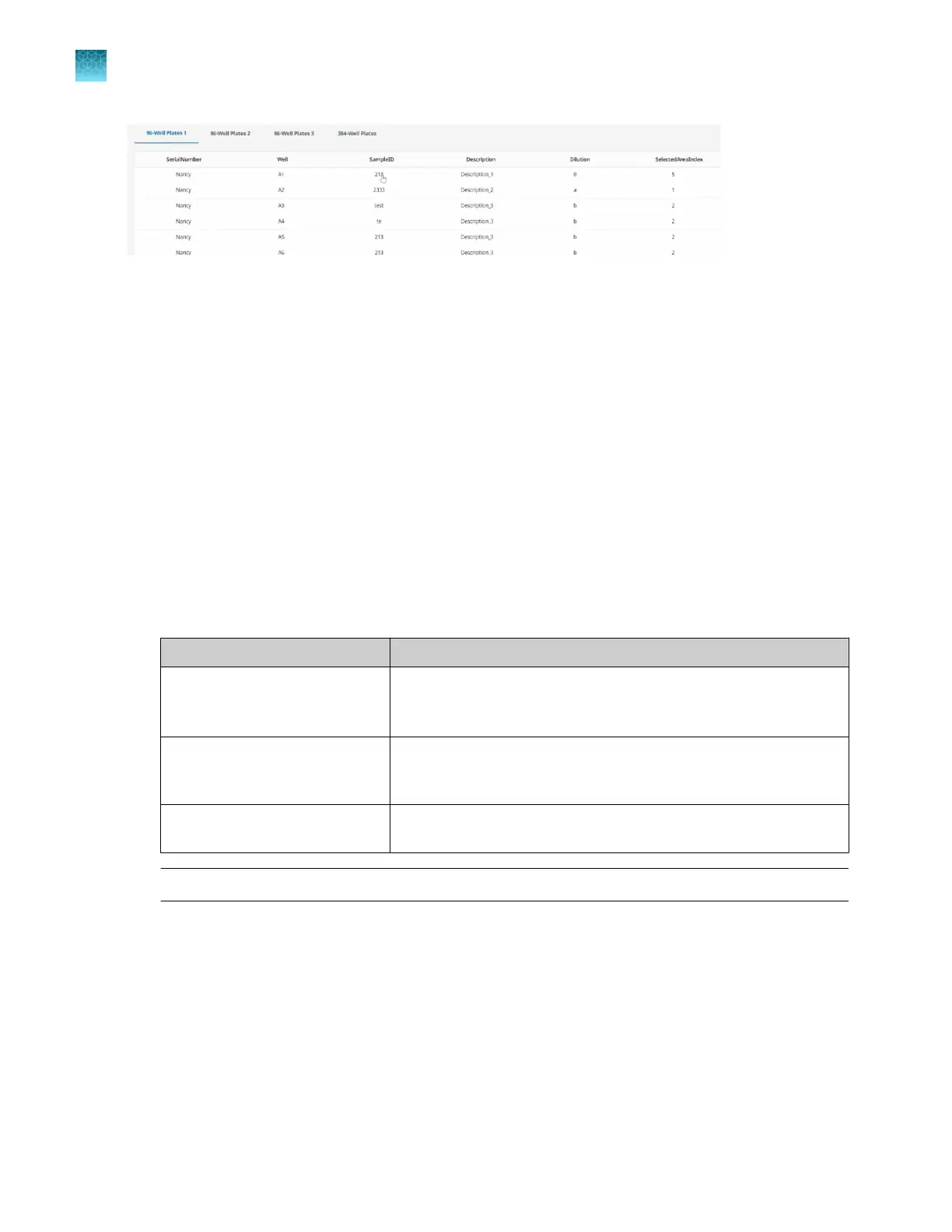
Figure 20 Well table view
Export plate files
Complete the mapping of the plates (see “Map a 384-well plate from 96-well plates” on page 30 or “Set
up a 384-well sample plate” on page 35).
1.
In the Map plates pane, click Export.
The Select Plates to Export dialog box is displayed.
2.
Select the file type to export.
•
CSV file
•
XLSX file
3.
Select the sample plate files to be exported.
File
Use
96-well plate For reference.
To edit the sample assignments, then use the edited sample plate
file for another run.
384-well plate For the instrument to load OpenArray
™
Plates from a 384-well plate
in the full run workflow or the quick run workflow with sample
information.
OpenArray Plate To import into a compatible real-time PCR system for data analysis,
for the quick run workflow without sample information.
Note: A 96-well plate is only an option for export if 96-well plate was mapped.
4.
Enter a prefix for the exported file name in the File Name Prefix field.
5.
Click OK.
The files are exported to the location set up in the preferences (see “Set the folder defaults” on
page 15).
The Map plates pane is displayed with the status of the export.
Chapter 5
Map plates
Export plate files
5
38
QuantStudio
™
12K Flex OpenArray
™
AccuFill
™
System User Guide













 To Next Page