The plates can be viewed in a plate view or a well table view. The current view is displayed in blue in the
toolbar.
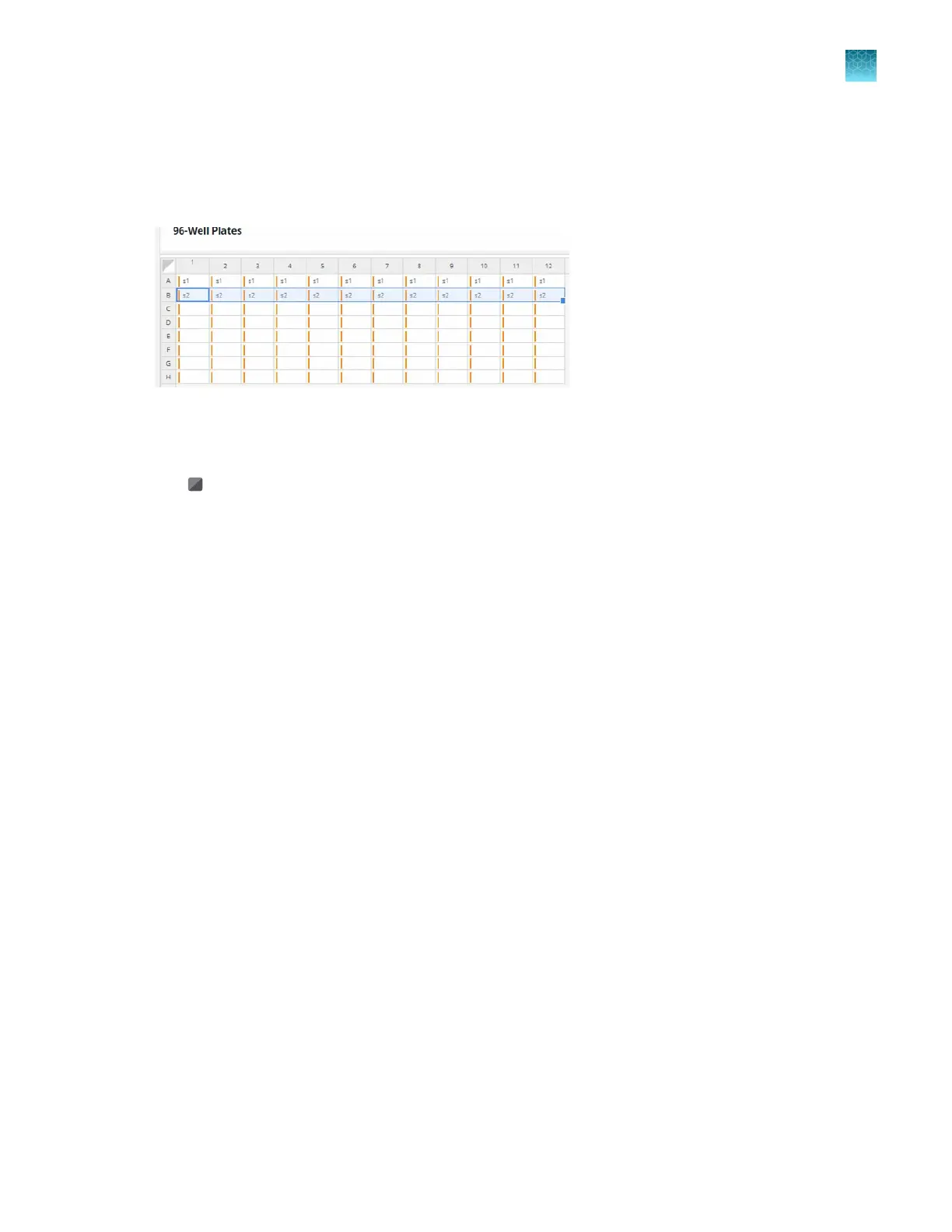
The plate view shows each well on a plate. It displays the sample name and is color-coded based on
the location in the OpenArray
™
Plate.
Figure 19 Plate view
Use the following tools in the plate view:
•
(Select all) to select all the wells in the table
•
Click a row letter to select all the wells in a row
•
Click a column number to select all the wells in a column
•
Control–click to select multiple wells individually
•
Shift–click to select a continuous set of multiple wells
•
Click–drag to copy to a continuous set of multiple wells
The well table view displays the details of each well in a table format.
Each plate is displayed in a separate table. Use the tabs to navigate between the plates.
The following information is displayed in the table:
•
Serial number
•
Well
•
Sample ID
•
Description
•
Dilution
•
Selected Area Index
The Sample ID is editable. If the Sample ID is edited in the well table view, the change is made to the
well in the plate view. The other fields are not editable.
The information in the table is added to the loaded TPF file or loaded SPF file when they are generated
with a run.
Chapter 5 Map plates
Options to view a plate layout
5
QuantStudio
™
12K Flex OpenArray
™
AccuFill
™
System User Guide
37













 To Next Page