Run progress
See Figure 26 on page 55.
The blue box in the Deck screen shows the location of the tip handler.
The following steps are displayed in the Deck screen as the run progresses on the instrument:
1.
The instrument collects tips from a tip box.
The blue box on the Tip Box displays the section of the tip box that the tips are being picked up
from.
2.
The instrument aspirates the sample from a section of the sample plate.
The blue box on the Sample Plate displays the section of the plate that the sample is being
aspirated from.
3.
The instrument dispenses the sample into the OpenArray
™
Plate.
The blue box displays the OpenArray
™
Plate that the sample is being dispensed into.
4.
The instrument ejects the tips into the waste bin.
The blue box is displayed on the Waste Bin.
After each OpenArray
™
Plate is loaded, the instrument prompts you to remove the loaded OpenArray
™
Plate, seal the case, and fill it with immersion fluid (see Chapter 9, “Prepare the OpenArray
™
Plate for
PCR”). These steps are done for each plate individually and not in a single batch after all the plates
have been loaded.
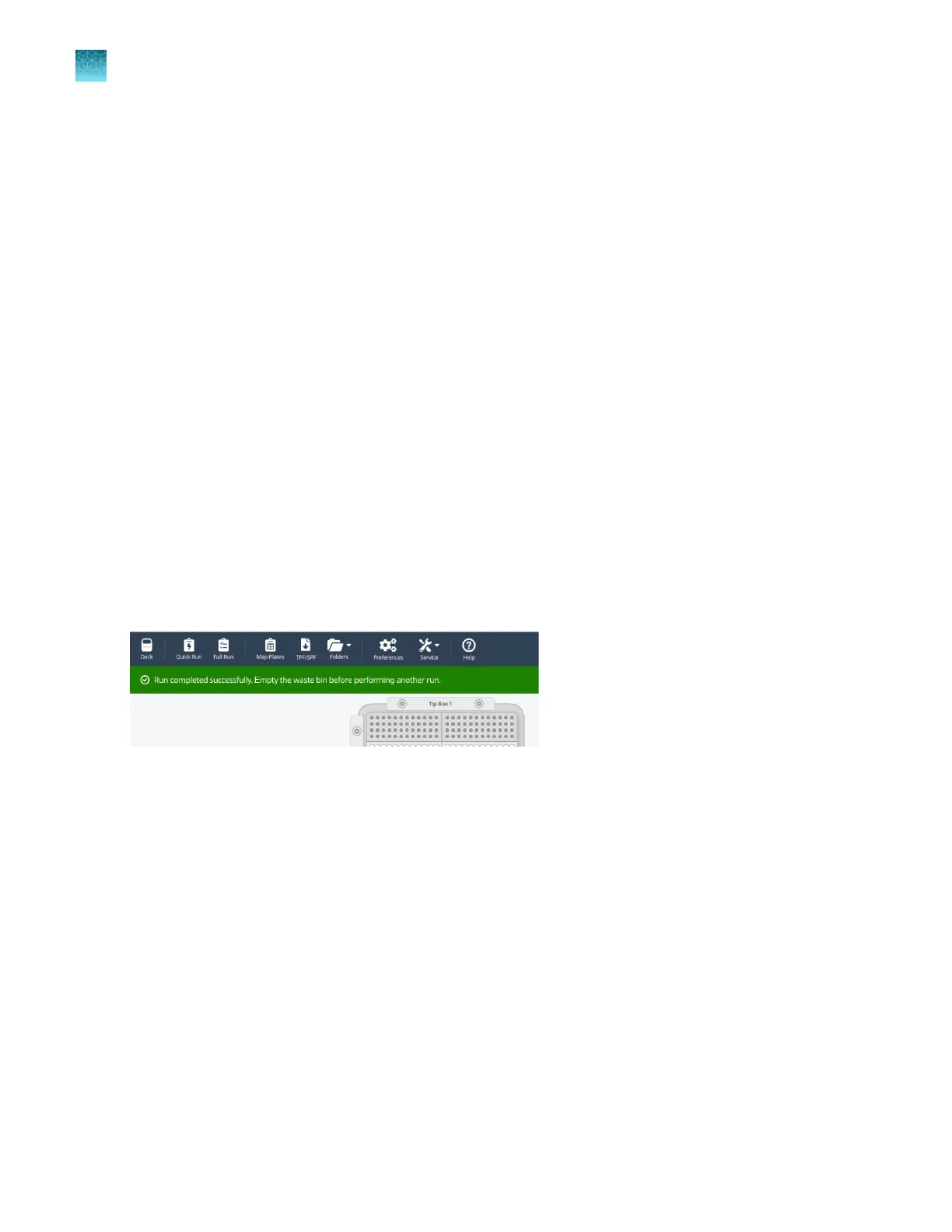
When the run is completed, Run successfully completed is displayed on the screen.
Figure 27 Run completed successfully
After the run is completed, clean the instrument. See Appendix A, “Cleaning and maintenance of the
OpenArray
™
AccuFill
™
Instrument”.
Cancel a run
See Figure 26 on page 55.
In the Deck screen, click Cancel Operation.
The instrument stops at the component that it is handling. A self-test is required before starting another
run.
The run cannot be restarted if it is canceled. The physical components must be set up again, including
the sample plate if samples were aspirated.
The run needs to be set up in the software again.
Chapter 8
Monitor run progress
Run progress
8
56
QuantStudio
™
12K Flex OpenArray
™
AccuFill
™
System User Guide













 To Next Page