4-16
4 PROGRAM MODE
Create Another Job
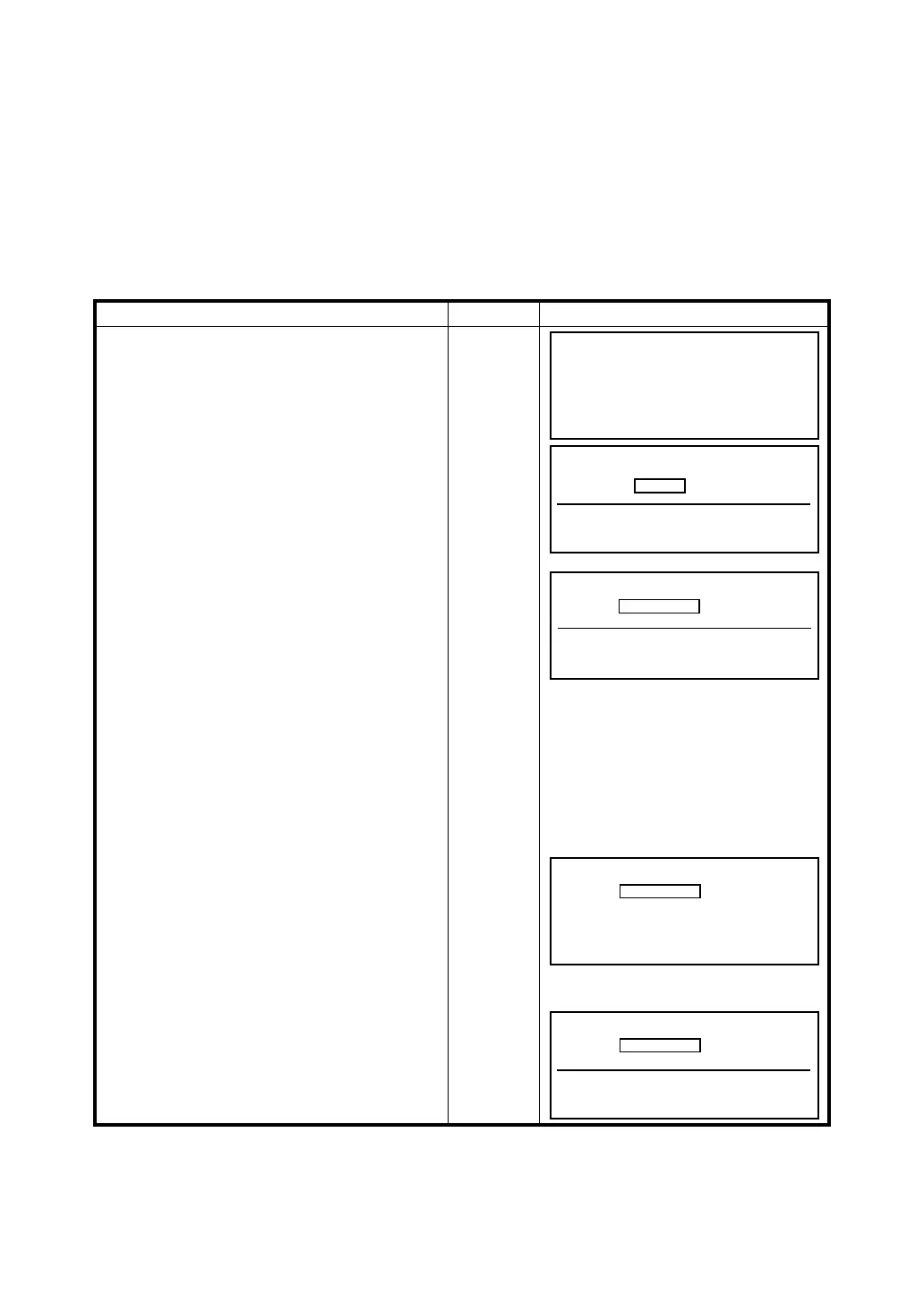
This option creates a new job and store the job memory. The job name can be alpha / numeric. If a job
name is not typed in, a default job name is used that has three question marks (???1) followed by a
numeric value. After typing in the job name, press the (ENT) key to accept the name. The coordinate
input prompt appears to type in the first point number. After entering in the point number, the next
screen appears to type in the coordinates. Once the coordinates are entered, the job is stored in
memory. If you exit the point number or coordinate input screen, the job name will not be created and
stored in memory.
The example below shows how to create a job name.
Operating procedure Operation Display
1
At the Job Manager menu press [F4] Create
Another Job.
[F4]
[ENT]
2
The prompt screen appears to type in a job
name. Type in the job name which can be
alpha or numeric and press (ENT) to accept
the name. (Refer to section 2.9 for Alpha and
Numeric input).
Select
Number
3
The next prompt screen is to input the point
number. The record number is shown in the
upper left corner of the display. If you escape
from this screen, the job name will not be
created or stored in memory. You must
complete this screen and continue to the
coordinate input screen to create the job. If
you don‘t want to create and store the job,
press the (ESC) key.
4
Input the coordinates and press (ENT) after
each value is typed in. If you escape from this
screen before entering the coordinates, the
job will not be created or stored in memory.
After the first point is stored, you may escape.
The (BS) key allows the cursor to move from
right to left to edit the input data. Press [F1] or
the (ESC) to exit.
[ENT]
5
The point number input prompt screen
appears and the record number and point
number increments +1. You may continue or
exit this routine by pressing [F1] (EXIT).
[ENT]
Job Manager (Pg 1/2)
F1 View Memory
F2 Erase a Block of Point
F3 Erase One Point
F4 Create Another Job ↓
Job Name
Alpha SPC <- ->
???1
REC #
1PT#:
Alpha SPC <- -> ↑ ↓
1 PT# 1
N :
E :
Z :
EXIT BS
REC #
2PT#:
Alpha SPC <- -> ↑ ↓
2








 To Next Page