Configuring the Radio Modem
P/N 7010-0526
3-7
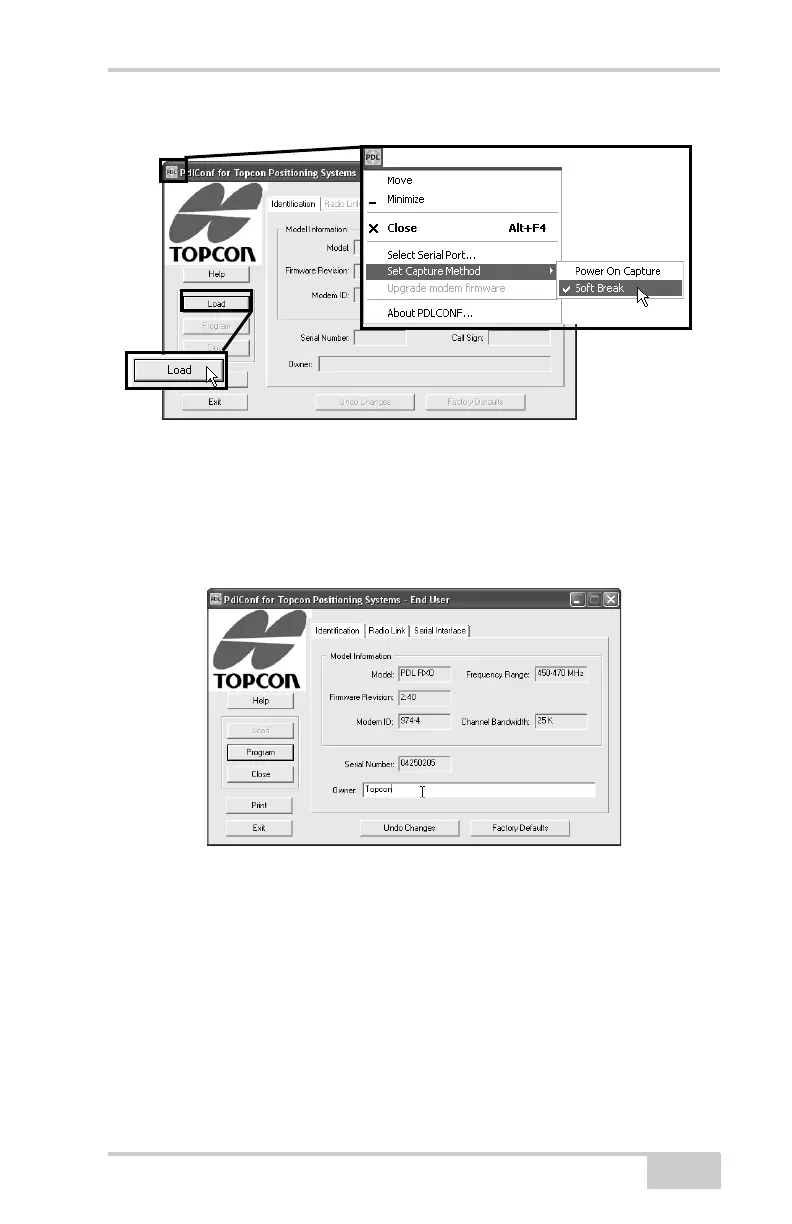
Figure 3-4. Set Capture Method and Click Load
11. On the Identification tab, enter Owner information (Figure 3-5).
The Identification screen supplies current information
concerning firmware version, serial number, frequency, and
power of the radio modem.
Figure 3-5. Configure Owner



 To Next Page