HiPer+ Configuration
HiPer+ Operator’s Manual
3-8
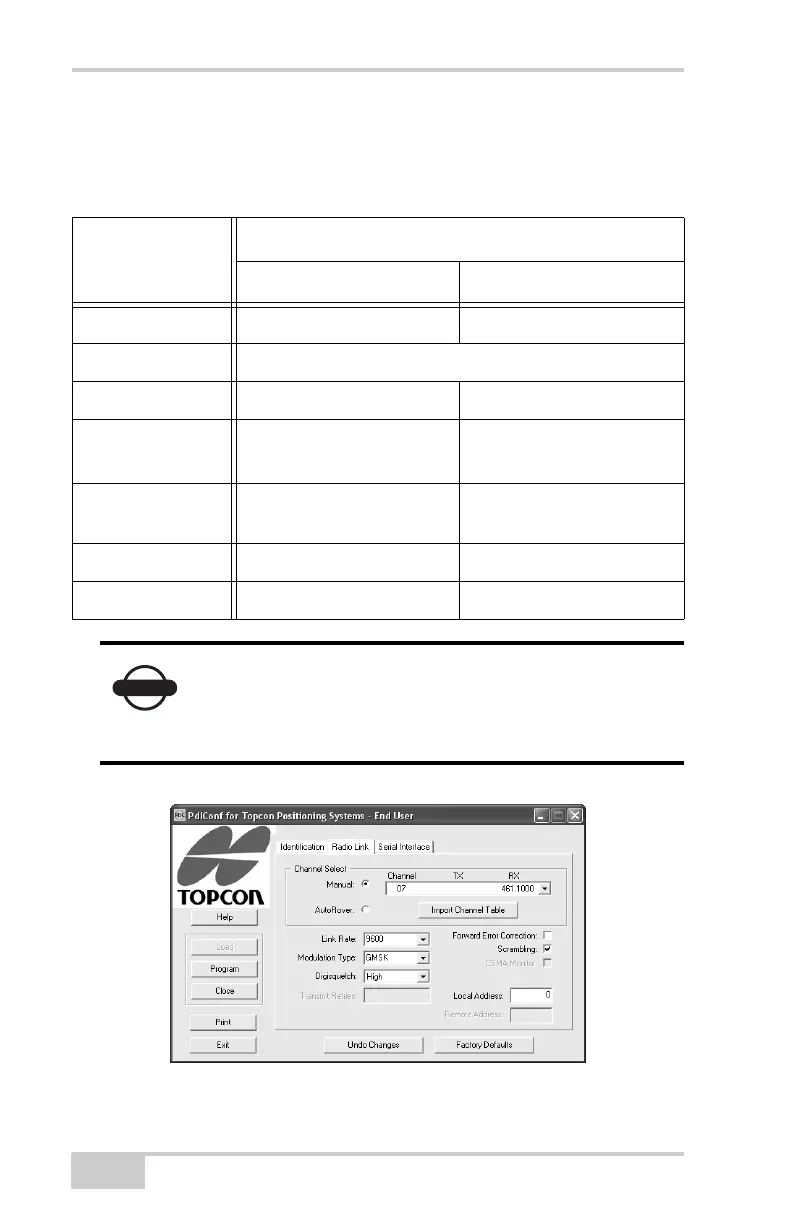
12. On the Radio Link tab (Figure 3-6), set the following parameters
according to the selected link rate as shown in Table 3-1.
Figure 3-6. Configure Radio Link
Table 3-1. Radio Link Parameters
Controls
Link Rate
9600 19200
Manual enable enable
Channel TX RX set channel and frequency as desired
Modulation Type GMSK 4-Level-FSK
Digisquelch Low (Base)
High (Rover)
Low (Base)
High (Rover)
Forward Error
Correction
disable enable
Scrambling enable enable
Local Address 0 0
NOTICE
The Base and internal HiPer+ PDL radios must be
configured with the same Channels, Radio Link
characteristics (except Digisquelch) and Serial
Interface parameters.



 To Next Page