Control Box Usage
Topcon AG System Five Operator’s Manual
2-6
Function Indicator LEDs
The function indicator LEDs are located below the jog button:
• CON – The box is in Control Mode.
• SUR – The box is in Survey Mode.
• ELEV – The LCD displays the current elevation.
• AVG – The LCD displays the calculated average elevation.
Set/Menu Button
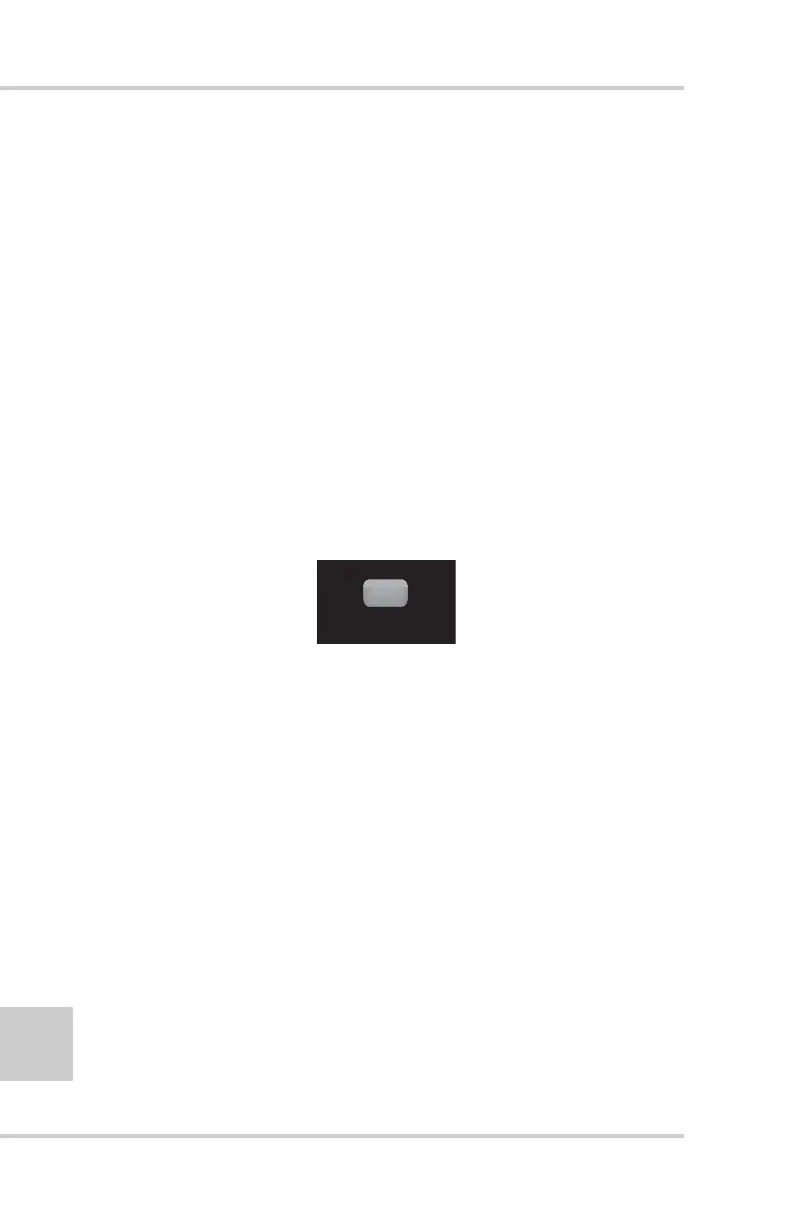
The Set/Menu button (Figure 2-7) has two functions:
• Set Mode – used to change the reference number viewed on the
display to a desired value.
• Menu Mode – used to access the performance menu.
Figure 2-7. Set/Menu Button
Using the Set Mode
The Set mode is used to change the reference number viewed
on the display to a desired value. The reference number is used
to set the elevation or slope display number.
1. Press and hold the Set/Menu button.
2. Dial in the desired value using the Grade Adjustment
Knob. Both the Grade Correction Indicator Lights and the
Double Arrows light up.
3. Release the Set/Menu button and the value will be saved.
SET
(MENU)



 To Next Page