Control Box Usage
Topcon AG System Five Operator’s Manual
2-28
4. Press the Auto button to store the value and return to the
Performance Menu.
5. Rotate the Grade Adjustment Knob to access anther item
on the Performance Menu. Or, press the Set/Menu button
to exit.
Slope Deadband
Deadband is the area of the working window that is displayed
as on-grade. While the slope reference is within the deadband,
the machines’s valves remain idle (closed). The wider the
deadband (on-grade area), the more a slope reference can move
up or down without initiating a correction.
1. Rotate the Grade Adjustment Knob to access the slope
Deadband Menu.
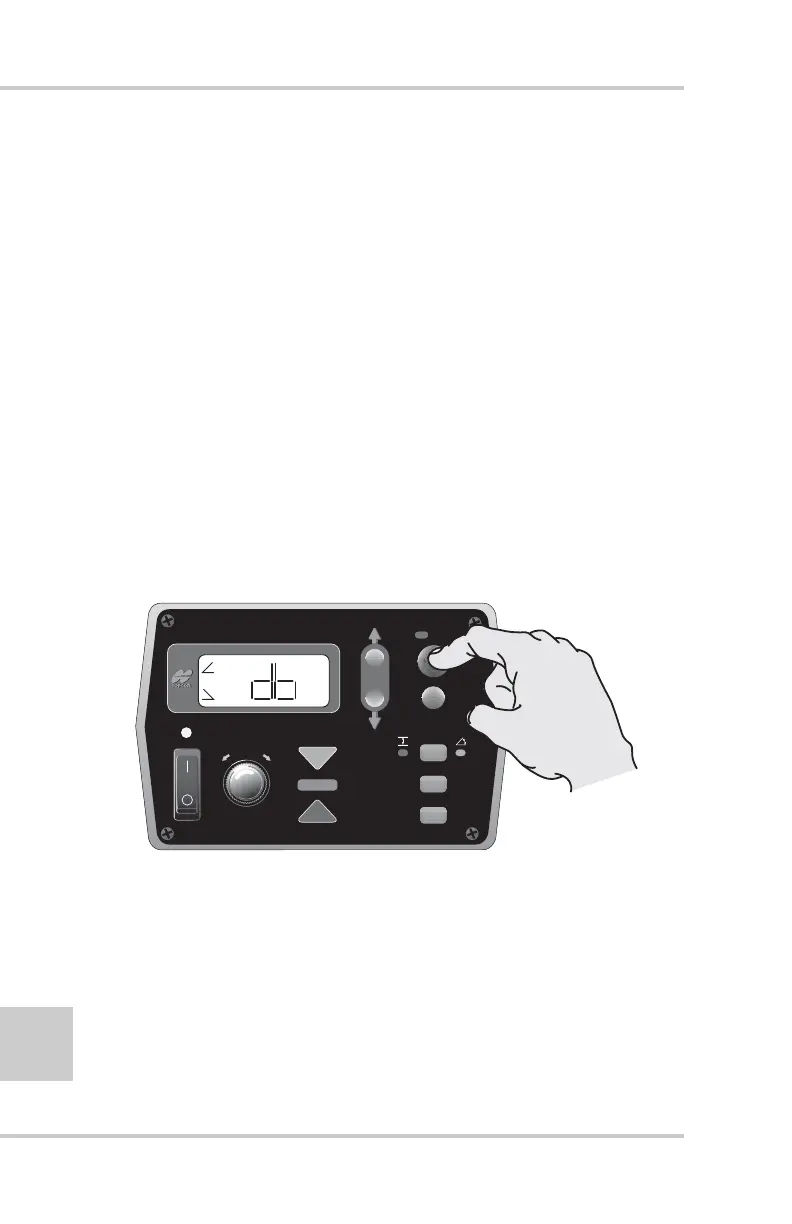
2. Press the Auto button to select the Slope Deadband (db)
menu (Figure 2-31).
Figure 2-31. Selecting Slope Deadband Menu
FiveSystem
AUTO
SURVEY
SET
(MENU)
+
-



 To Next Page