Surveying
Topcon AG System Five Operator’s Manual
4-2
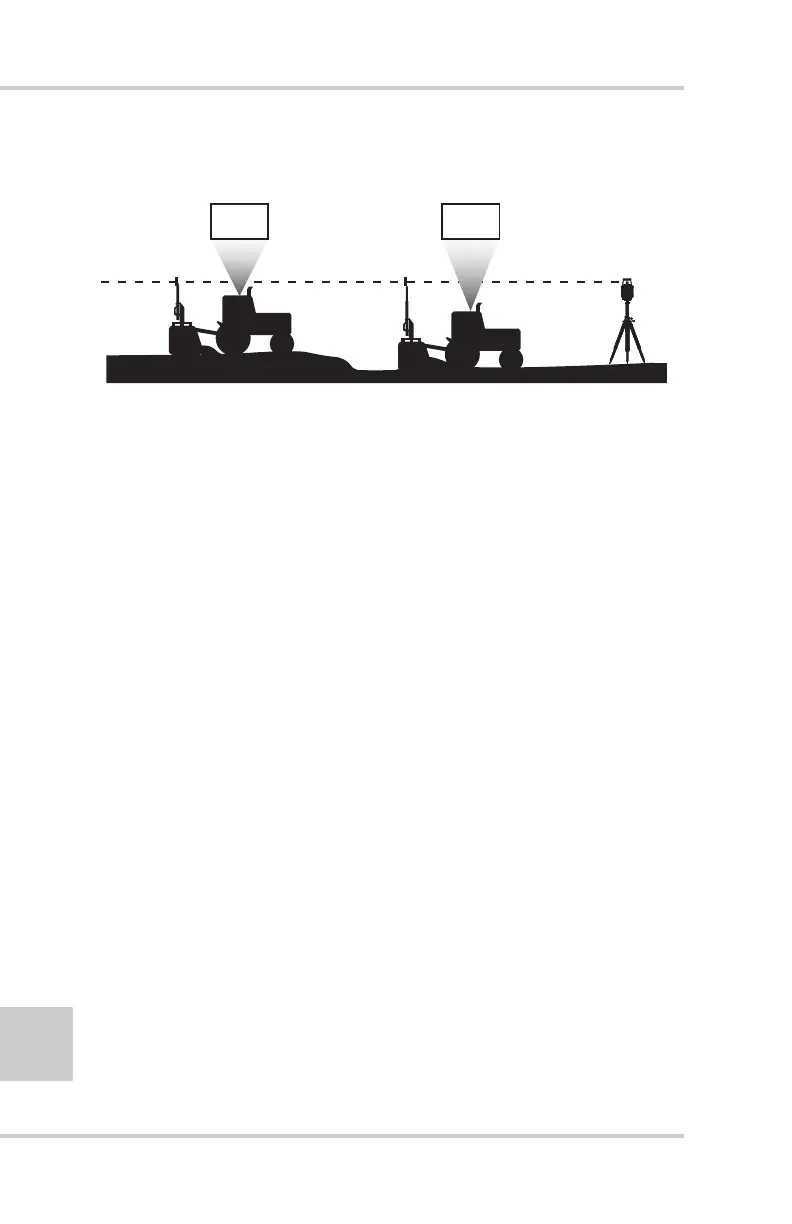
and down, the Control Box records the scraper’s elevation readings
(Figure 4-1).
Figure 4-1. Tracking and Recording Elevation Readings
The System Five has automatic and manual elevation recording and
averaging functions. The default setting is automatic, and is
recommended for most applications.
When using the automatic record feature, the control box records
elevations in one second intervals. See “Using the Survey Mode” on
page 2-12 for setting the Control Box for recording elevations.
Survey Preparation
Before you begin an elevation survey, you need to:
• Have pen and paper available.
• Setup the laser transmitter.
• Detect the beam.
• Enter an initial reference elevation.
See the following sections for survey preparation procedures.
• Mast Lowers
on Higher Areas
• Control Box
• Mast Raises
on Lower Areas
• Control Box
5.75 5.40



 To Next Page