Surveying
Topcon AG System Five Operator’s Manual
4-4
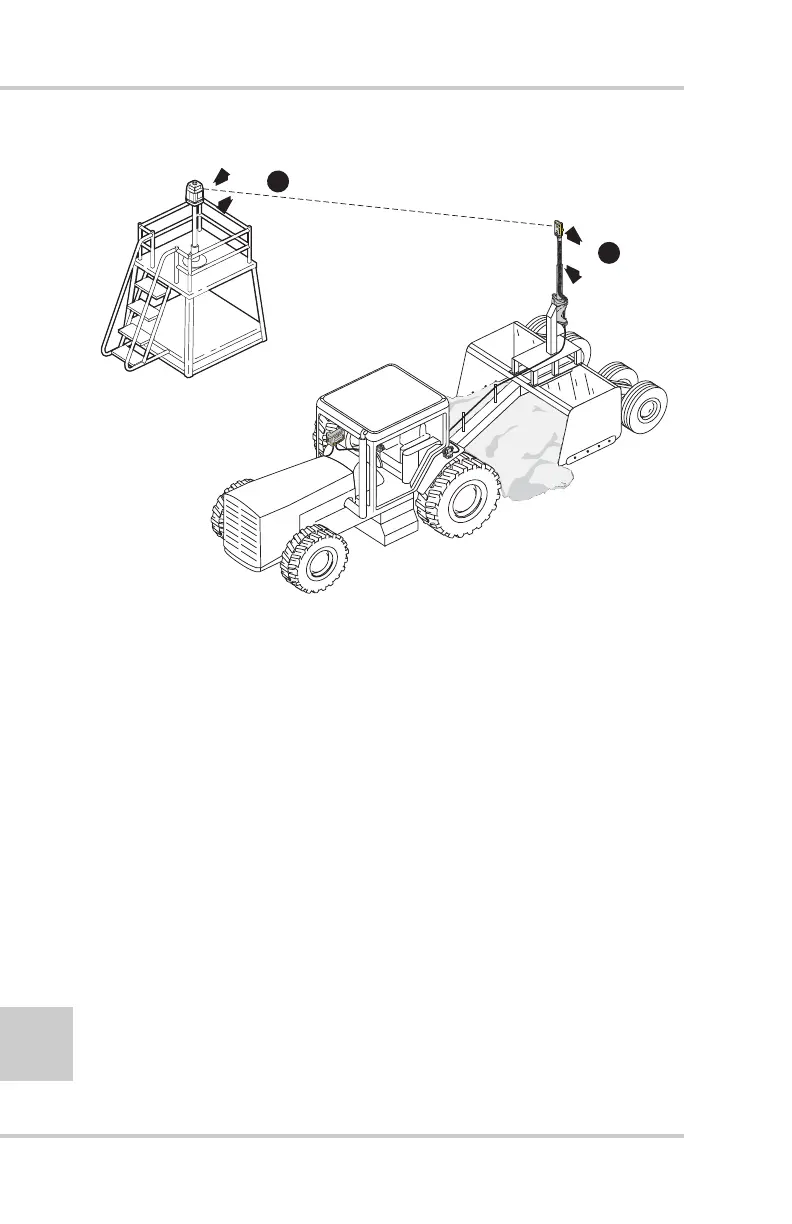
Figure 4-2. Adjusting Laser Height to Center Receiver
Initial Elevation Reference Selection
For convenience, use 5.00 feet as the initial elevation reference
value, although you may choose any number. To set 5.00 (or
your preferred value) into the control box:
1. Press and hold the Set button.
2. Rotate the Grade Adjustment Knob to dial in the initial
elevation reference. Both the Grade Correction Indicator
lights and the Double arrows will be lit.
3. Release the Set button and the Control Box saves the
setting.
4. If needed, press the Survey/Search button to have the
receiver search for and lock onto the laser transmitter.
Now, you are ready to begin surveying a field.
1
Adjust Laser
Up or Down
as Required...
2
...Until
TM-1 Mast I
At Center O
Travel Rang
Within 50'
MANUAL
AUTO
S
yste
m
F
iv
e



 To Next Page