Performance Menu
P/N 7010-0369 www.topconpositioning.com
2-15
Pressing the Lower Jog Button
For any Timed Outputs value above 0.0 seconds, pressing the
lower jog button causes:
1. The beeper to sound.
2. The Control Box to switch to Automatic control.
3. The Control Box valve outputs to continue to lower the
instrument until the total Timed Outputs value expires.
Once the sensor detects a laser signal, the system returns to
normal automatic control.
Performance Menu
Performance menu settings allow the System Five to be modified
for operator or performance enhancement. A combination of
buttons and the Adjustment knob control and display menu settings.
NOTICE
For some machine configurations, not all menu
selections are accessible.
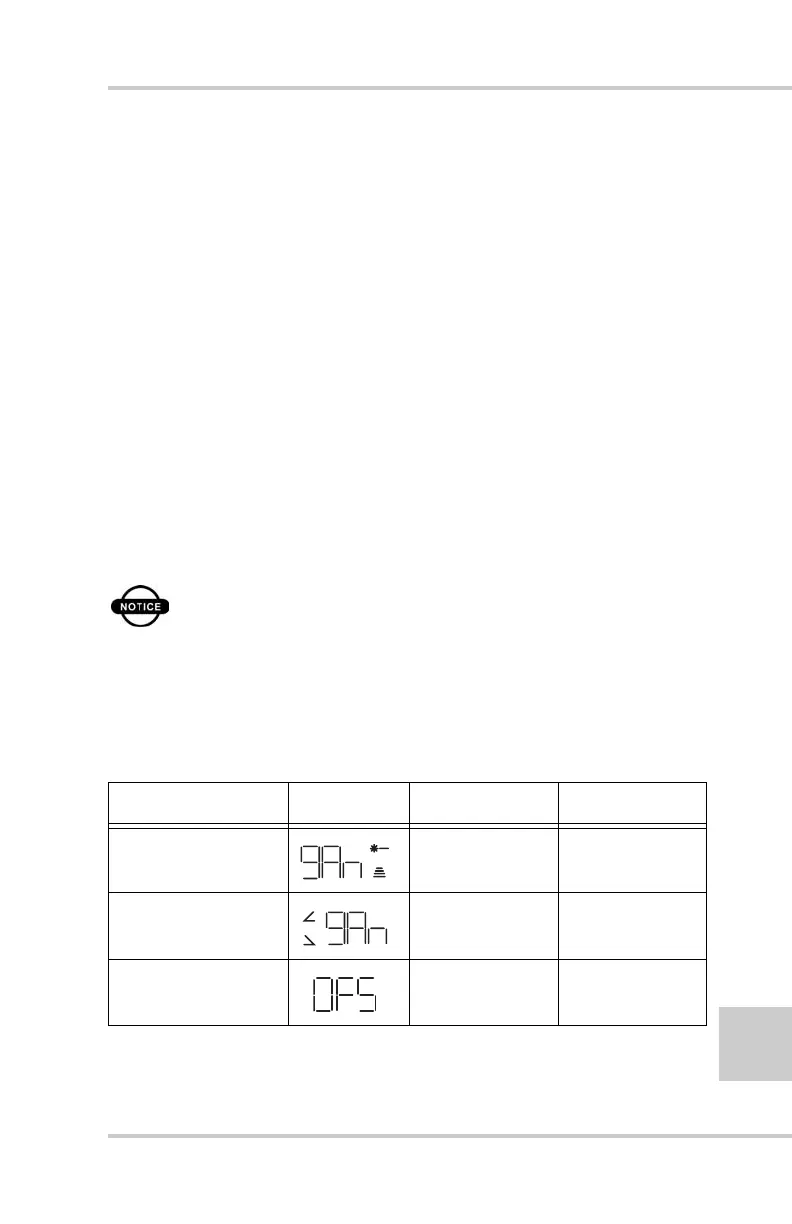
Table 2-2 describes the Control Box menus.
Table 2-2. Performance Menu Settings
Menu LED Symbol Range Factory Setting
Gain (Elevation) 1 – 100 50
Gain (Slope) 1 – 100 25
Valve Offset 1 – 700 135
+
-



 To Next Page