Performance Menu
P/N 7010-0369 www.topconpositioning.com
2-25
Averaging
This setting changes the amount of dampening or filtering
applied to the laser receiver measurements. For normal job
conditions, a lower value is preferred. When gusty winds cause
erratic grade lights, increase the averaging value. The value
range is 1 to 100.
1. Rotate the Grade Adjustment Knob to access the
Averaging Menu.
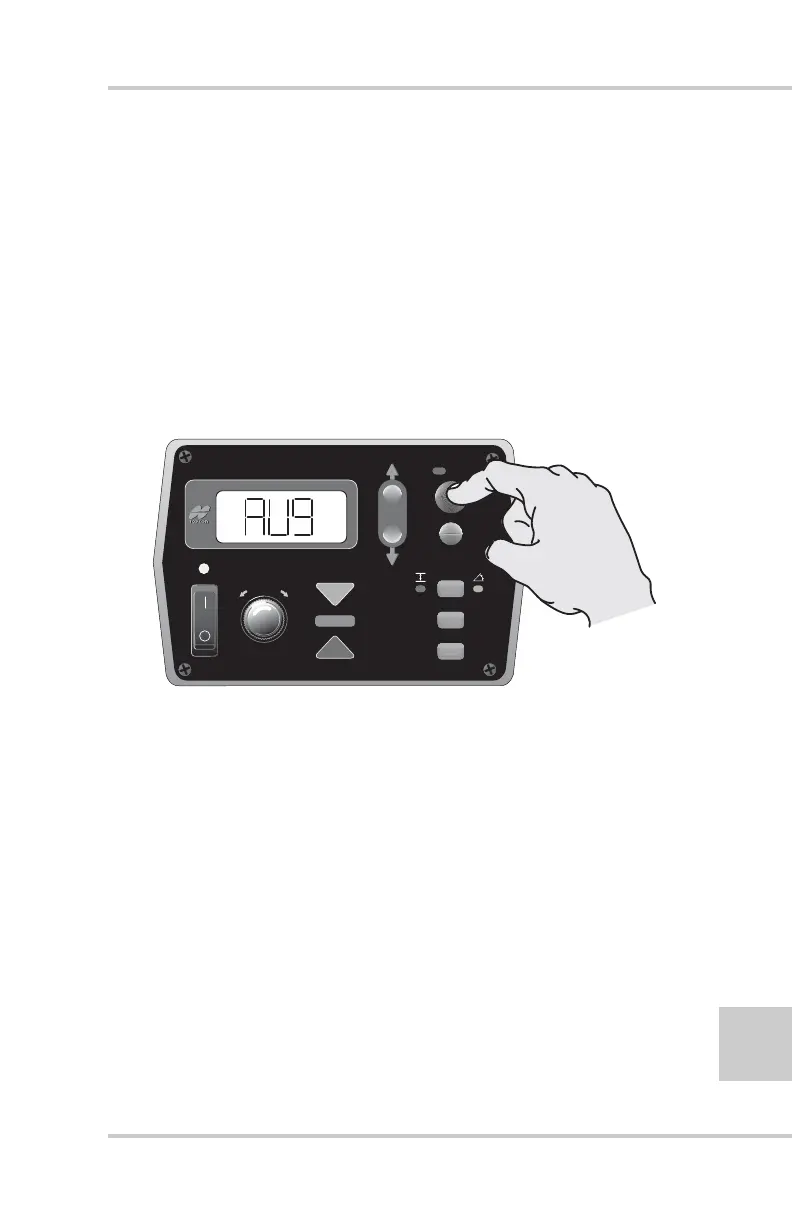
2. Press the Auto button to select the Averaging (AVG) menu
(Figure 2-27).
Figure 2-27. Selecting Averaging Menu
FiveSystem
AUTO
SURVEY
SET
(MENU)



 To Next Page