Control Box Usage
Topcon AG System Five Operator’s Manual
2-20
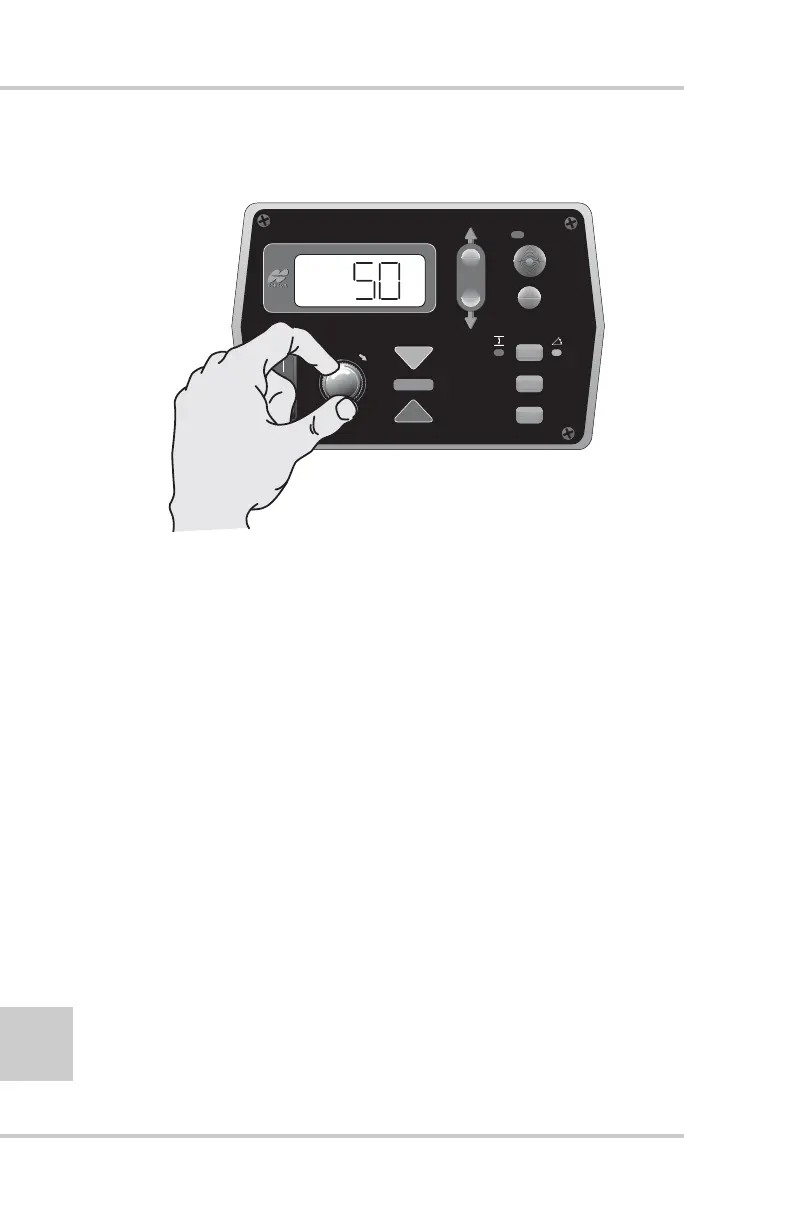
3. Turn the Grade Adjustment Knob to select the desired
value (Figure 2-20).
Figure 2-20. Selecting Gain Menu Option
4. Press the Auto button to store the value and return to the
Performance Menu.
5. Rotate the Grade Adjustment Knob to access anther item
on the Performance Menu. Or, press the Set/Menu button
to exit.
Gain (Slope Control)
This setting determines the speed at which the System Five™
allows the instrument to adjust to a change in slope. The gain
can be adjusted from a setting of 1 to 100. For faster hydraulic
response, increase the gain value. For slower hydraulic
response, decrease the gain value. The objective is to set the
gain so the instrument reacts to the change in grade quickly but
without “overshooting” the new elevation.
1. Rotate the Grade Adjustment Knob to access the Gain
Menu for slope control.
FiveSystem
AUTO
SURVEY
SET
(MENU)



 To Next Page