Performance Menu
P/N 7010-0369 www.topconpositioning.com
2-21
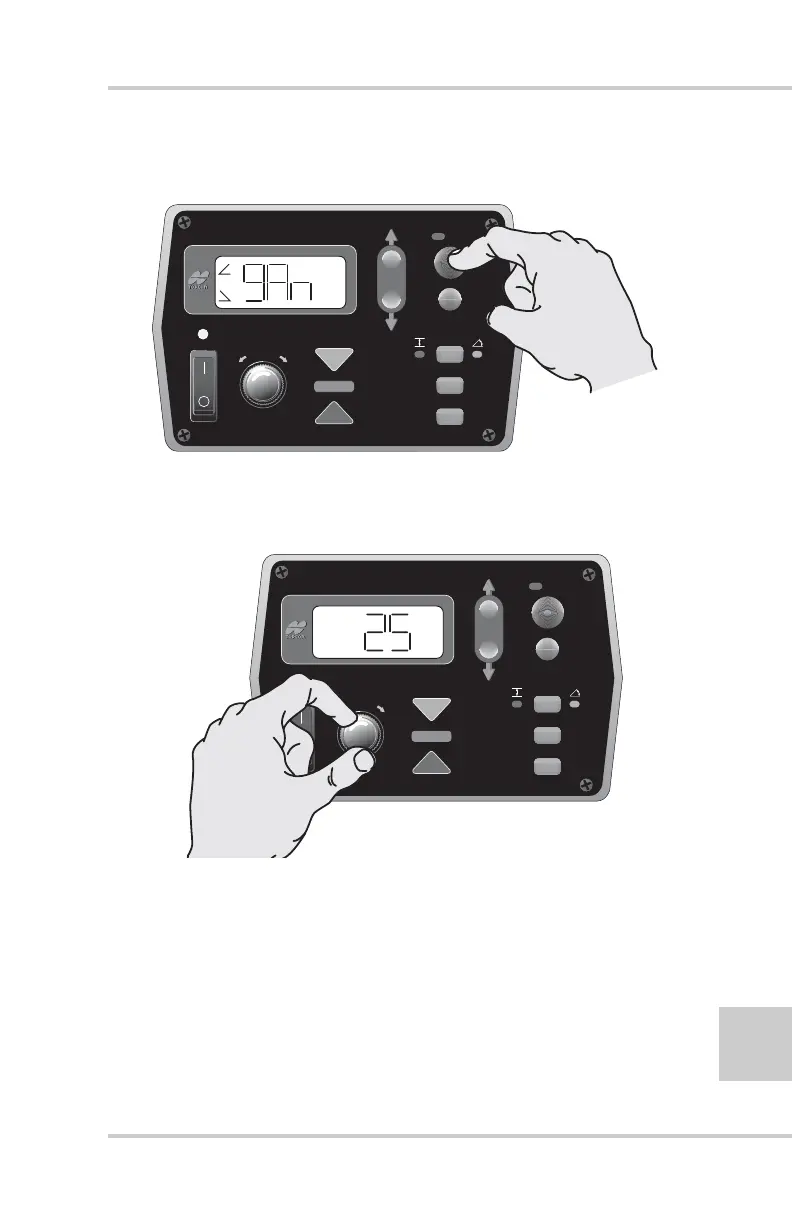
2. Press the Auto button to select the Gain (Slope Control)
(gAn) Menu (Figure 2-21).
Figure 2-21. Selecting Gain (Slope Control) Menu
3. Turn the Grade Adjustment Knob to select the desired
value (Figure 2-22).
Figure 2-22. Selecting Gain Menu Option
4. Press the Auto button to store the value and return to the
Performance Menu.
5. Rotate the Grade Adjustment Knob to access anther item
on the Performance Menu. Or, press the Set/Menu button
to exit.
FiveSystem
AUTO
SURVEY
SET
(MENU)
+
-
FiveSystem
AUTO
SURVEY
SET
(MENU)



 To Next Page