Control Box Usage
Topcon AG System Five Operator’s Manual
2-32
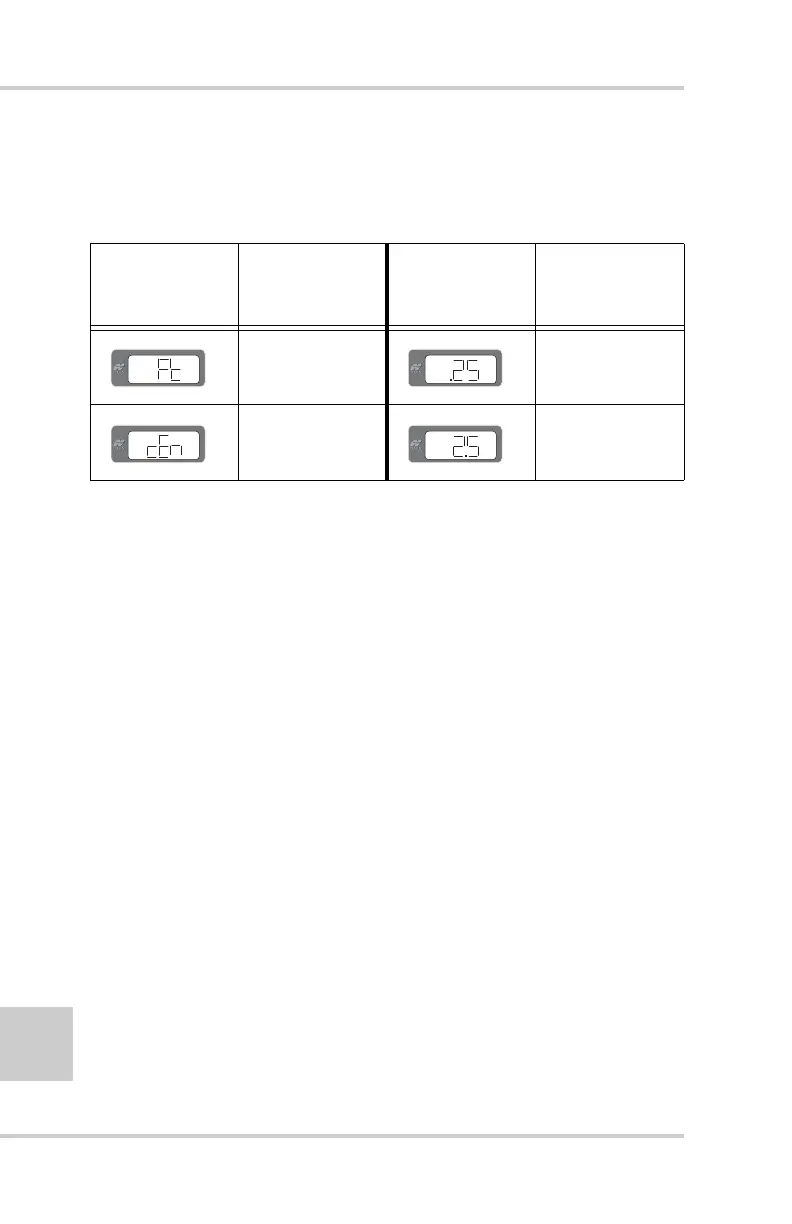
Table 2-3 displays and describes the two options available
for the Units menu.
4. Press the Auto button to store the value and return to the
Performance Menu.
5. Rotate the Grade Adjustment Knob to access anther item
on the Performance Menu. Or, press the Set/Menu button
to exit.
Test
This tests the valve for shorts and disconnected valves. It tests
the raise valve first and then lower valve.
1. Rotate the Grade Adjustment Knob to access the Test
Menu.
2. Press the Auto button to select the Test (tSt) mode menu
(Figure 2-37 on page 2-33).
Table 2-3. Unit Measurement Descriptions
Measurement
Display
Description
Numerical
Display
Example
Description
Feet 25 hundredths of
a foot
Centimeters 2 1/2 cm (25mm)



 To Next Page