Control Box Usage
Topcon AG System Five Operator’s Manual
2-10
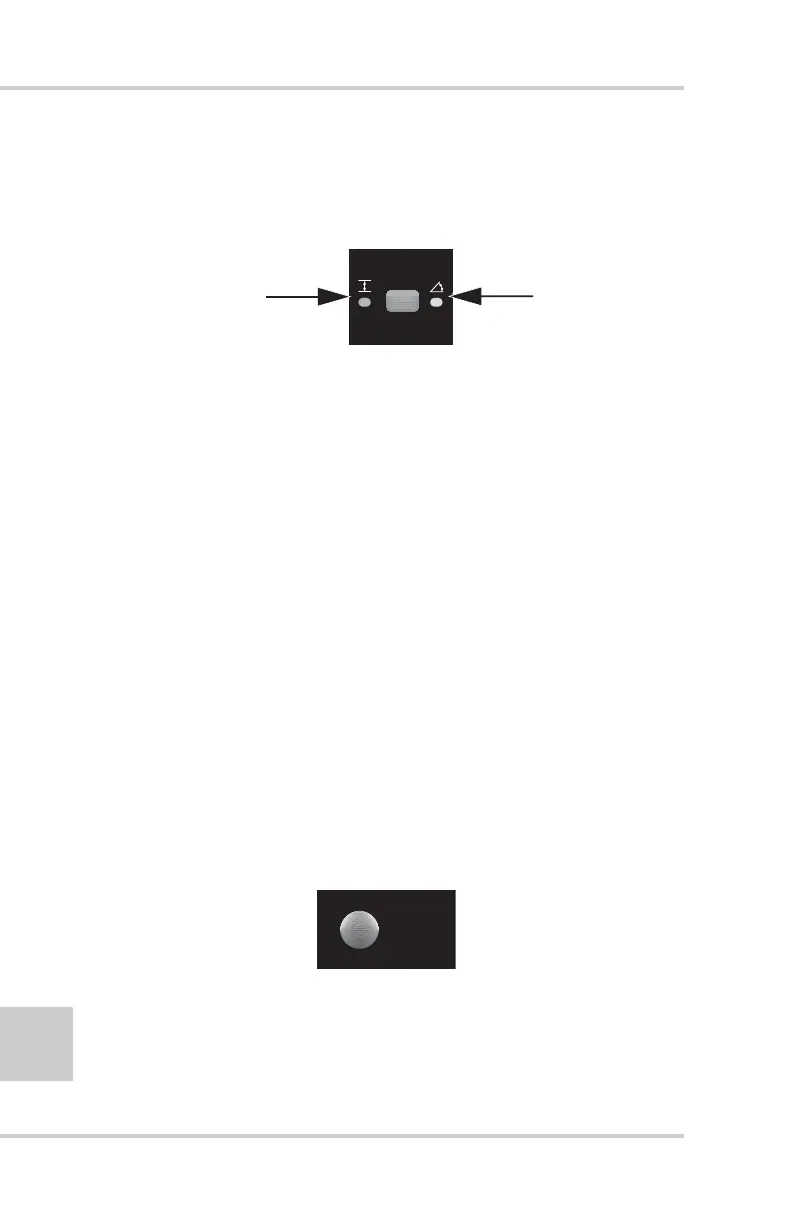
Elevation/Slope Button
The elevation/slope button (Figure 2-8) is used to set the System
Five™ for slope or elevation control.
Figure 2-11. Elevation/Slope Button
Setting the Elevation Mode
Press the Slope/Elevation button: the green LED next to the
Elevation Symbol illuminates.
Use Elevation Mode for laser control.
Setting the Slope Mode
If the Control Box is connected to a slope sensor, the desired
cross slope can be dialed in for automatic control
1. Press the Slope/Elevation button: the yellow LED next to
the Cross Slope Symbol illuminates.
2. Turn the Grade Adjustment Knob until you get the
desired cross slope.
Search/Survey Button
The search/survey (Figure 2-12) button is used to search and lock
on-grade or continuously track a laser beam to survey the field.
Figure 2-12. Search/Survey Button
Elevation Mode
to control elevation
of instrument)
Slope Mode
(to control slop
of instrument
SURVEY



 To Next Page