Elevation Offset Button and Elev/Avg Button
P/N 7010-0369 www.topconpositioning.com
2-9
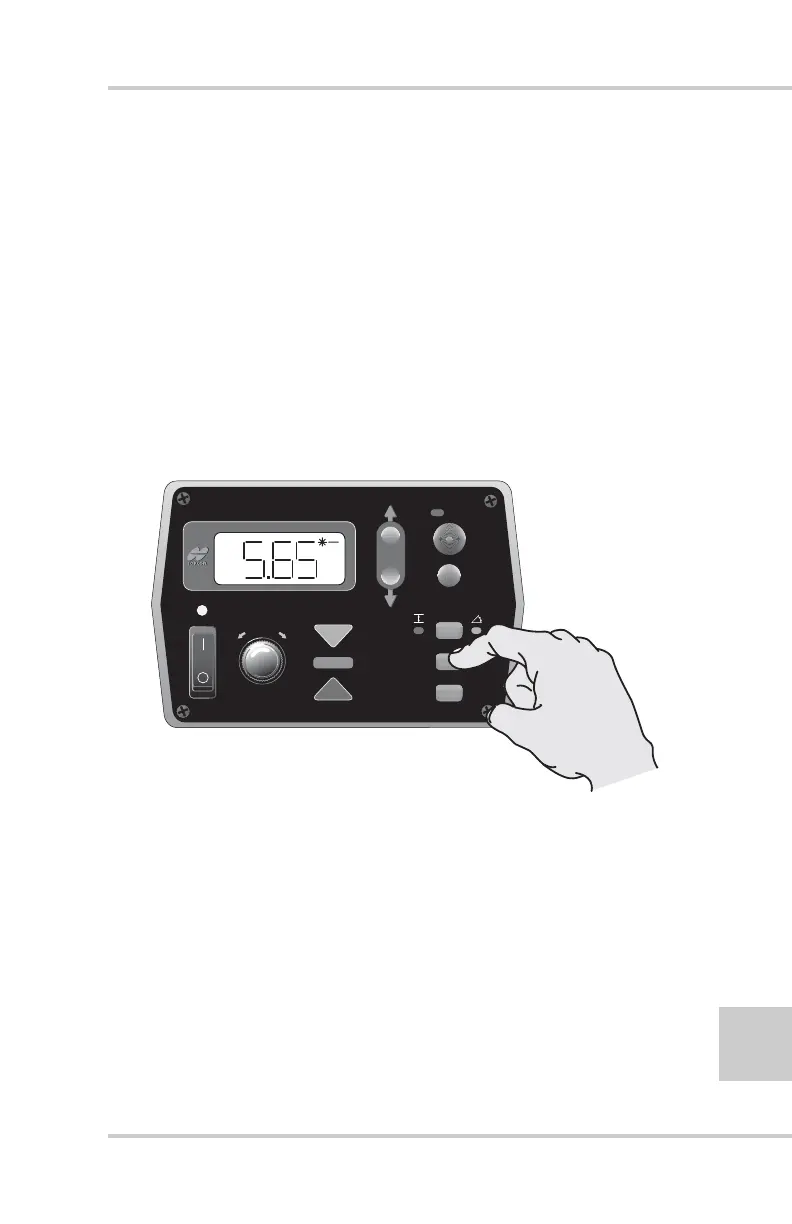
View Average Elevation
To view the average elevation, press the Elev/Avg button
(Figure 2-10): the AVG LED illuminates.
If no points have been taken, “---” displays on the LCD.
See “Using the Survey Mode” on page 2-12 for information
on taking points.
Clear Average Elevation
To clear the average elevation:
1. Press the ELEV/AVG button to display the average
elevation (Figure 2-10).
Figure 2-10. Viewing and Clearing Average Elevation
2. Press the ELEV/AVG button again and hold it for three
seconds: a beep sounds and “CLR” displays. After the
three seconds, “---” displays, indicating the average has
been cleared.
FiveSystem
AUTO
SURVEY
SET
(MENU)
SUR
CON
ELEV
AVG



 To Next Page