Elevation Offset Button and Elev/Avg Button
P/N 7010-0369 www.topconpositioning.com
2-7
Using the Menu Mode
The Menu mode assigns menu mode functions, allowing you to
set valve offsets, units of measurements, an alarm, deadband,
and other useful functions.
See “Performance Menu” on page 2-15 for information on
using the menu settings.
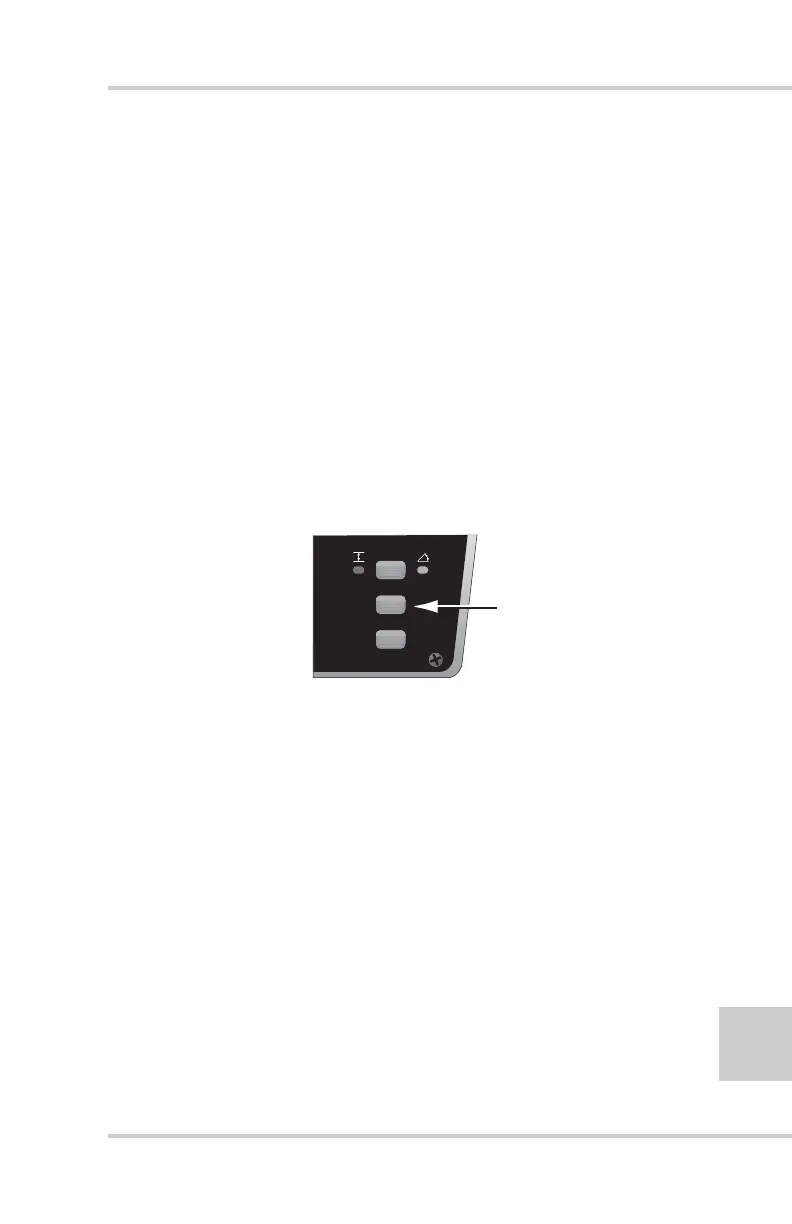
Elevation Offset Button and Elev/Avg
Button
This button has two functions:
• Control Mode – acts as an Elevation Offset button.
• Survey Mode – acts as an Elevation/Average button.
Figure 2-8. Elevation Offset and Elev/Avg Button
Using the Elevation Offset Button
The Elevation Offset button toggles the display to the next
offset, if two or three different offsets have been set in the
Performance Menu.
For example, if the job requires three different elevation
settings: one for the “Field” elevation, another 1' higher than
the field setting, and the third, .5' lower than the field setting:
1. Select three Offsets in the Performance Menu, and return to
Control Mode. Dial the Grade Adjustment Knob to set the
display to the desired “field” elevation, such as 5.50.
SET
(MENU)



 To Next Page