Control Box Usage
Topcon AG System Five Operator’s Manual
2-36
5. Rotate the Grade Adjustment Knob to access another
item on the Performance Menu. Or, press the Set/Menu
button to exit.
Timed Outputs
See “Jog Button” on page 2-13 for further information about
timed outputs.
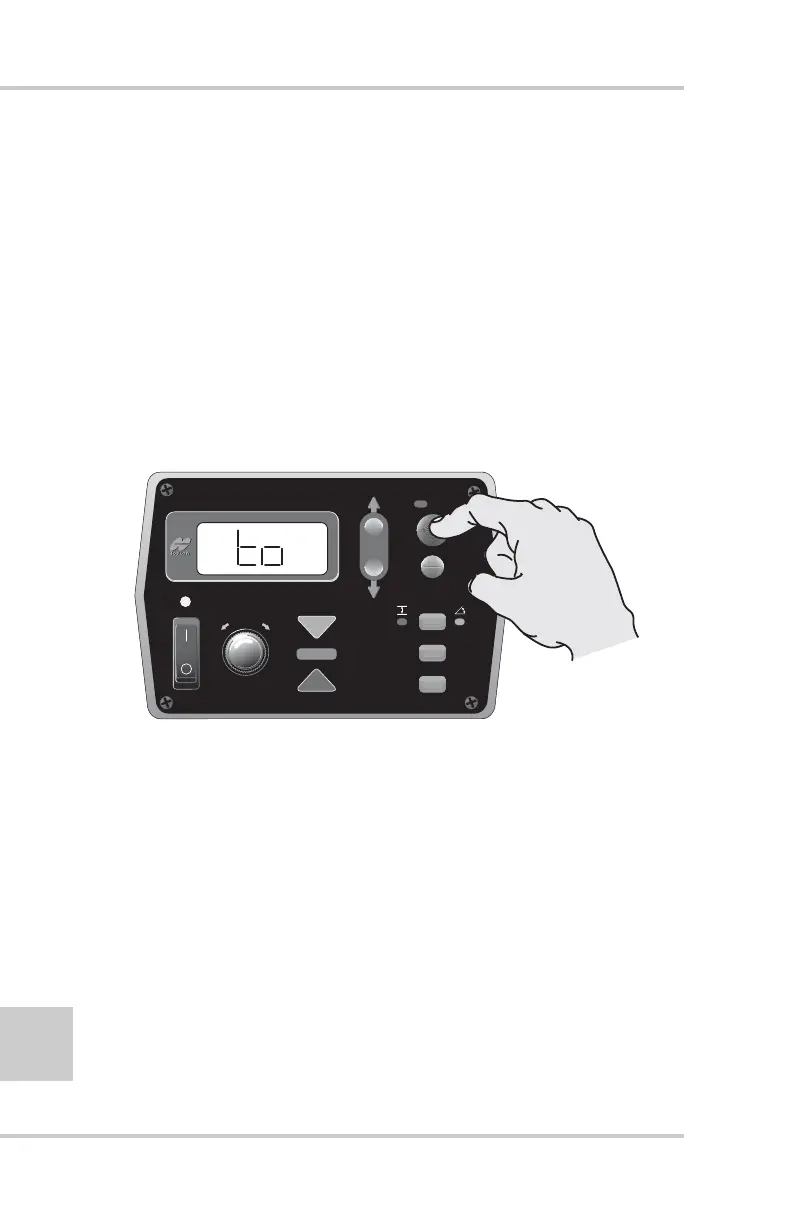
1. Rotate the Grade Adjustment Knob to access the timed
Outputs Menu.
2. Press the Auto button to select the Timed Outputs (to)
menu (Figure 2-40).
Figure 2-40. Selecting Timed Outputs Menu
FiveSystem
AUTO
SURVEY
SET
(MENU)



 To Next Page