Performance Menu
P/N 7010-0369 www.topconpositioning.com
2-35
5. Rotate the Grade Adjustment Knob to access another
item on the Performance Menu. Or, press the Set/Menu
button to exit.
Record
When using the Survey mode function, the Control Box can
record elevation numbers and calculate an average elevation.
Recording the numbers can be done in two ways:
• Manual Record – The Control Box records an elevation
each time you press the Auto button.
• Auto Record – The Control Box continuously records
elevation readings once per second after pressing the Auto
button. Press the Auto button to “pause” taking readings.
Then press the Auto button again to resume Auto Record.
1. Rotate the Grade Adjustment Knob to access the Record
Menu.
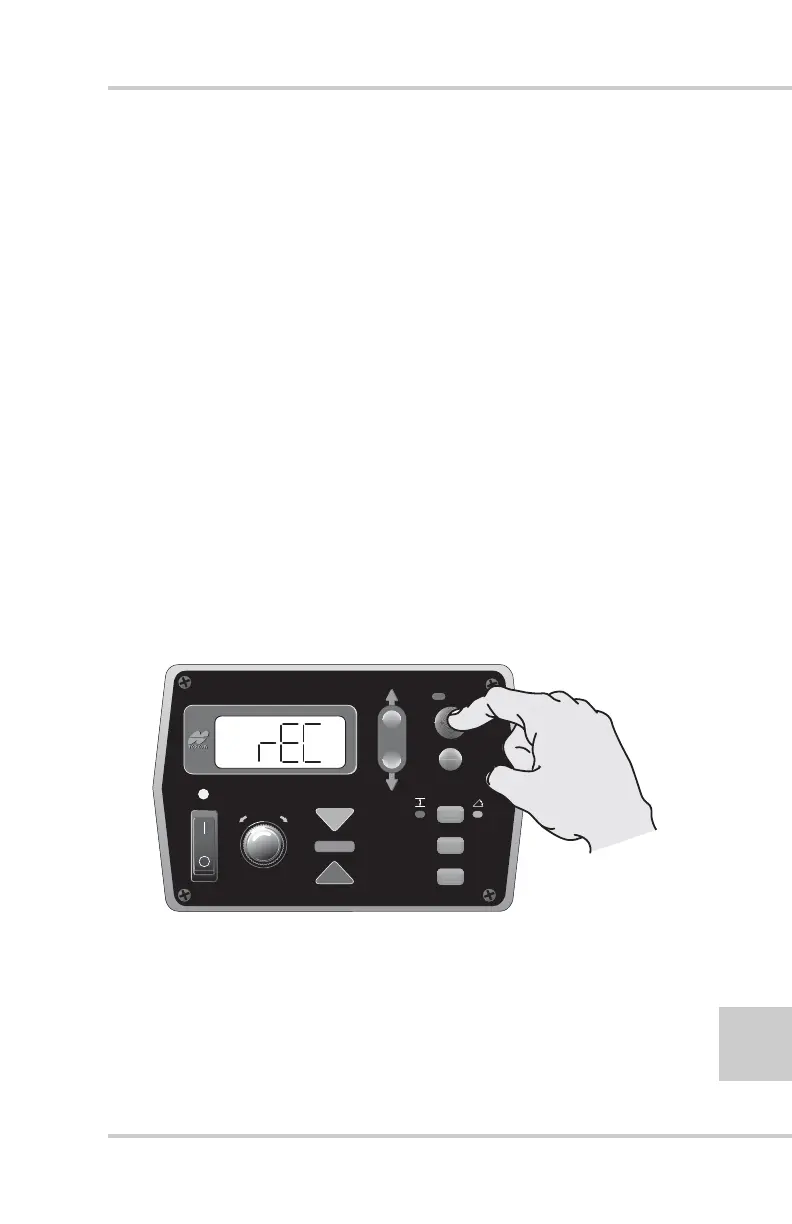
2. Press the Auto button to select the Record (rEC) menu
(Figure 2-39).
Figure 2-39. Selecting Record Menu
3. Rotate the Grade Adjustment Knob to select ON (auto
record) or OFF (manual record).
4. Press the Auto button to return to the Performance Menu.
FiveSystem
AUTO
SURVEY
SET
(MENU)



 To Next Page