Performance Menu
P/N 7010-0369 www.topconpositioning.com
2-29
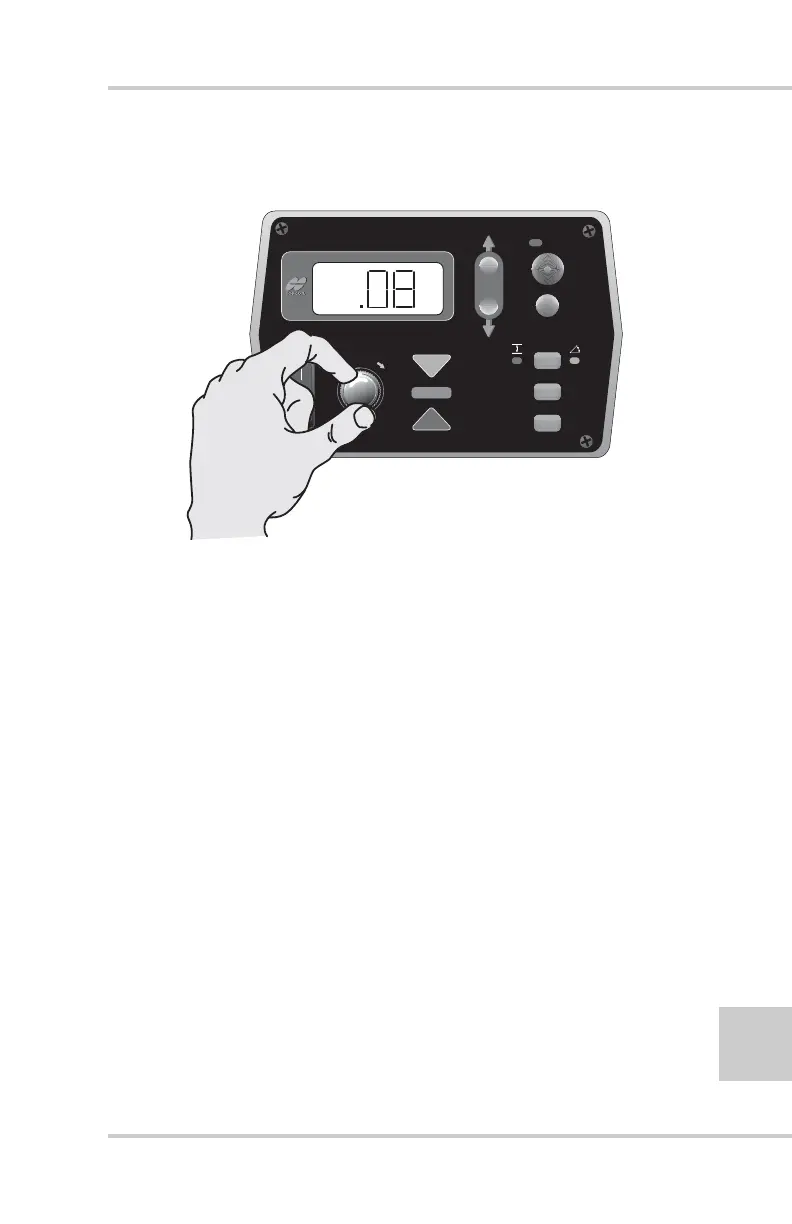
3. Turn the Grade Adjustment Knob to select the desired
value (Figure 2-32).
Figure 2-32. Selecting Slope Deadband Menu Option
4. Press the Auto button to store the value and return to the
Performance Menu.
5. Rotate the Grade Adjustment Knob to access anther item
on the Performance Menu. Or, press the Set/Menu button
to exit.
Beeper Alarm
In Automatic Control Mode, the beeper emits a single beep
when the laser receiver “loses” the laser beam, such as when
the laser beam is blocked by dust.
In Survey Mode, the beeper beeps each time a reading is taken
to calculate an average.
To turn on the Beeper function:
1. Rotate the Grade Adjustment Knob to access the Beeper
Alarm Menu.
FiveSystem
AUTO
SURVEY
SET
(MENU)
%



 To Next Page